Site Builder Comparison: AI vs. Traditional Platforms 2026
What if the primary question isn't which website builder looks easiest, but which stack you can trust once the site is live? In a site builder comparison, the marketing page tells you one story, the code, speed profile, and hidden dependencies tell you another. That gap is precisely why a useful comparison in 2026 has to cover AI-first builders, traditional platforms, performance, total cost of ownership, and the ability to verify what a site is built on.
| Builder type | Best fit | Strengths | Main trade-off |
|---|---|---|---|
| Traditional CMS and hosted builders | Content sites, blogs, stores, long-lived brands | Deep ecosystems, mature workflows, broader extensibility | More setup, more maintenance, more hidden cost |
| AI-first builders | Rapid MVPs, simple marketing sites, fast experiments | Fast generation, low friction, simpler launch path | Less proven extensibility, fewer long-term guarantees |
| Commerce-led platforms | Product-focused ecommerce | Stronger sales tooling and growth readiness | App costs, platform limits, and rising total cost |
If you want a quick benchmark before digging into the details, Opttab website builder is a useful reference point for how modern builders are framed in the market. For a broader baseline on builder adoption and market concentration, the latest website builder statistics show why this category is now mainstream rather than niche.
Table of Contents
- Why 'Which Builder' Is Now the Wrong First Question
- The Two Worlds of Site Building AI-First vs Traditional
- Core Capabilities and Customization Head-to-Head
- Unpacking Pricing and Total Cost of Ownership
- Performance and SEO What the Code Tells Us
- Beyond the Build How to Detect What a Website Is Really Using
- Recommendation Which Site Builder Is Right for Your Project
Why 'Which Builder' Is Now the Wrong First Question
The old question was simple. Pick a builder, choose a template, launch. That logic breaks down once you see that the market is split between a broad open-source ecosystem, commercial all-in-ones, and newer AI-first tools that can generate a site in one pass. WordPress still powers about 43% of all websites, while Wix sits at 4.3%, Squarespace at 2.5%, and Webflow at 0.9% in one 2026 summary, which shows how much of the web still runs on one dominant CMS while commercial builders serve a different slice of demand (market share summary).
The decision is stack, not slogan
A buyer comparing Shopify, Wix, Squarespace, WordPress, and newer AI tools is not choosing between equals. They are choosing between different operating models, different maintenance burdens, and different levels of control. A platform can be easy to start with and still expensive to run, or flexible and still slow to launch.
Practical rule: judge the builder by the site it leaves behind, not the onboarding flow that sells it.
That matters even more for due diligence. A polished competitor site might be a traditional CMS with custom theme work, a commercial builder with heavy app usage, or an AI-augmented stack that only looks simple from the outside. The practical question is whether you can identify what is under the hood, and the Opttab website builder page helps frame that trust-but-verify mindset. Analysts at AI Website Detector's website builder statistics page also show why the category keeps expanding as detection and attribution become part of the evaluation process.
Market maturity changes the buying logic
The evidence points to a long-tail ecosystem, not a single winner. One survey found that 74% of people who had built a website had used a website builder service such as Wix or Squarespace. That is a major shift from the old “hire a developer or learn code” mindset.
The useful question is narrower and more strategic. Do you need speed, control, commerce, or verifiability? Once you ask that, the comparison gets sharper and much less hype-driven.
The Two Worlds of Site Building AI-First vs Traditional
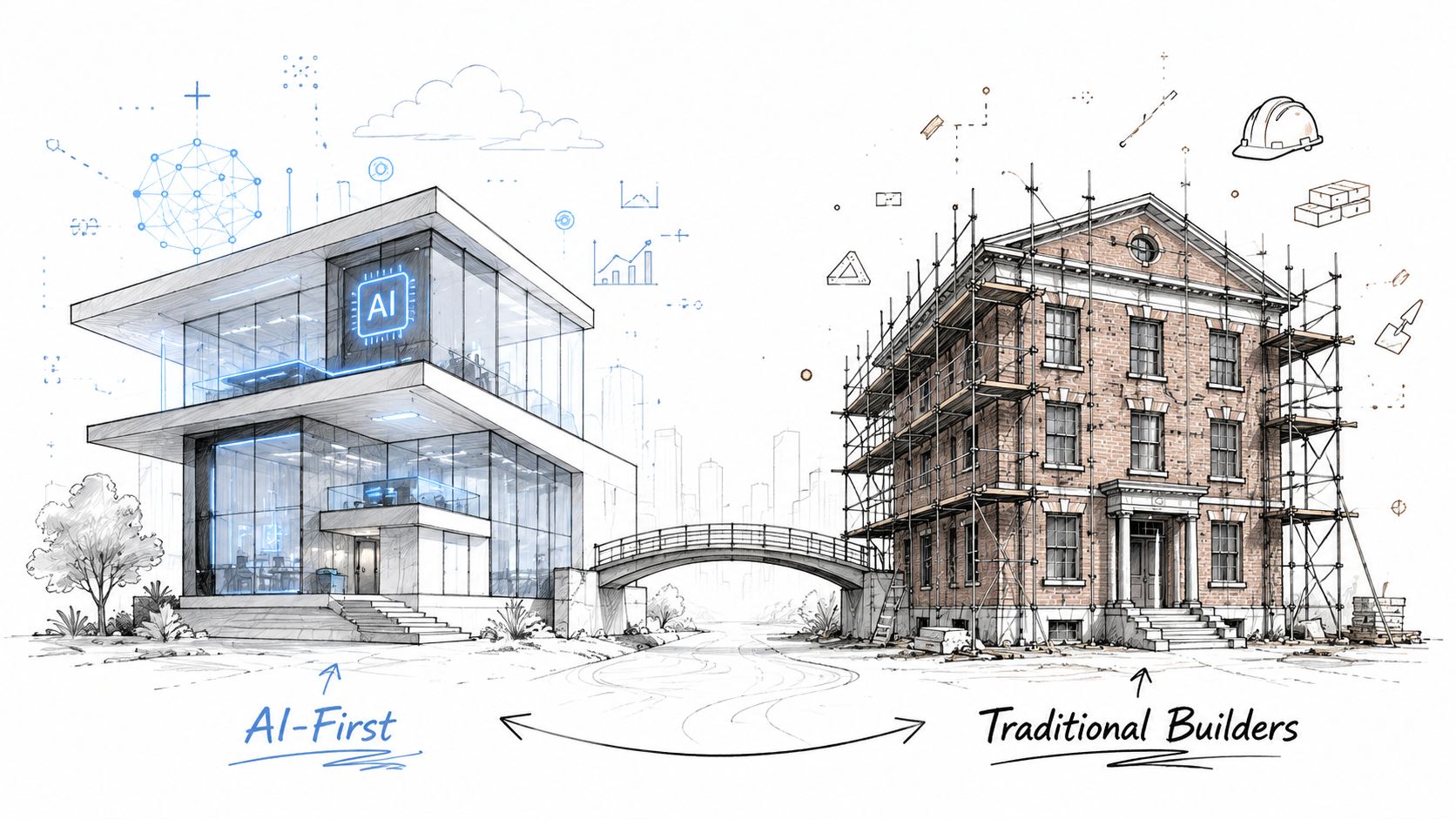
Traditional builders and AI-first builders solve the same problem in very different ways. One starts with a structure you shape manually. The other starts with a prompt, a brief, or a content seed, then assembles the page for you. That difference sounds small until you're managing revisions, content updates, or future migrations.
Traditional builders are systems, not shortcuts
WordPress, especially in self-hosted form, is the clearest example of the traditional model. You combine hosting, themes, plugins, and editing layers like Elementor or premium theme ecosystems such as Elegant Themes to build a site that can become highly customized. Shopify sits in the same traditional camp, but its architecture is commerce-first, so its strength is not general-purpose freedom, it's sales workflows and store operations.
This model is slower at the start but broader over time. You can grow a blog, add memberships, wire up an ecommerce store, or redesign large sections without leaving the platform. The trade-off is that every layer you add can create more complexity, more upkeep, and more opportunities for performance overhead.
AI-first builders optimize for launch speed
AI-first builders such as Durable, 10Web, and Mixo flip the workflow. Instead of asking you to assemble every piece manually, they generate a starting site from prompts or AI-assisted input, then let you edit from there. That's useful when the goal is a landing page, a fast MVP, or a simple business presence that doesn't need deep backend architecture.
The limitation is structural. AI generation can speed up the first draft, but it doesn't automatically solve long-term needs like content workflows, advanced ecommerce logic, or complex integrations. In practice, AI-first builders work best when the site is meant to move quickly and stay comparatively simple.
Hybrid stacks blur the line
The most interesting sites in 2026 often sit between these categories. A team may start with a traditional CMS, use AI-assisted copy or design tools, and ship a front end that feels “vibe-coded” even if the backend is conventional. That's why a site builder comparison can't stop at surface labels.
A buyer who understands the split can ask a better question. Is this site built for manual control, AI-assisted speed, or some mix of both?
Core Capabilities and Customization Head-to-Head
The biggest difference between builders shows up once you try to do real work with them. Launching a brochure site is one thing. Evolving that site into a blog, store, membership hub, or campaign engine is something else entirely. That's where the trade-offs between AI-first and traditional platforms become obvious.
Ease of use and speed of launch
AI-first tools win the first mile. They reduce blank-page friction and get something visible on screen quickly, which is valuable for founders, freelancers, and marketers who need a draft now. Traditional systems take longer because they ask for more decisions up front, especially if you're using WordPress with plugins and a page builder.
But launch speed isn't the same as operational speed. A site that appears quickly can still be harder to maintain if the platform's content model is thin or its extension options are limited.
Design flexibility and creative control
Traditional builders still lead when the site needs custom behavior. WordPress plus Elementor gives you far more room to shape layouts, templates, and content structures than most AI-first builders. Shopify is narrower, but that narrowness is part of the design, since it keeps the store experience centered on conversion and product management.
AI-first builders usually trade that freedom for convenience. They produce cleaner starting points, but the design system is often more opinionated. That's fine for a fast launch. It's less ideal when you need unusual page structures, heavy content logic, or a very specific visual system.
Some teams should optimize for a quick draft. Others should optimize for a platform they won't outgrow in six months.
Extensibility and ecosystem
Traditional platforms are still hard to beat here. WordPress has the broadest plugin culture, and that matters because add-ons can turn a basic site into a complex publishing or commerce stack. The downside is that every addition adds maintenance surface area.
AI-first builders have smaller ecosystems and fewer long-tail integrations. They're improving, but the evidence still points to a simpler, narrower operating model. If your site depends on niche integrations, advanced SEO tooling, or specialized content workflows, the mature ecosystem matters more than the flashy demo.
A useful comparison lens comes from the broader platform table of nine dimensions used in a 2026 roundup, which includes ecommerce, blogging, SEO, landing pages, A/B testing, email marketing, memberships, ease of use, and design (multi-criteria platform guide). That's the right way to think about selection, not as a single winner but as a profile of strengths.
Unpacking Pricing and Total Cost of Ownership
Headline pricing rarely captures the full bill. A monthly plan can look approachable, then app fees, hosting, premium themes, migration work, and developer time push the actual spend much higher. One 2026 comparison notes that actual business sites can cost 2 to 3 times the advertised price over a year (total cost comparison), which is why pricing tables alone can mislead buyers.
WordPress looks cheap until the stack expands
WordPress itself is free software, but the operating cost comes from everything around it. Self-hosted sites still need hosting, themes, plugins, and usually some level of maintenance. Providers like Kinsta, Cloudways, SiteGround, Pressable, and Bluehost sit inside that ecosystem, and the host you choose can shape stability, support, and the amount of work your team has to do later.
Time is the hidden cost. Every plugin adds compatibility checks, update decisions, and troubleshooting. For content-heavy businesses, that trade-off can still make sense. For lean teams, it often becomes an attention tax that does not show up in the first pricing screen.
Shopify is predictable, but not cheap to extend
Shopify gives ecommerce teams a clearer operating envelope. A 2026 comparison shows monthly plans from $29 to $299 when billed annually (Shopify plan comparison), which makes it a useful reference point for store owners. The platform is built around sales, but the actual bill still rises once apps and workflow add-ons enter the picture.
That matters because most stores do not stay on the base plan for long. If a business needs more marketing automation, advanced merchandising, or specialized checkout features, the app layer becomes part of the budget. The platform is dependable, but the total cost can still creep upward as operational needs grow.
AI builders often simplify the budget conversation
AI-first builders usually sell simplicity. Fewer moving parts, fewer technical decisions, fewer external dependencies. For a campaign page, a local service business, or a quick validation build, that can make budgeting easier at the start.
Lower friction today does not guarantee lower cost later. If the platform cannot support what the site needs next, the expense shifts into migration work, redesign work, and lost time. Total cost of ownership is a lifecycle question, not just a launch question.
Performance and SEO What the Code Tells Us
Performance is not a secondary detail in a builder comparison. It affects search visibility, mobile behavior, and the first impression a brand makes at load time. Benchmark guidance from Ramotion and Catchpoint says serious website evaluation should focus on Core Web Vitals thresholds, with LCP at or below 2.5 seconds, INP at or below 200 ms, and CLS at or below 0.1, while also watching TTFB and TBT as health signals (benchmark guidance).
The numbers show a narrow but important gap
Independent 2026 testing found top builders clustering in a relatively tight mobile performance band, with reported Lighthouse scores of Framer 86, Webflow 84, Duda 82, Hostinger 81, and Strikingly 80 (2026 performance comparison). The market has improved, but the underlying architecture still differs.
A separate WordPress page-builder comparison showed how quickly overhead can rise in plugin-heavy setups. SiteOrigin Page Builder recorded 13 requests and a 245.0 kB page size, while Elementor made 28 requests and produced a 530.7 kB page size. Page load time ranged from 390 ms for SiteOrigin to 665 ms for Beaver Builder, and fully loaded time ranged from 578 ms to 1.294 s across the tested plugins (WordPress page-builder comparison).
Lighter stacks usually mean less main-thread work
DebugBear's independent review shows the same pattern in a more compact build. Versoly scored 80 with 10 requests, 69 ms total blocking time, and a total page size of 453 KB, including 43.1 KB of JavaScript, 36.1 KB of CSS, and 2.15 KB of HTML (DebugBear performance review). Those figures point to less front-end work and lower network overhead.
For SEO, that matters because search bots and users both benefit from cleaner delivery on mobile. A leaner builder or a cleaner implementation does not guarantee rankings, but it reduces the technical friction that can hold a site back.
SEO tools still matter, but code quality comes first
Many builders claim SEO friendliness. The key distinction is whether the platform lets pages load cleanly, render predictably, and stay stable as content grows. If a site needs more than a landing page, the technical foundation matters as much as the marketing controls.
For teams working in SaaS marketing, a resource like the best AI SEO agency for SaaS can complement the platform choice, but it cannot fix a bloated or poorly structured site. The builder still sets the ceiling.
Beyond the Build How to Detect What a Website Is Really Using
A feature checklist doesn't tell you what a competitor built with. The underlying stack is often hidden behind a branded front end, and that's a problem if you're doing market research, agency due diligence, or vendor validation. The point isn't curiosity. It's risk control.
Detection starts with signals, not guesses
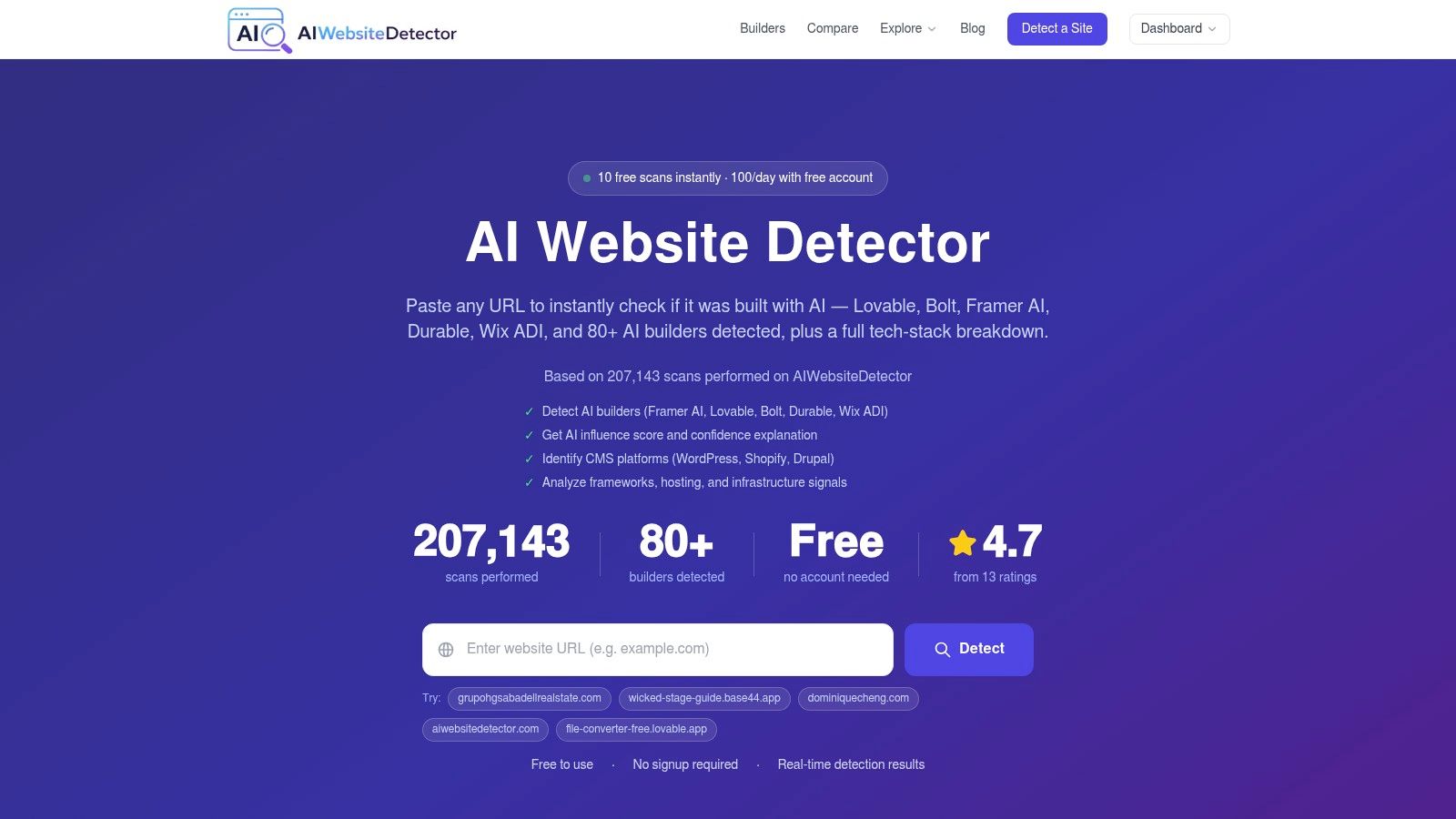
Modern tech-stack analysis looks at multiple evidence layers, including HTML, JavaScript bundle artifacts, scripts, meta tags, HTTP headers, CDN domains, cookies, and component patterns. AI Website Detector describes this as a live scanner with explainable profiles, confidence labels, and a signal-by-signal breakdown, which is the kind of evidence a serious buyer needs when a site looks polished but the underlying stack is unclear.
That matters because a site can appear custom while relying on a recognizable builder footprint, or it can look like a builder site while hiding a mixed workflow. A detection engine that can identify WordPress, Shopify, Squarespace, Webflow, and AI-first builders such as Framer, Lovable, Bolt, Durable, Wix ADI, and 10Web gives you a much sharper read on what you're really looking at.
Verification changes the competitor analysis game
If a rival site is fast, elegant, and conversion-friendly, the interesting question is how much of that came from platform choice versus execution. A custom build, a CMS with a premium theme, and an AI-augmented stack can all look similar from the outside. A detector that surfaces the evidence behind the verdict helps separate brand polish from technical reality.
Practical rule: if a site's success matters to your decision, verify the stack before you copy the playbook.
For a deeper workflow view, the guide at AI Website Detector's tech stack analysis page is the right next step. That kind of analysis is especially useful when you're comparing builders by outcome rather than by claims.
Recommendation Which Site Builder Is Right for Your Project
Which builder fits the job depends on what a bad choice would cost. If the main risk is a slow launch, pick the platform that removes setup friction. If the bigger risk is outgrowing the stack, choose one with a stronger ecosystem and clearer paths for extensions. If the risk is copying a competitor's surface without understanding the engine underneath, choose a stack you can verify.
For the rapid MVP launcher
If the goal is to test an idea fast, AI-first builders like Durable, 10Web, and Mixo fit that use case. They are built for speed, and that speed matters when the first version only needs to confirm demand and capture the earliest users. Keep the scope narrow, though, because once the site starts needing more structure, more pages, or more workflow control, a prompt-driven approach becomes harder to manage.
For the content-heavy business or blogger
If the site depends on publishing depth, structured SEO work, or a long content runway, WordPress still has the strongest case. The ecosystem is wider, the content model is more flexible, and long-term control is harder to match in hosted all-in-one tools. That is also why WordPress keeps showing up in serious evaluation lists, even when the front-end experience is less polished than some newer builders.
For the scaling ecommerce entrepreneur
If the business lives or dies on product operations, Shopify remains the clearest commercial benchmark. The platform is built around commerce, and the annual billing range of $29 to $299 gives you a practical frame for planning (Shopify plan comparison). App fees still need attention, but the store architecture is designed for selling, not just presenting products.
For the team that needs proof, not just a launch
If you are auditing a competitor, checking a vendor, or trying to confirm whether a site is AI-built, use a detector that exposes the signals behind the page. A label by itself is not enough. The useful part is the evidence trail that explains why the label was assigned, which is the same trust but verify approach covered in AI Website Detector's data-driven decision guide.
For teams comparing builders through real funnel outcomes, Otter A/B sales funnel picks is a useful reference point. If you are checking live websites, AI Website Detector can show the builder signals, CMS clues, and stack evidence behind what a site claims to be.