Builder Guide
How to Build a Website Like danbooru.donmai.us Using Ruby on Rails
A step-by-step guide for recreating a website similar to danbooru.donmai.us using Ruby on Rails — based on real scan data.
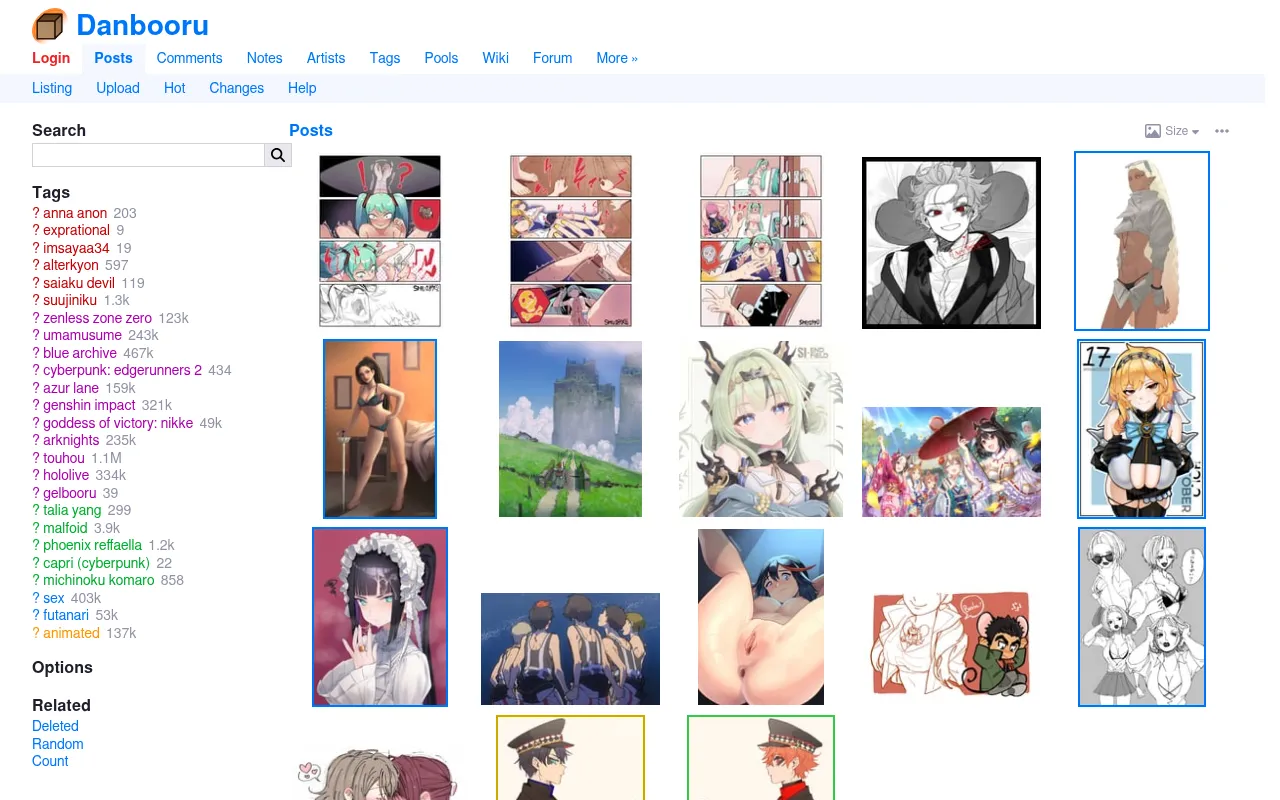
Preview of danbooru.donmai.us
Technology Breakdown
What danbooru.donmai.us uses today vs. what Ruby on Rails offers.
danbooru.donmai.us — Detected Stack
Ruby on Rails — What You'll Use
Ruby on Rails profile →Step-by-Step: Build with Ruby on Rails
Follow these steps to create a website similar to danbooru.donmai.us using Ruby on Rails.
Create a Ruby on Rails account
Sign up for Ruby on Rails and start a new project using a template that closely matches danbooru.donmai.us's style.
- Visit Ruby on Rails and sign up
- Choose a template that matches the target layout
- Use the free plan to prototype first
Select and customize a template
Browse templates and select one closest to danbooru.donmai.us's section layout. Adapt typography, colors, and imagery first.
- Match font pairing and color palette to danbooru.donmai.us
- Adjust section order to match the target flow
- Replace placeholder content with your own
Recreate the core structure
Build out these sections: Testimonials / Reviews, Portfolio / Gallery, Contact / Form.
- Testimonials / Reviews
- Portfolio / Gallery
- Contact / Form
- Blog / News
- Footer
Connect domain and publish
Once your site is ready, connect your domain, set up redirects, and configure analytics.
- Connect DNS in your builder settings
- Enable analytics and SEO metadata
- Test mobile and page speed before launch
Starter Prompt for Ruby on Rails
Copy this prompt and use it in Ruby on Rails to generate your first version. Adjust brand details as needed.
Build a portfolio-style website inspired by danbooru.donmai.us using Ruby on Rails.

Build this using Ruby on Rails's visual editor, starting from the closest template.

Required sections:
- Testimonials / Reviews
- Portfolio / Gallery
- Contact / Form
- Blog / News
- Footer
- Mobile-first responsive design
- Clear CTAs and at least one trust/proof section

Output:
- Homepage layout plan
- Suggested section structure and copy direction
- Recommended components for this use case
Recommended Tools
Everything you need to build and launch your Ruby on Rails-powered website.
Analyze Another Website
Scan any website and get a Ruby on Rails-specific build guide instantly.