
10 Best HTTP Header Checker Tools for 2026
You're staring at a site that feels fast in the browser, but something still looks off. The cache headers don't match what you expected, the security posture is murky, and the redirect chain keeps hiding the response you need to inspect. An http header checker cuts through that noise by showing the response metadata directly, so you can see how browsers, crawlers, CDNs, and security tools will treat the page. It's one of the fastest ways to spot caching rules, disclosure headers, and policy gaps before they turn into debugging sessions or SEO headaches. For a quick refresher on the request side of the exchange, browse request headers terms.
Table of Contents
- 1. AI Website Detector, Check if Any Site Uses an AI Builder
- 1. AI Website Detector, Check if Any Site Uses an AI Builder
- 2. MDN HTTP Observatory
- 3. SecurityHeaders.com
- 5. KeyCDN Tools, HTTP Header Checker
- 5. KeyCDN Tools, HTTP Header Checker
- 6. Uptrends, HTTP Response Header Check
- 7. HttpStatus.io
- 8. Geekflare, HTTP Headers Checker
- 10. HeaderTest, Free CSP Analyzer and Security Headers Scanner
- 10. HeaderTest, Free CSP Analyzer and Security Headers Scanner
- Top 10 HTTP Header Checker Tools Comparison
- Choose Your Checker and Harden Your Headers
1. AI Website Detector, Check if Any Site Uses an AI Builder
A site can look custom on the surface and still leave clear fingerprints in the headers, scripts, CDN paths, and cookie behavior. AI Website Detector uses those signals together, then turns them into an explainable verdict with evidence. That makes it practical for competitor research, vendor due diligence, and tech-stack validation when you need to confirm what powers a site.
The value goes beyond scanning headers. It treats headers as one signal among several, which matters because X-Powered-By, CDN fingerprints, and cookie behavior often tell a fuller story than a raw response dump. The tool covers AI-first builders and traditional stacks, so you can check whether a site is Framer, Lovable, WordPress, Shopify, Webflow, or something more customized. If you want to go further, this guide on analyzing website tech stacks explains the broader fingerprinting approach in more detail.
Practical rule: use this when you need a defensible answer on how a site was built, not just a header readout. A generic header viewer is useful for quick inspection, but stack identification needs more context than response metadata alone can provide.
1. AI Website Detector, Check if Any Site Uses an AI Builder
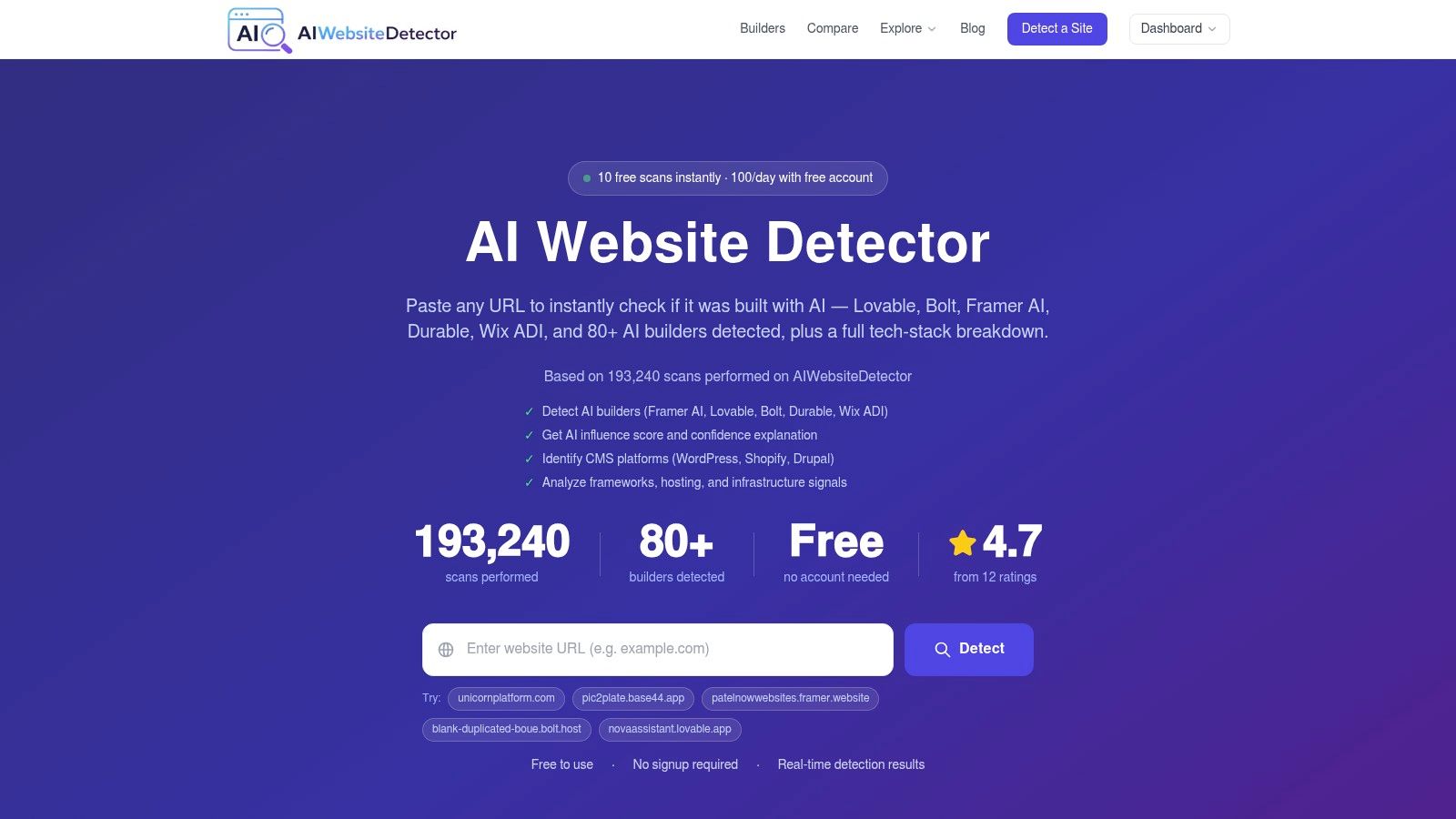
When the question is “what built this site?”, a generic header viewer isn't enough. AI Website Detector folds HTTP headers into a wider fingerprinting pass that also checks HTML, JavaScript, CDN patterns, cookies, and bundle artifacts, then turns those signals into an explainable verdict with evidence. That makes it useful for competitor research, vendor due diligence, and tech-stack validation, especially when a site looks custom but still leaks builder clues.
The value here is not just that it scans headers, it's that it treats headers as one signal among several. In practice, that matters because X-Powered-By, CDN fingerprints, and cookie behavior often tell a more complete story than a raw response dump. The tool's coverage includes AI-first builders and traditional stacks, so you're not guessing whether a site is Framer, Lovable, WordPress, Shopify, Webflow, or something more heavily customized. Visit the tool at AI Website Detector, and for deeper stack analysis, its guide on analyzing website tech stacks is a useful companion.
Practical rule: use this when you need an answer you can explain to a client or teammate. A plain header list shows what's there, but an evidence-led scanner shows why the tool thinks a site belongs to a specific builder or stack.
Where it fits best
- Competitor verification, when a brand claims a custom build but the underlying signals suggest a platform or builder.
- Stack research, when you need to compare frameworks, hosting layers, and deployment patterns.
- Operational triage, when you want headers plus supporting artifacts in one pass instead of bouncing between tools.
The trade-off is scope. If you only need a traditional security-header grade, this is more than you need. If you want to understand the stack behind a site, including HTTP headers as one of the fingerprints, it's a strong first stop.
2. MDN HTTP Observatory
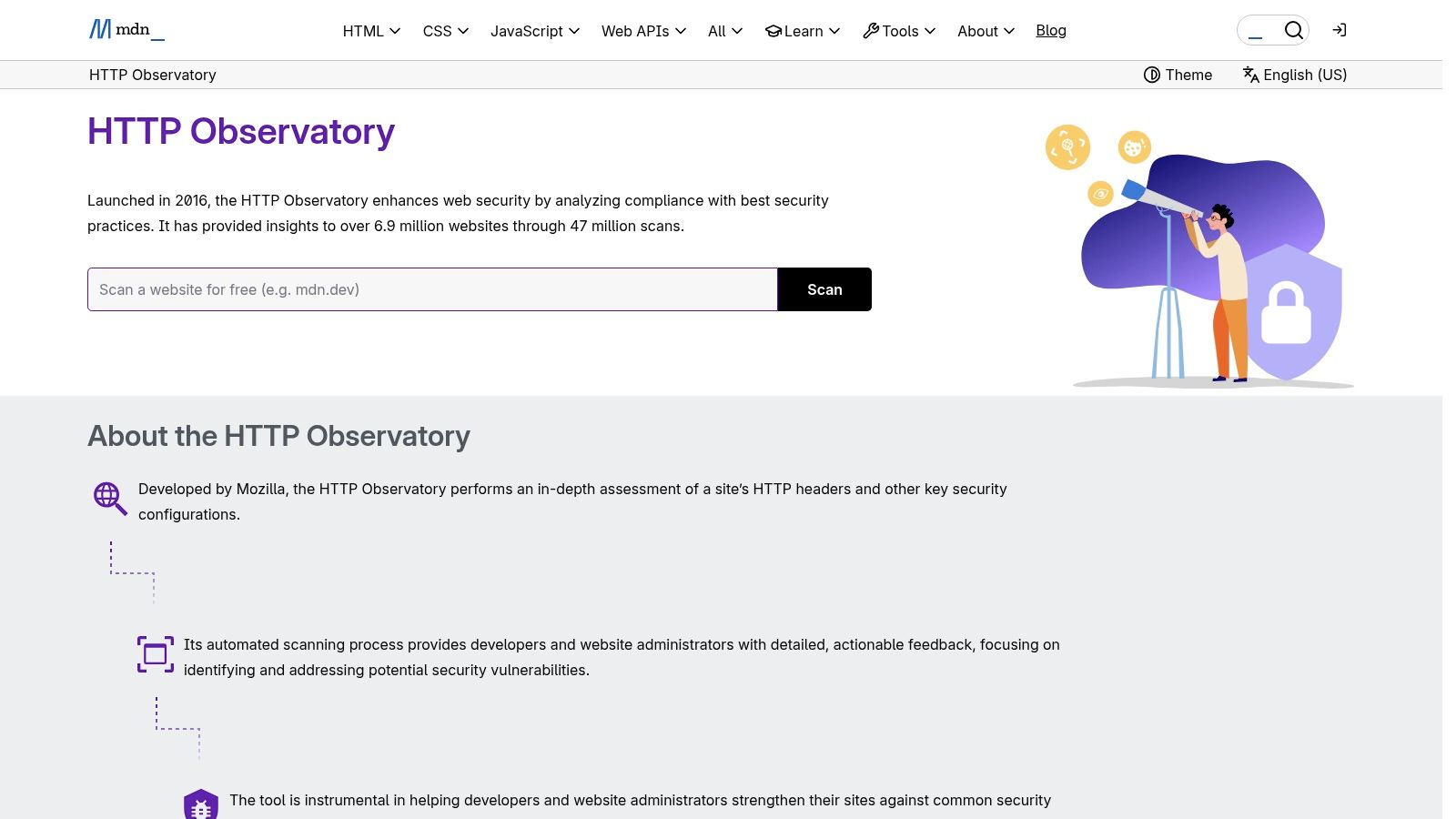
The MDN HTTP Observatory feels like the right choice when the job is security hardening, not broad header spelunking. It grades a site's HTTP security posture, checks redirects and related behavior, and gives clear remediation guidance instead of making you interpret every field manually. For teams that want standards-aligned feedback, that's a practical advantage.
Mozilla's relaunch on MDN in 2024 gave the tool an updated test set and a v2 API, which makes it easier to work into automation and CI/CD workflows. The updated checks reflect changes in browser and security practice, including the removal of X-XSS-Protection from the test set and the addition of Cross-Origin-Resource-Policy in the current test set, as described in Mozilla's updated observatory documentation at MDN HTTP Observatory. If you're keeping an eye on broader web robot and content controls as well, the site's linked robots guidance at robots.txt analysis is a sensible adjacent read.
Why security teams like it
The observatory is opinionated in a good way. It doesn't just say whether a header exists, it tells you whether the posture is weak, incomplete, or missing entirely. That makes it easier to prioritize fixes for Strict-Transport-Security, Content-Security-Policy, and Referrer-Policy without overthinking every response header on the page.
It's better for enforcing a policy than for exploring every header on a response. If your goal is “make this safer and prove it,” MDN's scoring model is a good fit.
The downside is focus. It's not a full “all headers” viewer, so it won't replace a deep response inspector when you need to see every hop in a redirect chain. For security-first teams, though, that narrower scope is often exactly what keeps the workflow clean.
3. SecurityHeaders.com
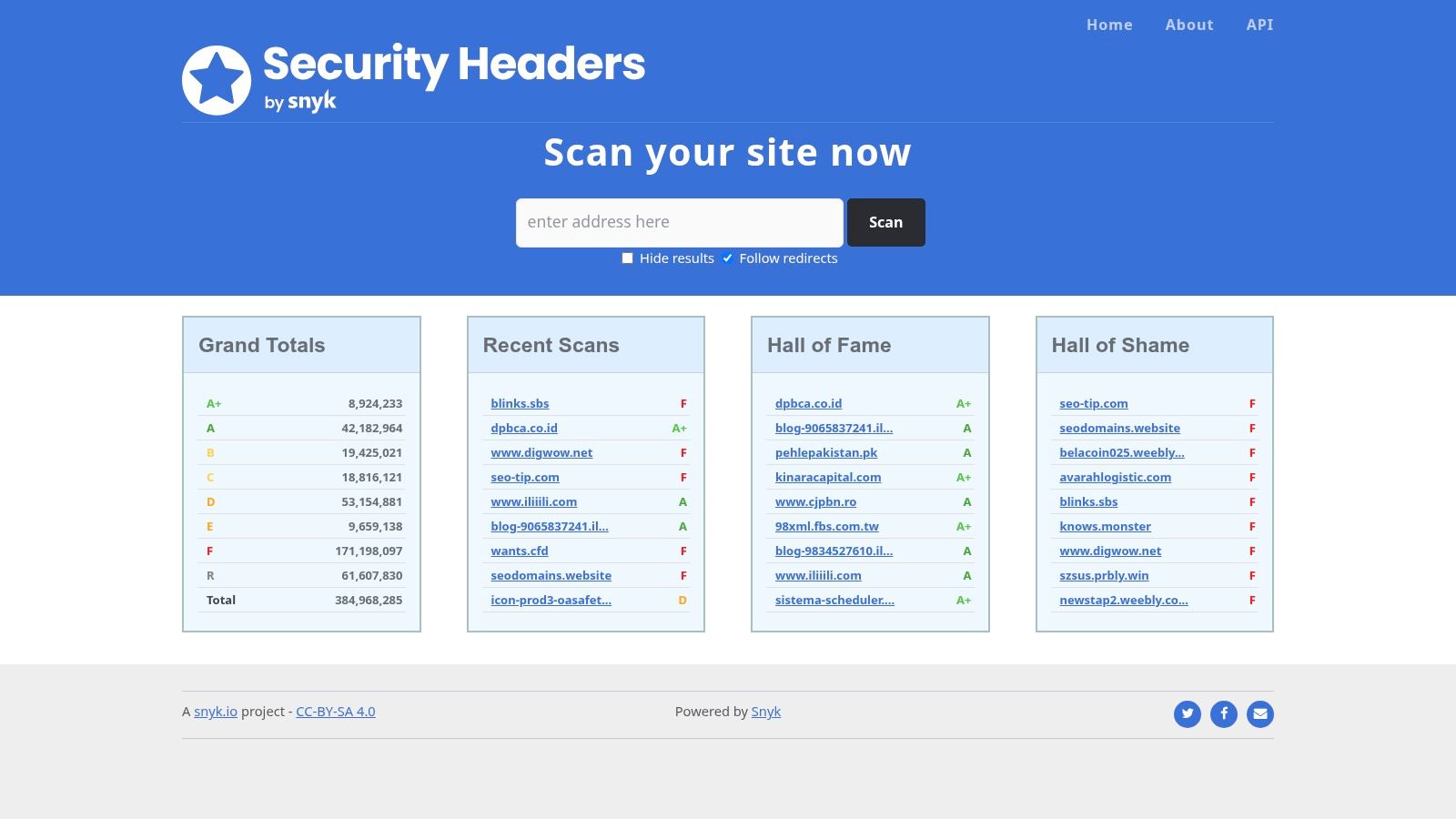
If you need a fast baseline, SecurityHeaders.com is still one of the easiest places to start. It checks the core security headers, gives a grade, and keeps the output simple enough that a developer, analyst, or PM can read the result without a long explanation. That simplicity is the point.
The tool works well for quick triage on HSTS, CSP, X-Frame-Options, and X-Content-Type-Options. It also gives teams a common reference for deciding whether a site is in a usable state or still needs work. The current site at SecurityHeaders.com is still easy to use, but the discontinued API service for new or renewing subscriptions makes it much more of a manual baseline checker than a platform for large-scale automation.
What it does well and where it stops
A short list tells the story better than a long feature dump.
- Fast triage, when you want an answer in seconds.
- Readable output, when you need to show someone the basics without teaching them HTTP.
- Core-policy focus, when the question is whether the main protections are in place.
The limitation is depth. If you need redirect-hop analysis, cache debugging, or large batch runs, this tool will not cover the whole workload. It is the benchmark you run first, then move to something more technical when the initial grade is only the start of the investigation.
5. KeyCDN Tools, HTTP Header Checker
KeyCDN's header checker is a practical choice for teams that need a quick response snapshot from a CDN-adjacent vantage point. It fetches and displays response headers cleanly, and it sits inside a broader set of network and performance tools, so it is easy to move from one diagnosis to the next without changing how you think about the problem. The UI stays simple, which helps when you want to verify a live response without extra ceremony.
That setup is useful when you need to compare what a CDN operator's network sees with what your local browser or origin logs suggest. Redirects, cache rules, and edge behavior can create differences that are hard to spot from a single location. In practice, KeyCDN helps you confirm whether the edge is rewriting the response, whether a header is missing only in one path, or whether the origin is not sending what you expected. The main site at KeyCDN Tools is worth keeping in the toolbox, especially for teams already working with CDN delivery. If you are also comparing ecommerce stacks, the internal guide on detecting ecommerce platforms fits naturally beside this kind of infrastructure check.
Practical rule: use a CDN-based checker when you suspect the edge is changing the response. If origin and edge disagree, compare them from more than one network perspective before changing cache or redirect rules.
The limitation is depth. KeyCDN gives visibility into the live response, but it is less helpful for full redirect-hop analysis, cache debugging across many paths, or large batch runs. Use it as a quick snapshot, then move to a more specialized tool when you need to trace how headers change across the full request path.
5. KeyCDN Tools, HTTP Header Checker
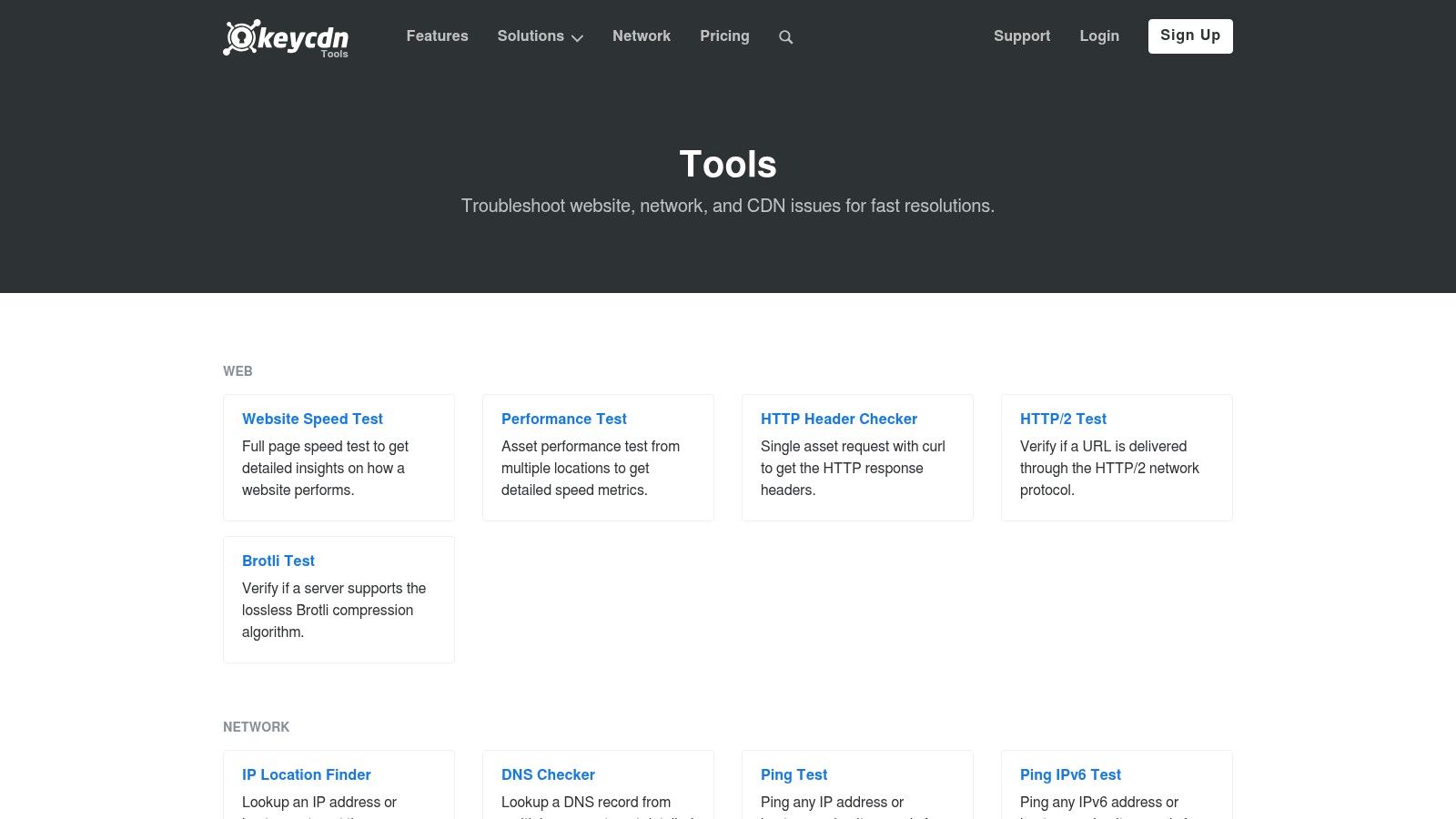
KeyCDN's header checker is a practical choice when you want a quick read from a CDN-adjacent environment. It fetches and displays response headers cleanly, and it sits inside a broader set of network and performance tools, so it's easy to move from one diagnosis to the next without switching mental models. The UI is straightforward, which helps when you just want to verify a live response.
This is especially useful for cross-checking what a CDN operator's network sees versus what your local browser or origin logs suggest. That can help when redirects, cache rules, or edge behavior create confusing differences. The main site at KeyCDN Tools is worth keeping in the toolbox, especially if your team already works with CDN delivery and wants a simple header snapshot without extra ceremony. If you're also comparing ecommerce stacks, the internal guide at ecommerce platform detector sits naturally beside this kind of infrastructure check.
Practical rule: use a CDN-based checker when you suspect the edge is changing the response. If the origin and the edge disagree, the fastest way to debug is to compare them from more than one network perspective.
The limitation is guidance. You get visibility, but not much prescription. If you need remediation steps or a scored security framework, a more opinionated checker will save time. If you need a clean response header view that's easy to trust, this tool earns its place.
6. Uptrends, HTTP Response Header Check
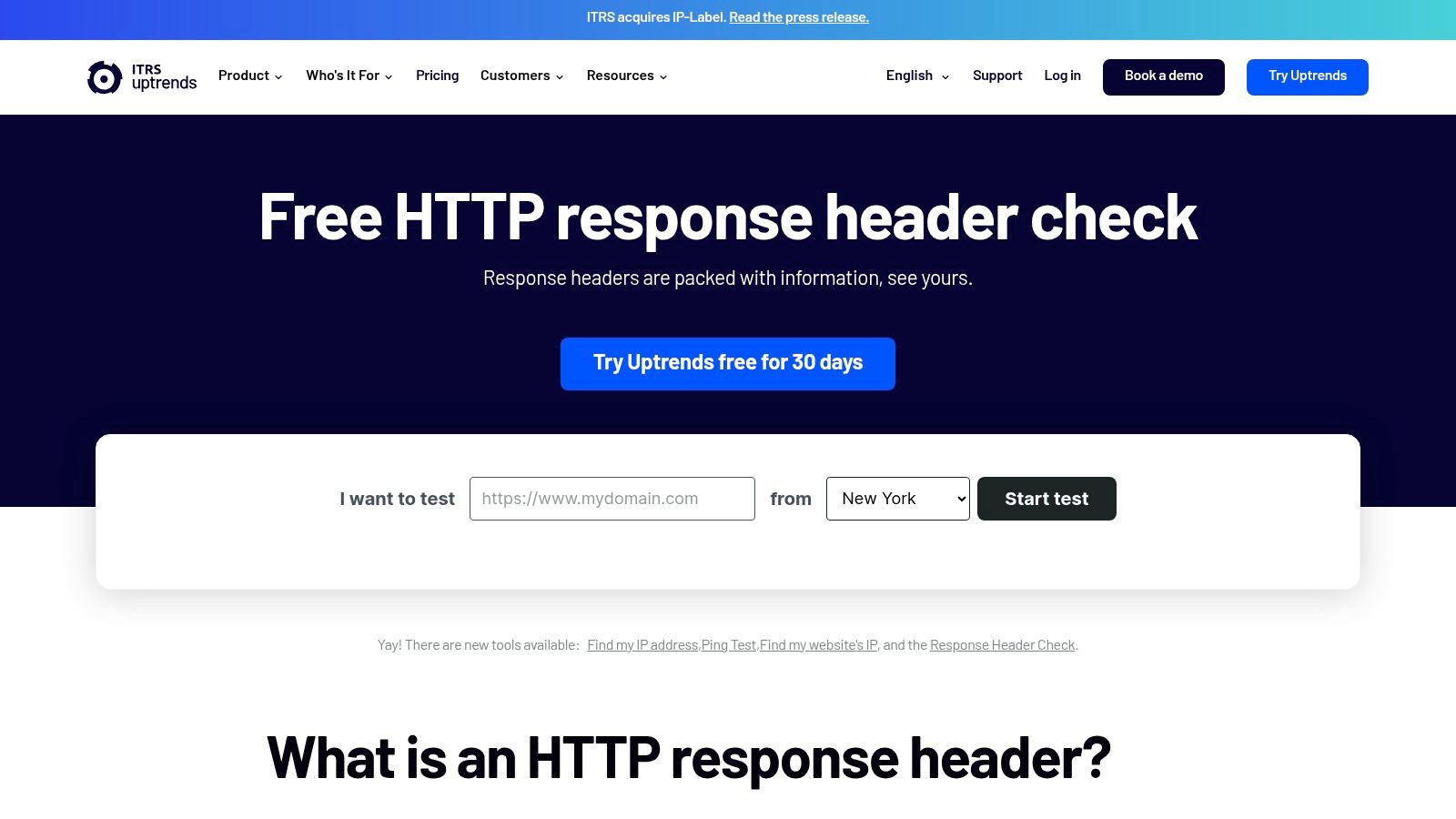
Uptrends sits in a useful middle ground. The header checker is free and single-scan focused, but it connects naturally to a broader monitoring platform if the issue you uncover needs ongoing tracking. That makes it a smart option when a one-off check might turn into a recurring watch item.
The tool displays full response headers, which helps with redirect and caching diagnosis. That alone is enough for many debugging sessions. The distinction is that Uptrends has a clear path from spot check to continuous monitoring, dashboards, alerting, and multi-checkpoint testing through the larger platform at Uptrends HTTP Response Header Check. If you're the person who gets paged when the headers stop behaving, that upgrade path matters.
When Uptrends is the better fit
- Spot diagnosis, when you need a quick result with minimal friction.
- Ongoing monitoring, when a header regression could affect production again.
- Team handoff, when a simple scan needs to grow into alerting or reporting.
The downside is obvious. Advanced features require a paid plan, and the free tool is not built for bulk workflows or automated analysis. For a single URL check, though, the combination of speed and a mature monitoring ecosystem is hard to ignore.
7. HttpStatus.io
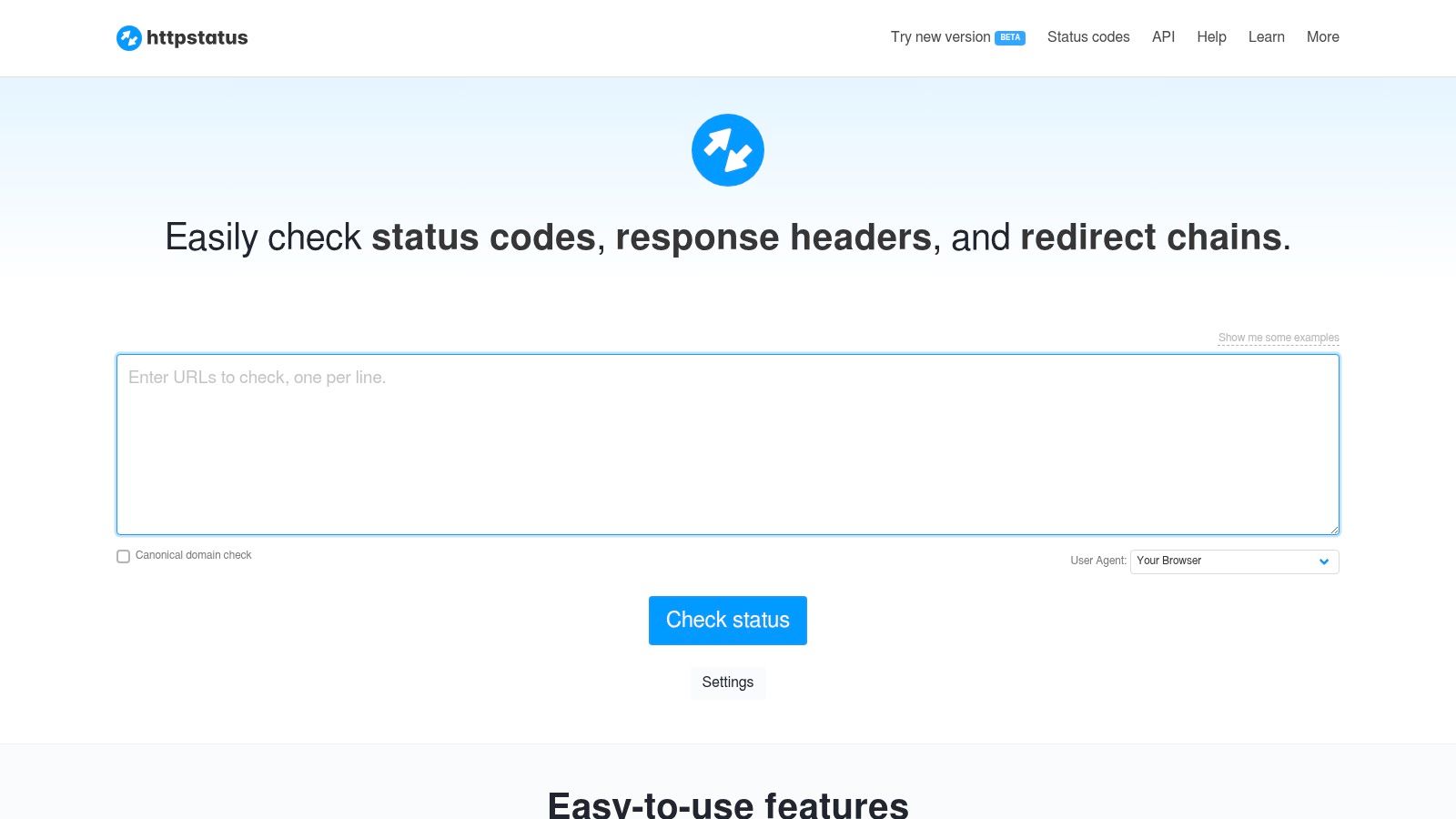
When the job involves migrations, SEO audits, or a large redirect map, HttpStatus.io is one of the most practical tools on the list. It's built for bulk testing status codes, response headers, and full redirect chains, and it expands details per hop instead of flattening the result into a single line. That hop-by-hop view is exactly what you need when a canonicalization problem hides behind several redirects.
The subscription API is a real differentiator for programmatic use. It also supports user-agent simulation and returns raw request and response data, which helps when a crawler and a browser get different results. For reporting, the export options make it easier to hand the findings to SEO, engineering, or content teams without rebuilding the data from scratch. The main site at HttpStatus.io is clearly aimed at users who need more than a decorative status check.
Why it stands out for migrations
Redirect validation has a habit of failing in boring ways. One wrong hop, one stale header, one mismatched destination, and a whole migration can start bleeding traffic or creating duplicate content issues. HttpStatus.io gives you the bulk input, per-hop detail, and exportability that make those mistakes easier to catch before they ship.
The trade-off is access. API use requires a paid subscription, and free web use has batch limits. If you're checking one page, it may feel like more than you need. If you're validating dozens or hundreds of URLs, it starts to look like the right tool.
8. Geekflare, HTTP Headers Checker
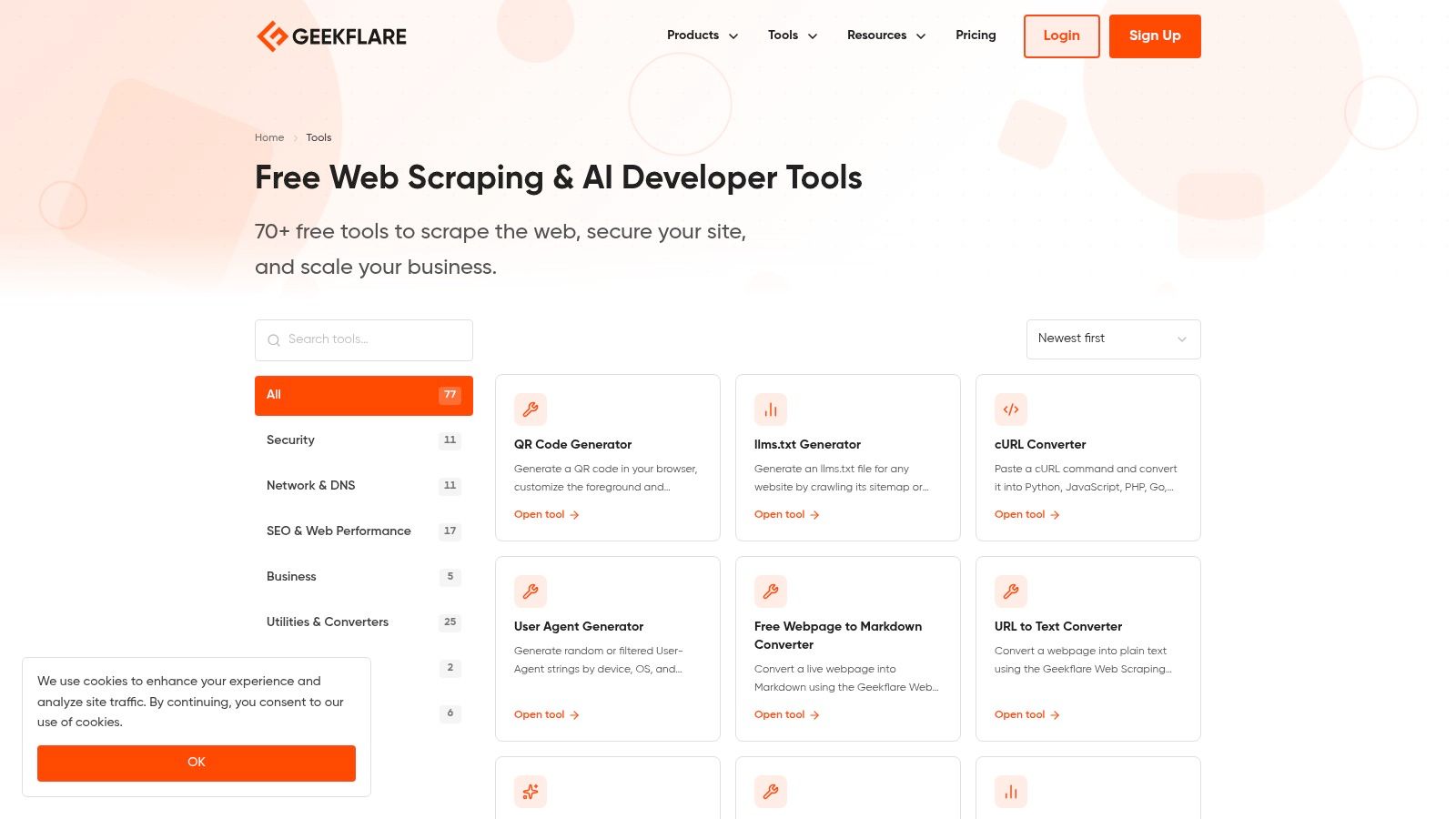
Geekflare's header checker works well as part of a broader toolbox. It shows general HTTP headers, but it also gives you focused sub-tests for policies like X-Frame-Options and X-Content-Type-Options, plus protocol checks such as HTTP/2, HTTP/3, and redirect behavior. That makes it handy when you want to verify a few specific controls without leaving the site.
The benefit here is convenience. One place can answer several adjacent questions, which is useful when you're doing quick validation across a stack that touches security, transport, and redirect behavior. The main tool suite at Geekflare Tools gives it a practical place in a developer's daily workflow, especially when you need a fast check before moving on to a deeper scanner.
What to expect from it
This is not the most opinionated checker, and that's fine. It's better at breadth than prescriptive scoring, which makes it useful for quick validation rather than formal audit output. If you need a simple answer to whether a policy header or protocol path is behaving as expected, it does the job.
The main drawback is that tool suites can shift over time, so availability and organization may change. That's less of a problem if you treat Geekflare as a convenient utility stop, not the center of your audit process.
10. HeaderTest, Free CSP Analyzer and Security Headers Scanner
HeaderTest fits best when your main concern is Content-Security-Policy. It checks core security headers, parses CSP directives, and adds implementation notes that help when you are fixing headers inside a real framework or server stack. That kind of context saves time because CSP issues often come from deployment details, not from missing syntax alone.
The tool's examples and articles make it more useful for developers than a bare scanner. If you are tuning policies for a modern app and trying to avoid breaking scripts, assets, or embeds, that support matters. It is also a practical place to compare CSP changes against related controls, including secure file upload best practices, when you are tightening the parts of an app that receive user content. The site at HeaderTest gives you scanning and implementation context in one place.
Why CSP-specific help matters
CSP is easy to get wrong in ways that look secure on paper but break real scripts, assets, or embeds. A scanner that explains common server and framework pitfalls is more useful than one that only returns a pass or fail result and leaves you to guess the fix.
The trade-off is focus. HeaderTest is built for security and CSP analysis, not for broad all-headers browsing or bulk workflows. If you need to clean up a policy in a live app, that narrow focus is an advantage because it keeps the output tied to the problem you are fixing.
10. HeaderTest, Free CSP Analyzer and Security Headers Scanner

HeaderTest is the best fit when your main headache is Content-Security-Policy. It evaluates core security headers and parses CSP directives, then adds implementation notes that are useful when you're fixing headers in a real framework or server stack. That kind of guidance saves time because CSP errors are often caused by deployment details, not just missing syntax.
The tool's examples and articles make it more developer-friendly than a bare scanner. If you're tuning policies for a modern app and trying to avoid self-inflicted breakage, that support matters. The main site at HeaderTest is a good stop when you need both scanning and implementation context in the same place.
Why CSP-specific help matters
CSP is easy to get wrong in a way that looks secure on paper but breaks real scripts, assets, or embeds. A scanner that explains common server and framework pitfalls is more useful than one that just says “fail” and leaves you there.
The drawback is focus. It's optimized for security and CSP analysis, not for generic all-headers browsing or bulk workflows. If you need a deeper policy fix, though, that narrowness is an advantage.
Top 10 HTTP Header Checker Tools Comparison
| Tool | Focus (Core capability) | Notable features (✨) | Evidence / Output | Audience (👥) | Price & Quality (💰 / ★) |
|---|---|---|---|---|---|
| 🏆 AI Website Detector, Check if Any Site Uses an AI Builder | AI-builder & tech-stack detection; multi-signal site scanner | ✨ Detects 80+ AI builders, fingerprints frameworks/CDN, live screenshot, API, builder quiz | Signal-by-signal evidence, confidence score + verdict labels, builder profiles | 👥 Developers, vendors, researchers, marketing teams | 💰 Free instant scans (limits) + paid API · ★★★★☆ |
| MDN HTTP Observatory (Mozilla) | HTTP security header grading & CI-friendly checks | ✨ Updated test set, v2 API, public scan history | Grade + actionable remediation steps, documented rationale | 👥 Security engineers, CI/CD teams | 💰 Free · ★★★★☆ |
| SecurityHeaders.com (Scott Helme) | Fast baseline security-header grader | ✨ Extremely quick scans, shareable output | Simple grade of core security headers | 👥 Devs, security ops for quick triage | 💰 Free · ★★★★ |
| REDbot | Protocol-aware HTTP linter (semantics, cache, negotiation) | ✨ Full response view, custom requests, standards guidance | Full headers, cacheability analysis, standards-focused diagnostics | 👥 Backend engineers, HTTP/standards auditors | 💰 Free · ★★★★★ |
| KeyCDN Tools – HTTP Header Checker | Quick header viewer with CDN vantage points | ✨ Multi-location fetch, part of broader performance tools | Raw response headers for cross-checking | 👥 CDN engineers, ops, devs | 💰 Free · ★★★★ |
| Uptrends – HTTP Response Header Check | Spot diagnostics + path to synthetic monitoring | ✨ Full headers, integrates with monitoring/alerts | Full response headers; monitoring upgrade path | 👥 Ops, SREs, monitoring teams | 💰 Free scan; paid monitoring · ★★★★ |
| HttpStatus.io | Bulk status/redirect and header audits | ✨ Bulk URL input, per-hop header & latency details, API | Expandable redirect chains and per-hop headers | 👥 SEO teams, migration engineers | 💰 Free UI limits; paid API · ★★★★ |
| Geekflare – HTTP Headers Checker | All-in-one header & protocol test suite | ✨ Focused sub-tests (X-Frame, MIME), HTTP/2/3 checks | Raw headers + protocol/sub-test results | 👥 Devs, QA, security enthusiasts | 💰 Free · ★★★★ |
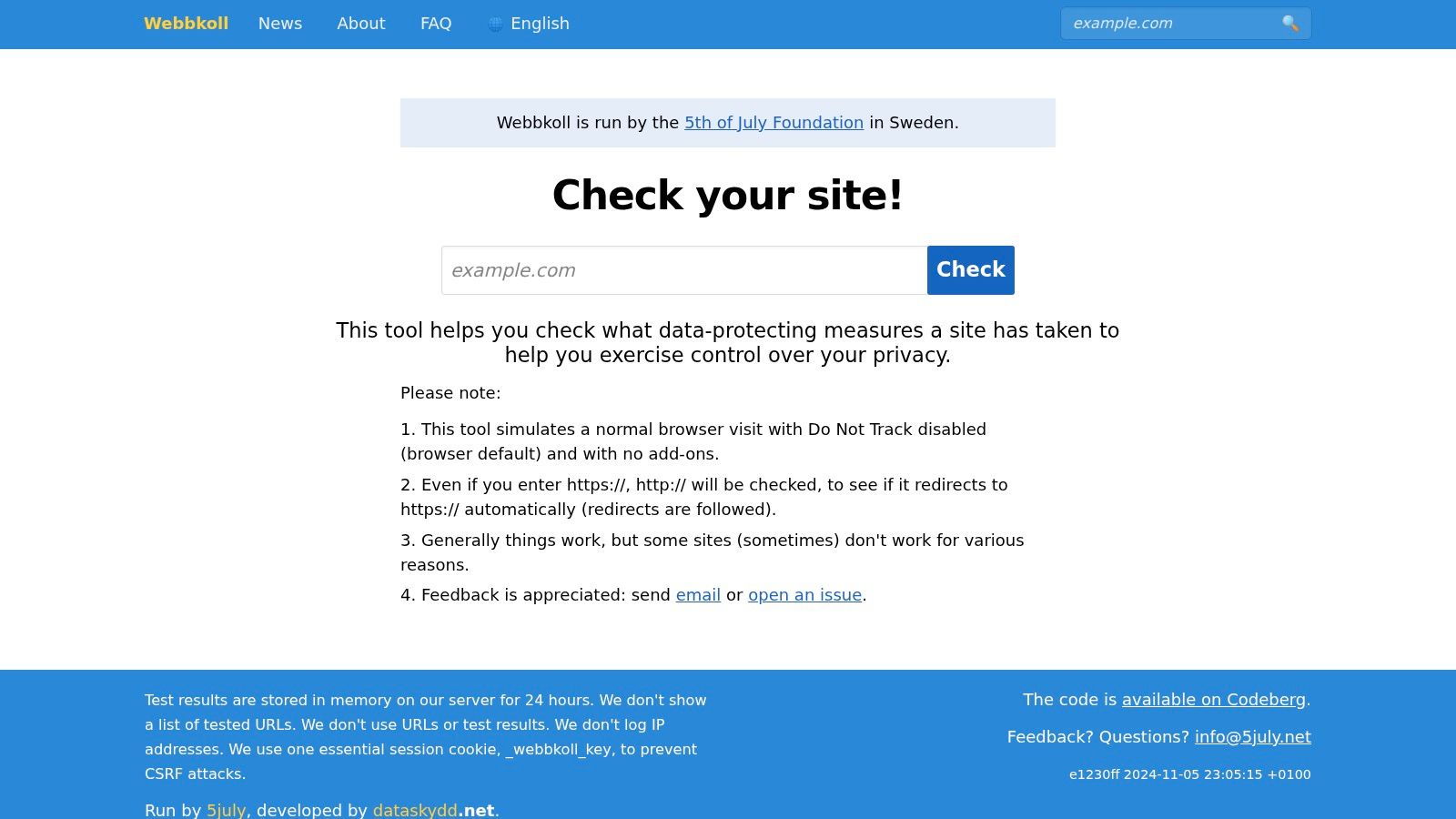
| Webbkoll (5th of July Foundation) | Privacy-centric site analysis (tracking & cookies) | ✨ Simulated browser visit, privacy-focused output | Reports on trackers, cookies, privacy headers/behaviors | 👥 Privacy officers, compliance teams | 💰 Free (non-profit) · ★★★★ |
| HeaderTest – CSP Analyzer & Security Headers Scanner | CSP parsing and security header guidance | ✨ CSP analysis, implementation notes, framework examples | Parsed CSP directives + remediation tips | 👥 Web devs tuning CSP/policies | 💰 Free · ★★★★ |
Choose Your Checker and Harden Your Headers
The right http header checker depends on what you're trying to solve. If you need a quick baseline, SecurityHeaders.com gives you a clean first pass. If you need deeper security posture and remediation guidance, MDN HTTP Observatory and HeaderTest are stronger choices. If you're debugging redirect chains, caching behavior, or content negotiation, REDbot and HttpStatus.io are better aligned with the problem. For privacy reviews, Webbkoll adds context that a plain header dump won't.
A common mistake is using one tool for every job. A site can pass a simple header scan and still leak information through redirects, weak policy configuration, or CDN behavior that only shows up when you inspect the chain hop by hop. That's why a practical workflow usually starts with a baseline scan, then moves to a more specialized tool when the first result raises questions.
The same rule applies to security hardening. Missing Strict-Transport-Security, Content-Security-Policy, X-Frame-Options, or X-Content-Type-Options is a problem, but weak configuration can be just as dangerous as absence. The strongest tools don't just show the header, they help you judge whether the policy is enforceable and fit for production. For broader context on defensive tooling, compare vulnerability scanning tools when you're deciding how header checks fit into the rest of your workflow.
A practical stack is simple. Use a baseline scanner for the quick answer, a protocol-aware checker for the hard cases, and a bulk or monitoring tool when you have many URLs or recurring regressions to track. That mix keeps you from overcomplicating easy audits and under-solving the ones that matter.
If you want a second signal beyond headers alone, AI Website Detector pairs header analysis with HTML, scripts, CDN patterns, and explainable builder fingerprints. It's a strong companion when you're checking whether a site was built with an AI-first stack or a custom implementation. Visit it when you need to verify the technology behind a site, not just the headers on a response.