7 Vibe Coding Website Examples and Stack Signals
A familiar interface isn't proof that two sites came from the same AI builder. Rounded cards, soft gradients, oversized headings, Lucide-style icons, and generous spacing can emerge from different tools, templates, or a developer using the same popular component libraries. A vibe coding website is better defined by its creation model: a site or app produced through natural-language, AI-assisted development, often with a human guiding prompts, reviewing output, and iterating toward a working result.
That distinction matters because Next.js, Tailwind CSS, shadcn/ui, Lucide, and Radix-style patterns can create a recognizable family resemblance across otherwise unrelated projects. Stronger clues appear in HTML, CSS, script bundles, CDN domains, HTTP headers, meta tags, cookies, and platform-specific artifacts. This comparison treats seven builders as evidence of recurring fingerprints, not as a gallery of attractive pages. It also uses AI Website Detector as a practical verification workflow, while treating its probabilistic output as research evidence rather than forensic certainty.
Table of Contents
- 1. AI Website Detector
- 2. Bolt.new
- 3. Lovable.dev
- 4. v0
- 5. Framer AI
- 6. Wix AI Website Builder
- 7. 10Web AI Website Builder
- Vibe Coding Website, 7-Tool Comparison
- From Familiar Style to Defensible Detection
1. AI Website Detector
A polished interface can conceal its origin. AI Website Detector approaches the problem from the implementation layer, scanning for signals associated with AI-first builders such as Framer AI, Lovable, Bolt, Durable, Wix ADI, and 10Web. It also produces a wider technology profile covering frameworks, CMSs, hosting, CDNs, analytics, marketing tools, payments, and WordPress themes or plugins.
Its value lies in combining evidence rather than judging appearance. The service examines HTML and CSS signatures, script tags, bundle artifacts, CDN domains, HTTP headers, meta tags, cookies, and component-stack heuristics. It can identify custom-domain artifacts linked to Lovable and Bolt deployments, as well as recurring patterns associated with Next.js, Tailwind CSS, shadcn/ui, Lucide, and Radix. The output includes a labelled verdict, an AI-probability score, detected signals, and a contextual screenshot.
Why its evidence is more useful than visual guessing
The service reports a large volume of scans, public recent-scan and LiveView feeds, a detection leaderboard, and public user feedback on its product site. It also describes high accuracy for major platforms with clear fingerprints. Those claims should not be treated as certainty for custom or heavily modified websites. An explicit platform artifact generally carries more evidential weight than a visual resemblance to a typical AI-generated React interface.
That distinction gives the tool a practical role in competitive research, vendor checks, procurement, SEO analysis, and build replication. A marketer can record a competitor's apparent builder and hosting layer. An agency can compare a freelancer's portfolio claims with observable implementation signals. A developer can separate a recognizable stack from a similar visual language. The website builder checker explains this wider verification use case.
Practical rule: Treat the score as a prioritization signal. Confirm important conclusions with source inspection, deployment records, repository access, or vendor documentation.
Free users can run instant scans without signing up. A free account adds greater daily capacity and scan history, while API plans support programmatic workflows. The product also includes a WordPress detector, e-commerce and hosting attribution, builder comparisons, a builder-selection quiz, monthly insights, and sitemap, robots.txt, AI.txt, LLM.txt, and environment tools.
Its limitation follows from the same design. Vibe-coded detection remains probabilistic when a site has been customized or deployed behind layers that hide the original builder. The most defensible workflow is therefore multi-signal verification: use the score to select candidates, inspect the listed artifacts, and seek independent confirmation before treating the builder attribution as established.
2. Bolt.new
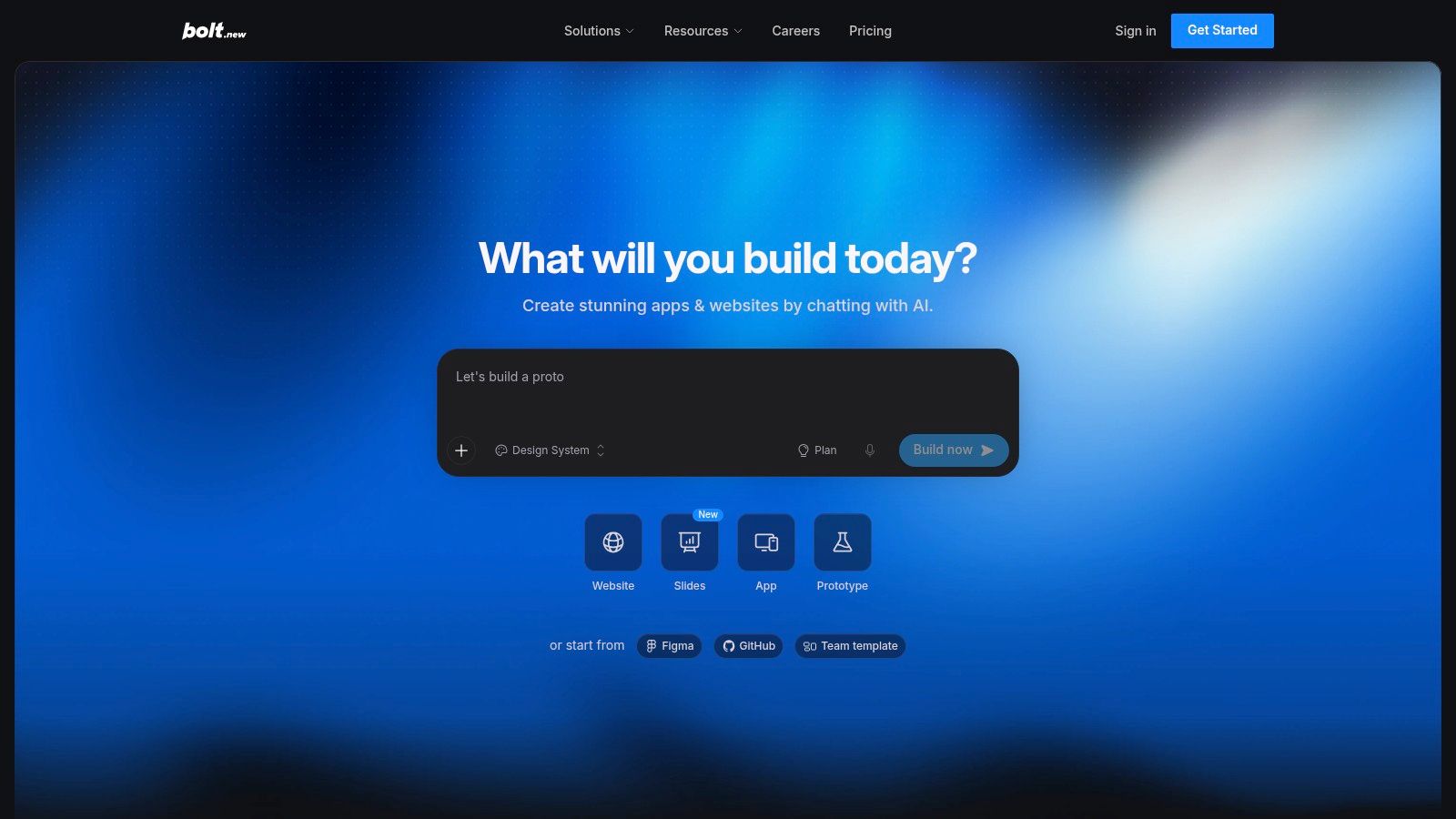
Bolt.new is a browser-based AI builder for people who want to describe a website or application in natural language and still receive editable source code. Its workflow is closer to an AI development environment than to a conventional visual site editor. Users prompt the system, inspect files, ask for changes, and iterate through conversational fixes or refactors.
That creates a distinctive evidence profile. A Bolt project may expose a modern JavaScript application structure, generated component files, utility-class-heavy CSS, and deployment artifacts that differ from a static marketing-site builder. The exact output varies with the prompt and subsequent edits, so the platform itself won't guarantee a uniform visual style. Its stronger detection clues are likely to sit in generated bundles, hosting behavior, and recognizable source conventions rather than in color palettes or card shapes.
The trade-off between speed and ownership
Bolt combines code generation with built-in hosting, databases, and SEO utilities. That reduces the number of services a user must connect before publishing, while editable source code gives developers a path to continue work outside a locked visual interface. The workflow suits founders and designers who want a functioning prototype quickly, as well as developers who prefer to inspect and modify the result instead of accepting a black-box export.
The trade-off is operational. Token usage can rise as projects become larger or require repeated debugging, and a newer ecosystem may provide fewer established widgets than mature no-code platforms. A site that began in Bolt can also become difficult to identify after extensive refactoring, because the owner may remove obvious generated artifacts while keeping the underlying React or utility-CSS conventions.
For detection research, don't label a page “Bolt-built” because it looks like a polished dashboard. Look for a cluster of signals, including bundle strings, deployment patterns, source structure, and any explicit artifact associated with the platform. The Bolt example scan demonstrates why a labelled result is more useful than a screenshot comparison alone.
3. Lovable.dev
Lovable.dev presents itself as an AI software engineer that users can direct through conversation. It generates websites and full-stack applications, supports one-click publishing through Lovable Cloud, and allows users to own and export the resulting code. That combination makes it especially relevant to the non-developer side of vibe coding, where a founder, marketer, or class team wants a working product without starting from an empty repository.
Lovable's observable fingerprints may appear at several layers. A custom-domain deployment can retain bundle artifacts associated with the platform, while the generated application may also resemble the familiar Next.js, Tailwind, shadcn/ui, Lucide, or Radix family. Those are useful clues, but they're not unique identifiers. A developer can use similar libraries without Lovable, and a Lovable project can be changed enough to conceal its origin.
A conversational product with a portable result
The platform uses credits for building, hosting, and AI features inside an application. Its workflow distinguishes between Default and Plan modes, provides daily build credits on the free plan, and supports shared workspaces with limits for teams or classes. Users can export their generated code, which lowers the risk of treating the initial builder as a permanent technical dependency.
That portability creates an important detection complication. A site may have been created in Lovable but later moved, rebuilt, or substantially edited. The current page can reveal what is deployed now, not necessarily every tool involved in its history. Bundle artifacts and platform-specific strings can strengthen the conclusion, but their absence isn't proof that Lovable wasn't used.
Credit consumption is another practical trade-off. A simple landing page may be inexpensive to generate, while database work, authentication, integrations, and repeated changes can consume credits faster. Teams should therefore assess both ownership and the ability to audit the code before treating the platform as a long-term production foundation. For a broader comparison of related services, see these Lovable alternatives.
4. v0
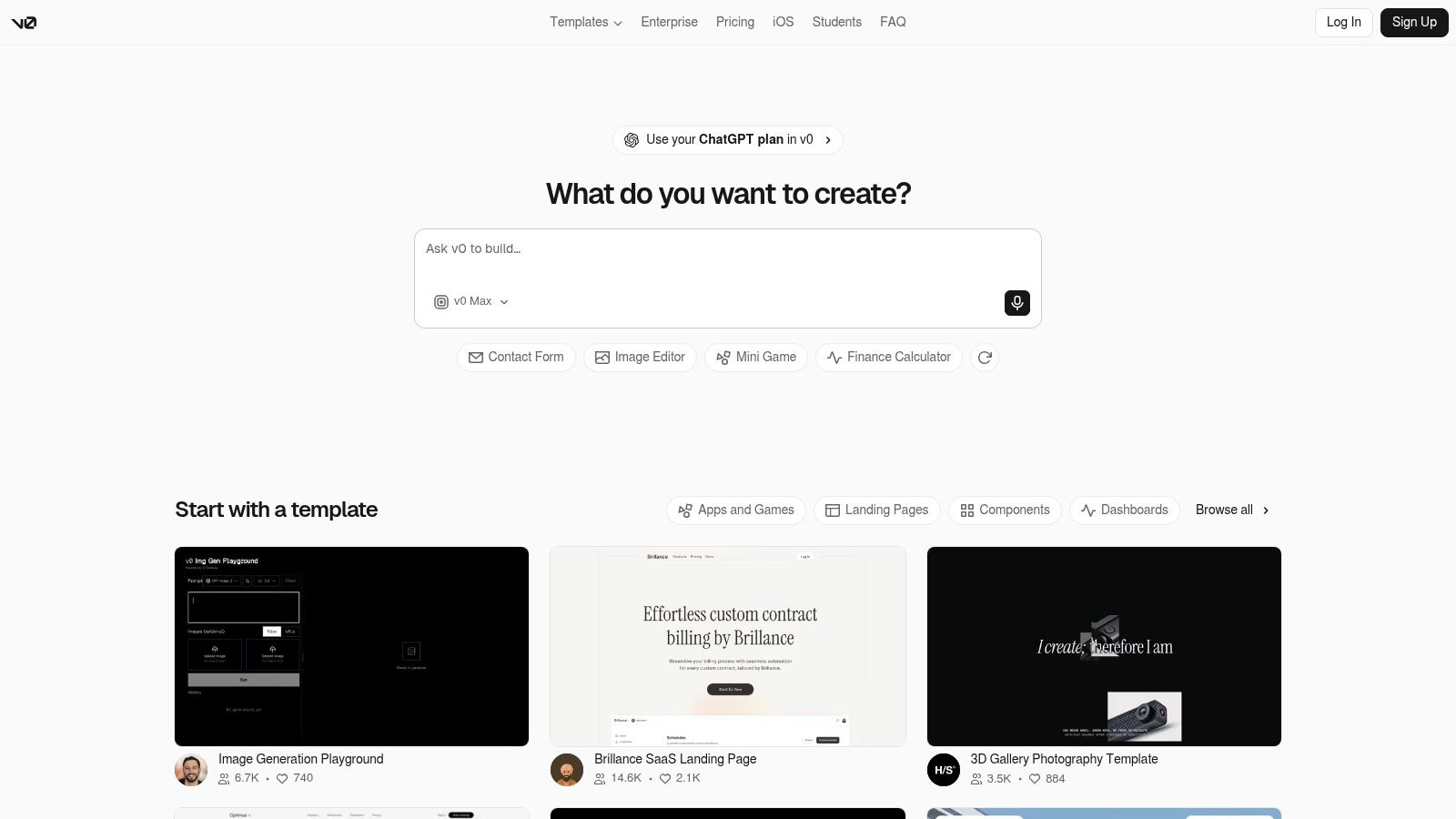
v0 is closely associated with Vercel's deployment ecosystem and is optimized for generating React and Next.js interfaces from descriptions. Users can describe a visual direction, generate pages or components, refine them through prompts, use Design Mode, synchronize with GitHub, and deploy through a workflow that feels natural to teams already working with Vercel.
Its likely stack signal is therefore less about an unusual page layout and more about a modern React implementation. Next.js markers, Tailwind-like utility classes, shadcn-style components, Radix conventions, and Lucide assets can collectively suggest a v0-shaped workflow. None is conclusive alone. These libraries are widely available, and an experienced developer may reproduce the same result without using v0.
Where visual language becomes a weak signal
v0 often produces the interface patterns people associate with contemporary AI-built websites: rounded controls, restrained palettes, responsive cards, familiar dashboard navigation, and carefully spaced sections. Those patterns help explain why several unrelated sites can feel like members of the same design family. They don't identify the generator.
The stronger question is whether visible design and source evidence reinforce each other. A page with a v0-like interface, Next.js markers, shadcn-style component structure, and Vercel deployment clues supports a more credible hypothesis than a page with the same rounded buttons alone. A source-level inspection can also reveal whether the interface is a reusable component system or a static visual imitation.
v0 uses a credit model and provides access to multiple models, while enterprise features include data and privacy controls, SSO, and role-based access control. That makes it attractive for teams with existing governance requirements, but token and credit accounting can surprise users who aren't accustomed to usage-based development. It's also a less obvious fit for teams committed to a different framework or deployment environment.
5. Framer AI
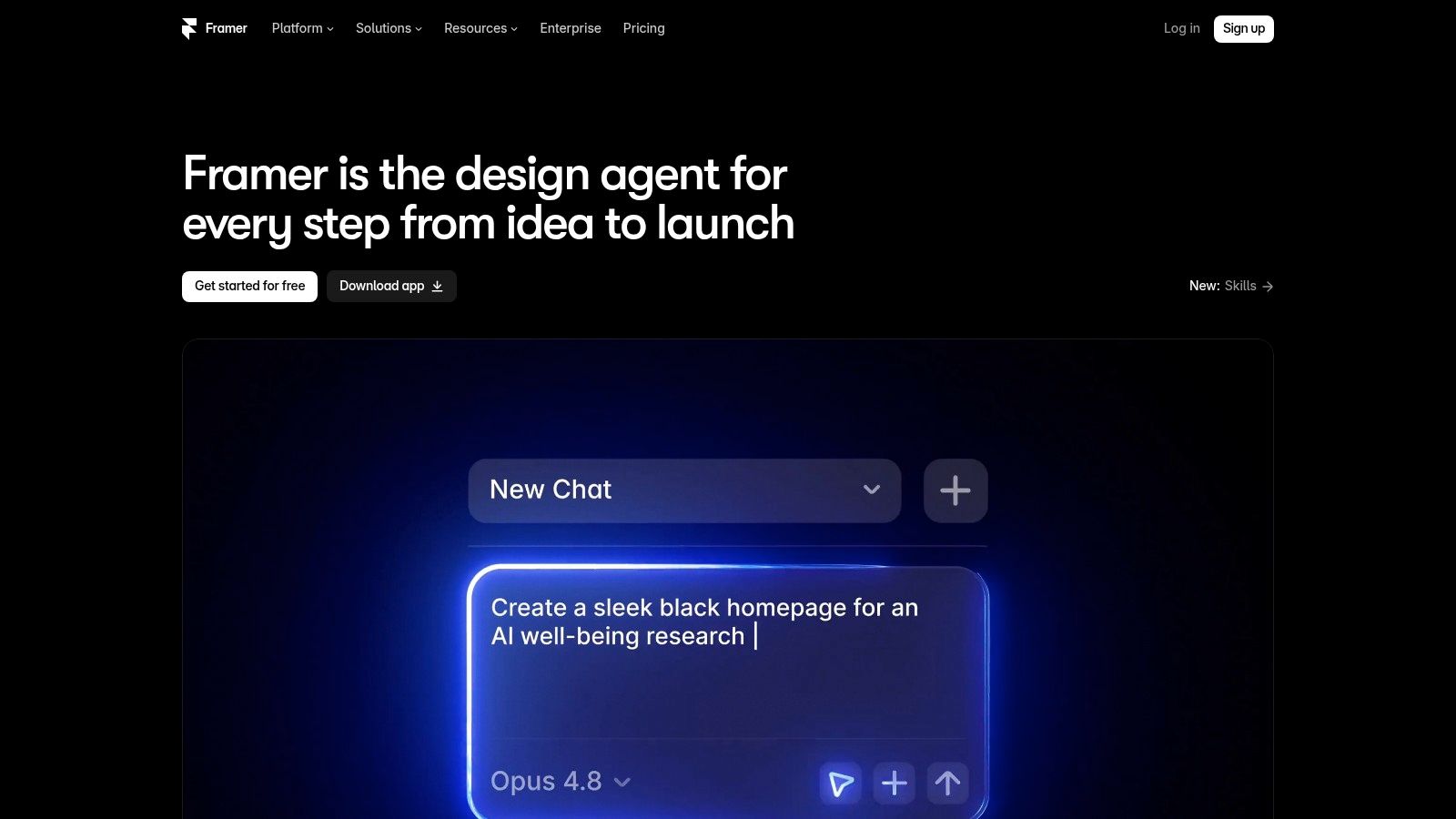
Framer approaches AI website creation from the design side. Its AI canvas agent can generate pages, sections, content, and coded components, while users retain pixel-level control over layouts and visual details. Branching and staging support iterative work, and the platform includes mature publishing, hosting, marketplace, localization, and experimentation capabilities.
That workflow leaves a different family of clues from a code-first generator. A Framer site may emphasize polished marketing layouts, precise typography, animated transitions, responsive composition, and content structures that reflect a design canvas. Its visual language can be more distinctive than the output of a general-purpose coding agent, but visual polish still isn't proof of origin. A skilled designer can create a similar landing page elsewhere.
Design control changes what detection can reveal
Framer's coded components are inspectable, yet the published result is still shaped by a hosted platform and its publishing layer. Detection should therefore examine scripts, asset paths, metadata, headers, cookies, and hosting behavior alongside the page structure. A source inspection that finds only generic frontend conventions may support “modern hosted design platform” without proving Framer specifically.
The platform works especially well for marketing sites, campaign pages, and content-led experiences where appearance and editing speed matter more than complex application logic. It also supports add-ons for A/B testing and AI localization. Those integrations may create additional technology signals, although their presence can change over time and should be treated as supporting evidence rather than a fixed fingerprint.
AI actions consume credits, and heavier use may require add-ons. That matters for teams planning frequent content, localization, or experimentation changes. The key procurement question isn't whether Framer can produce an attractive vibe coding website. It is whether the team can preserve design control, manage publishing dependencies, and document the technology layer well enough for future maintenance.
6. Wix AI Website Builder
Wix AI Website Builder targets small businesses and marketers who want conversational creation inside a broader website ecosystem. Users describe a site in plain language, edit it with Aria, and work inside the Harmony environment. Domains, payments, e-commerce, CRM, marketing automation, SEO, analytics, and hosting sit within the same general platform family.
That breadth changes the detection strategy. A Wix AI site may be easier to attribute through platform scripts, headers, asset paths, cookies, metadata, and ecosystem integrations than through its visual design. Wix can produce many different styles because the user can change templates, sections, typography, and content. A polished service-business page and a restrained editorial page may share the same platform while looking unrelated.
Ecosystem depth versus code-level control
Wix's main advantage is operational completeness. A business can generate a site and connect commercial functions without assembling a separate hosting, payment, CRM, and analytics stack. Aria supports conversational editing, while the platform offers a free plan and premium plans with AI credits. Credit usage per action and regional plan differences can make the cost model less intuitive for teams that expect a simple fixed workflow.
The compromise is lower direct access to underlying code than developer-centric tools such as Bolt or v0. That doesn't make the result unusable, but it affects ownership, migration, auditing, and custom application work. A procurement team should ask who controls the domain, data, integrations, content exports, and operational access before treating a generated site as a durable asset.
For detection, separate two conclusions. “This site appears to run on Wix” is a platform-attribution claim supported by technical signals. “This site was generated by Wix AI” is a narrower origin claim that may require evidence from the project owner or builder-specific artifacts. The finished page alone usually can't establish the difference.

7. 10Web AI Website Builder
10Web combines AI-assisted creation with managed WordPress hosting. Its builder can generate content and images, while redesign, cloning, and Figma agents support migrations, re-skins, and rapid reconstruction. The editing environment uses Elementor, and the service adds performance and SEO features on top of a Google Cloud and Cloudflare-based hosting setup.
WordPress creates a more layered detection problem than a self-contained AI builder. A scan may identify WordPress, the active theme, Elementor, plugins, CDN behavior, hosting signals, and optimization scripts. That evidence can reveal how the site operates today, but it may not prove whether 10Web generated the original pages. A user could import a site, modify it manually, or move an existing WordPress project into the platform.
Why the WordPress layer matters
The advantage is extensibility. WordPress gives teams a familiar CMS and plugin ecosystem, which can make migration, auditing, and future customization more practical than a closed editor. Agencies can also use white-label and multi-site features, making the platform relevant to repeatable client production rather than only one-off experiments.
The cost is complexity. AI credits apply, e-commerce introduces more moving parts, and the agent workflow can feel heavier than a lightweight page builder. A site that appears simple in the browser may depend on a theme, page builder, plugins, caching, CDN rules, image optimization, and third-party services. That stack can be powerful, but it demands ownership records and maintenance discipline.
A useful detection result should therefore go beyond “AI-built” or “not AI-built.” It should identify the CMS, theme, plugins, hosting, CDN, and visible builder signals separately. That lets a researcher distinguish a WordPress site produced through 10Web from a WordPress site that only shares a similar AI-assisted design style.
Vibe Coding Website, 7-Tool Comparison
| Product | Implementation Complexity (🔄) | Resource Requirements (⚡) | Expected Outcomes (⭐📊) | Ideal Use Cases (💡) | Key Advantages (⭐) |
|---|---|---|---|---|---|
| AI Website Detector | Low, SaaS scanner, no setup 🔄 | Minimal, free tier; API for scale ⚡ | High detection accuracy for fingerprinted platforms; probabilistic scores ⭐📊 | Competitive research, vendor validation, tech audits 💡 | Fast, explainable multi-signal detection; deep WordPress insights; API access ⭐ |
| Bolt.new (StackBlitz) | Low–Medium, browser prompt-to-code flow 🔄 | Moderate, token usage; built-in hosting ⚡ | Produces editable, production-ready code; iterative fixes ⭐📊 | Rapid prototyping, dev-first sites, editable codebases 💡 | Generates real code with iterative refactors; hosting & DBs included ⭐ |
| Lovable.dev | Low, conversational AI engineer flow 🔄 | Moderate, credit-based billing; Lovable Cloud hosting ⚡ | Full-stack code outputs with export/ownership; predictable costs ⭐📊 | Non-developers wanting real code + one-click publish; team/class workflows 💡 | Exportable code, clear example-based credit estimates ⭐ |
| v0 (Vercel) | Medium, integrated with Vercel/Git workflows; React bias 🔄 | Moderate–High, usage credits; React/Next familiarity needed ⚡ | Strong for React/Next + Tailwind components; seamless deploy to Vercel ⭐📊 | Teams shipping React/Next sites, component generation, CI/CD flows 💡 | Tight Vercel deployment, modern stack defaults, published token rates ⭐ |
| Framer AI (Framer 3.0) | Low–Medium, design-first canvas with agents 🔄 | Moderate, agent credits; add-ons for A/B/localization ⚡ | High visual/pixel-quality marketing sites with inspectable components ⭐📊 | Marketing sites, landing pages, designers needing pixel control 💡 | Pixel-level design + coded components, mature hosting & marketplace ⭐ |
| Wix AI Website Builder | Low, conversational no-code builder (Aria) 🔄 | Low–Moderate, Wix plans; AI credits for premium features ⚡ | Good end-to-end small-business sites with ecosystem features ⭐📊 | Small businesses, ecommerce, marketers wanting all-in-one stack 💡 | Deep ecosystem (domains, ecommerce, CRM); free Aria chat; integrated analytics ⭐ |
| 10Web AI Builder (WordPress) | Medium, managed WordPress + agent flows 🔄 | Moderate, managed hosting (GCP+Cloudflare), plugins, AI credits ⚡ | Flexible WordPress sites, easy extend/migrate; Elementor-based editing ⭐📊 | Agencies, WordPress users, migrations, white-label multi-site ⚡💡 | WordPress extensibility, strong infra and performance boosters ⭐ |
From Familiar Style to Defensible Detection
The recurring pattern across these examples is simple: visual resemblance is the weakest signal. Start with the page, but don't end there. Record component spacing, typography, icon treatment, gradients, rounded controls, copy tone, animation behavior, and repeated section patterns. Those clues can suggest a shared design system, but they can't reliably identify the builder that produced it.
Next, inspect source-level evidence. Look for framework markers, Tailwind-like utility classes, shadcn or Radix component conventions, Lucide assets, script bundles, CDN domains, headers, meta tags, and cookies. Then compare the combined signals with known builder fingerprints. A Wix ecosystem signal means something different from a Lovable bundle artifact, and a Next.js plus Tailwind combination is weaker than a platform-specific marker because many developers use that stack independently.
The distinction between observable evidence and probability-based inference is essential. An observable signal is a script, header, asset path, or component convention present in the current deployment. A probability-based conclusion is the claim that those signals indicate a particular AI builder or vibe coding workflow. The second conclusion should carry confidence notes, especially when a site has been exported, migrated, minified, or substantially rewritten.
AI coding has become a mainstream development layer. Surveys and industry reporting indicate that 84% of developers globally either use or plan to use AI coding tools, compared with 76% in 2024, while active daily professional use is reported at 50.6% and weekly use at 17.7% (Axis Intelligence). That adoption makes stack-based detection more useful, but it also makes generic AI-style design less diagnostic. More teams can produce the same surface appearance with different tools.
A practical research record should include:
- URL and timestamp: Preserve the exact page examined, because deployments and bundles change.
- Observed clues: Separate visible design details from technical evidence.
- Detected stack: Record CMS, framework, hosting, CDN, analytics, payments, and builder signals independently.
- Probability and confidence: Keep the scanner's score, then explain which signals support or weaken it.
- Screenshot and notes: Preserve visual context so another researcher can audit the conclusion.
Use AI Website Detector for a fast, explainable scan across 80+ builder fingerprints, broader technology attribution, WordPress insight, and a screenshot-backed result. Its heuristic identification of vibe-coded stacks remains probabilistic, so procurement, security, and forensic decisions should be corroborated with repository access, deployment records, server-side evidence, or direct confirmation from the owner.
The caution is practical, not theoretical. The Vibe Code Bench benchmark evaluated 100 web application specifications through 964 browser-based workflows and 10,131 substeps, and the best test-split result among 16 frontier models was 58.0% accuracy (the benchmark paper). A generated page can look finished while still failing browser-level tasks, permissions, edge cases, or maintenance expectations. Independent research also found that over 90% of deployed vibe-coded web applications had at least one vulnerability, with 65.77% of vulnerabilities rated Critical or High, particularly around access control, injection, and authentication (the reported security analysis).
For marketers, identify the build pattern before judging the interface. For developers, separate reusable stack conventions from builder-specific artifacts. For agencies and procurement teams, verify ownership, portability, access, and maintenance rather than accepting a polished demo as proof of quality. For researchers, turn recurring fingerprints into a repeatable workflow. The defensible conclusion isn't “this looks AI-made.” It's “these observable signals support this builder or stack hypothesis, with this level of confidence.”
Scan a competitor, client site, or freelancer portfolio with AI Website Detector to identify AI-builder signals, technology layers, and explainable evidence in one workflow. Use the result to replace visual guesswork with a documented stack assessment before you choose a builder, approve a deliverable, or investigate a vibe coding website.