10 AI Web Design Tools for Faster Site Building
The worst advice about ai web design tools is that the fastest generator is automatically the best choice. Speed matters, but only if the tool matches the job, because a marketing page, a small-business launch site, a WordPress production stack, and an IA or wireframe workflow do very different things. The market data backs up that this category has become a serious software segment, not a novelty. One estimate places the AI website builder market at USD 3.24 billion in 2026, rising from USD 2.69 billion in 2025 and projected to reach about USD 17.43 billion by 2035 at a 20.55% CAGR; another market report puts it at USD 3.41 billion in 2026 and USD 14.78 billion by 2035 (market estimate). That growth fits what teams are buying: hosted builders, AI-assisted design platforms, and design-to-code workflows that reduce launch time and cleanup.
The better question is which workflow keeps control, publishing infrastructure, integrations, handoff, and cleanup in balance. Some tools are built for designers who want a canvas first. Others are business platforms with hosting, domains, bookings, and marketing bundled in. A third group lives inside WordPress, where ownership matters more than pure speed. For competitive research, AI Website Detector is useful because it can inspect whether example sites were built with AI-first platforms and expose the broader technology stack, which helps separate a slick demo from a real production setup.
Table of Contents
- 1. Framer
- 2. Webflow AI
- 3. Wix Harmony
- 4. Hostinger AI Website Builder
- 5. Squarespace Blueprint AI
- 6. Durable
- 7. 10Web
- 8. Relume Site Builder
- 9. GoDaddy Airo AI Builder
- 10. Dorik AI
- Top 10 AI Web Design Tools, Feature & Performance Comparison
- Choose the Workflow Before the Builder
1. Framer
Framer is the cleanest fit when the brief is a designer-led marketing page and you want to stay on the canvas while shaping the final result. The platform's AI can generate sites and sections directly in a visual editor, then you can keep refining layout, copy, and components without leaving the build surface. That matters because the main advantage isn't just speed, it's the ability to move from prompt to production without the handoff friction that often appears in code-first tools.
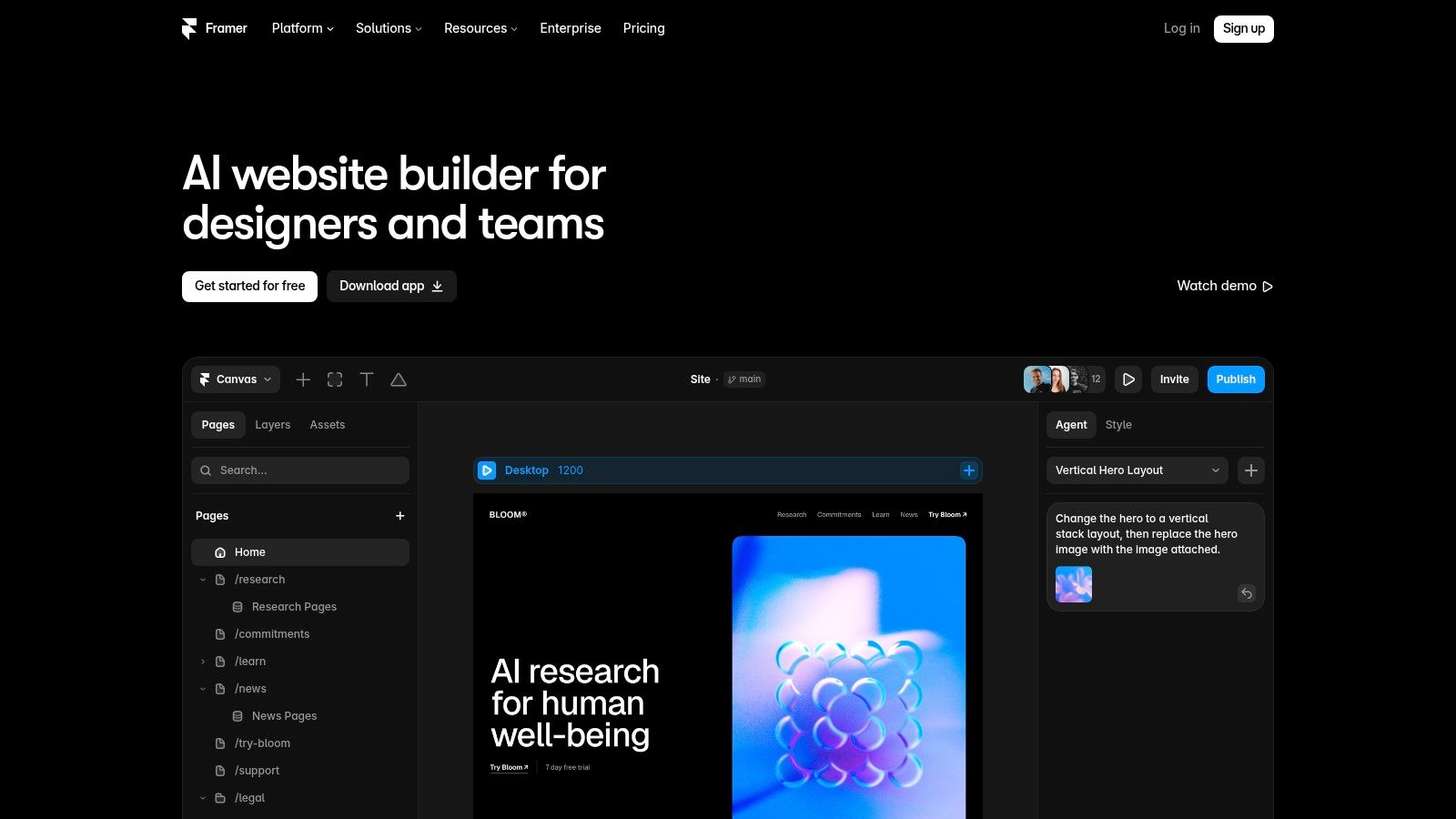
Framer's strongest scenario is a landing page, product launch, or campaign site that needs pixel-level control and a fast iteration loop. It ships with built-in CMS, analytics, SEO controls, and fast global hosting, and it also supports richer component workflows, localization, and an A/B testing add-on. That makes it much closer to a production-ready marketing system than a one-off prompt generator. The trade-off is that the AI credit model and overage rules can surprise new users, and the platform is still a better fit for marketing sites than for complex web apps.
Where Framer earns its keep
Framer is strongest when the team cares about the final presentation as much as the first draft. A designer can use the visual canvas to tune spacing, motion, and component reuse, which avoids the generic output problem that shows up in raw code workflows. If you're evaluating it against another canvas-first platform, this Framer vs Webflow comparison is worth checking because the difference shows up most clearly in editing feel and handoff style.
Practical rule: Choose Framer when the site needs to look polished quickly, stay easy to edit on-canvas, and live inside one hosted system from first draft through publish.
2. Webflow AI
Webflow AI is better when the site needs structured production controls rather than just a fast first draft. Its AI layer sits on top of Webflow's visual CMS platform, so the workflow starts with prompt-based generation, then moves into the familiar designer for refinements. That makes it a more natural fit for teams that want AI acceleration without giving up the governance and organization of a mature web platform.
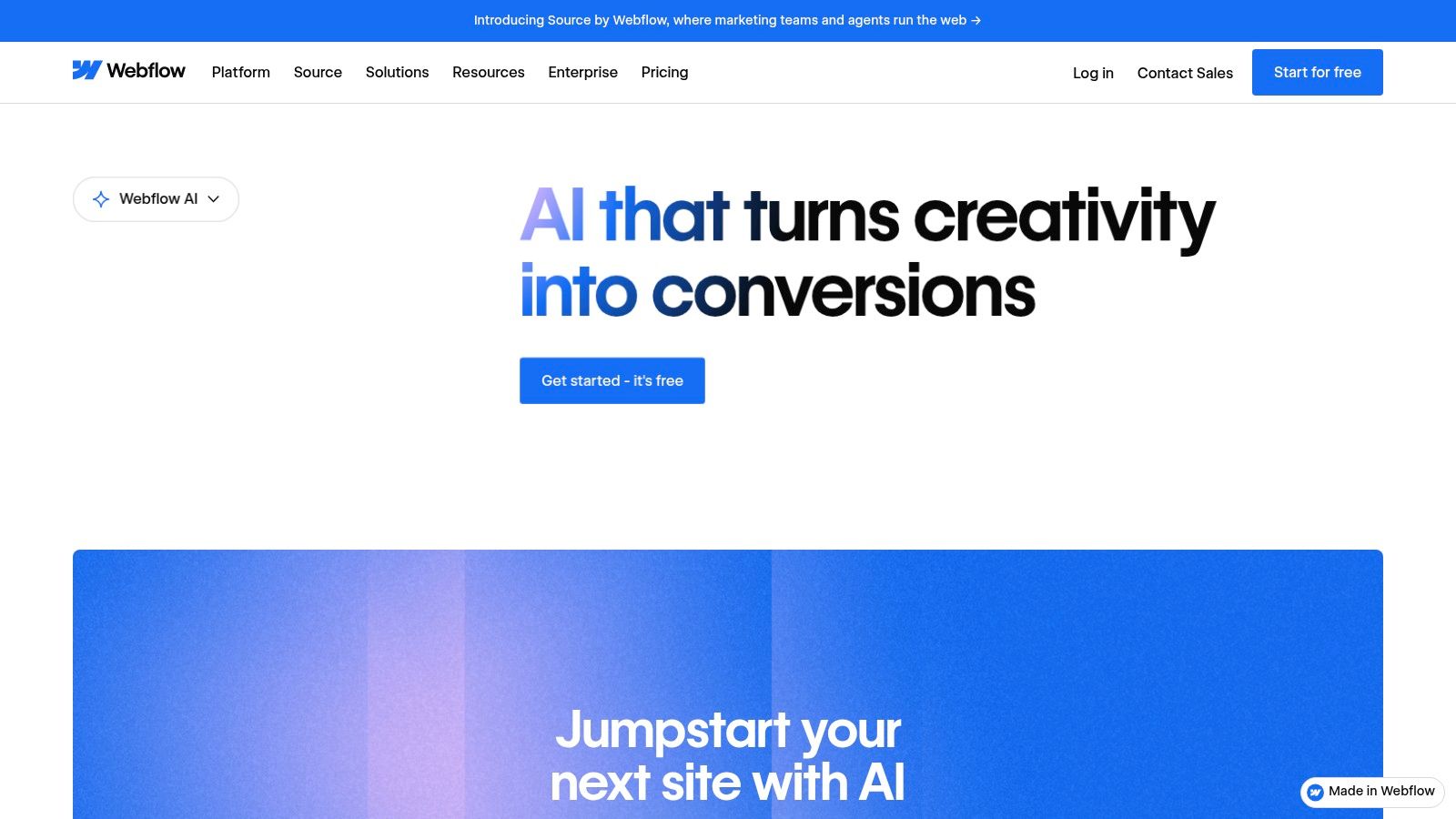
Webflow's edge is the infrastructure around the design layer. It brings CMS, hosting, performance tooling, SEO, roles and permissions, and enterprise workflows into the same environment, so the build can survive beyond the initial mockup. That matters for agencies, internal marketing teams, and businesses with approvals or content governance. The downside is obvious to anyone who has watched non-builders struggle with it. Webflow still has a learning curve, and AI access or quotas can vary by plan and add-ons, which makes pricing and setup less straightforward than simpler site builders.
Why Webflow AI is often the safer handoff
Webflow AI works best when the first build isn't the final build. A marketer or designer can generate a responsive starting point, then a stronger operator can shape the CMS structure, content rules, and performance details before launch. That combination is exactly why it's useful for production work, the AI removes blank-page friction, but the platform still expects real oversight.
For a broader look at how AI builders are being positioned in the market, AI website builder comparisons are a useful reference point. Webflow stands out there because it keeps the acceleration inside a system that already behaves like a proper web production environment.
3. Wix Harmony
Wix Harmony makes the most sense for a small business that wants one system for the site, bookings, commerce, and marketing. It replaces the older ADI-style flow with a conversational, prompt-based builder that creates a business-ready site and then lets you continue editing inside Wix's broader environment. That combination is the core value, because the site isn't isolated from the rest of the business stack.
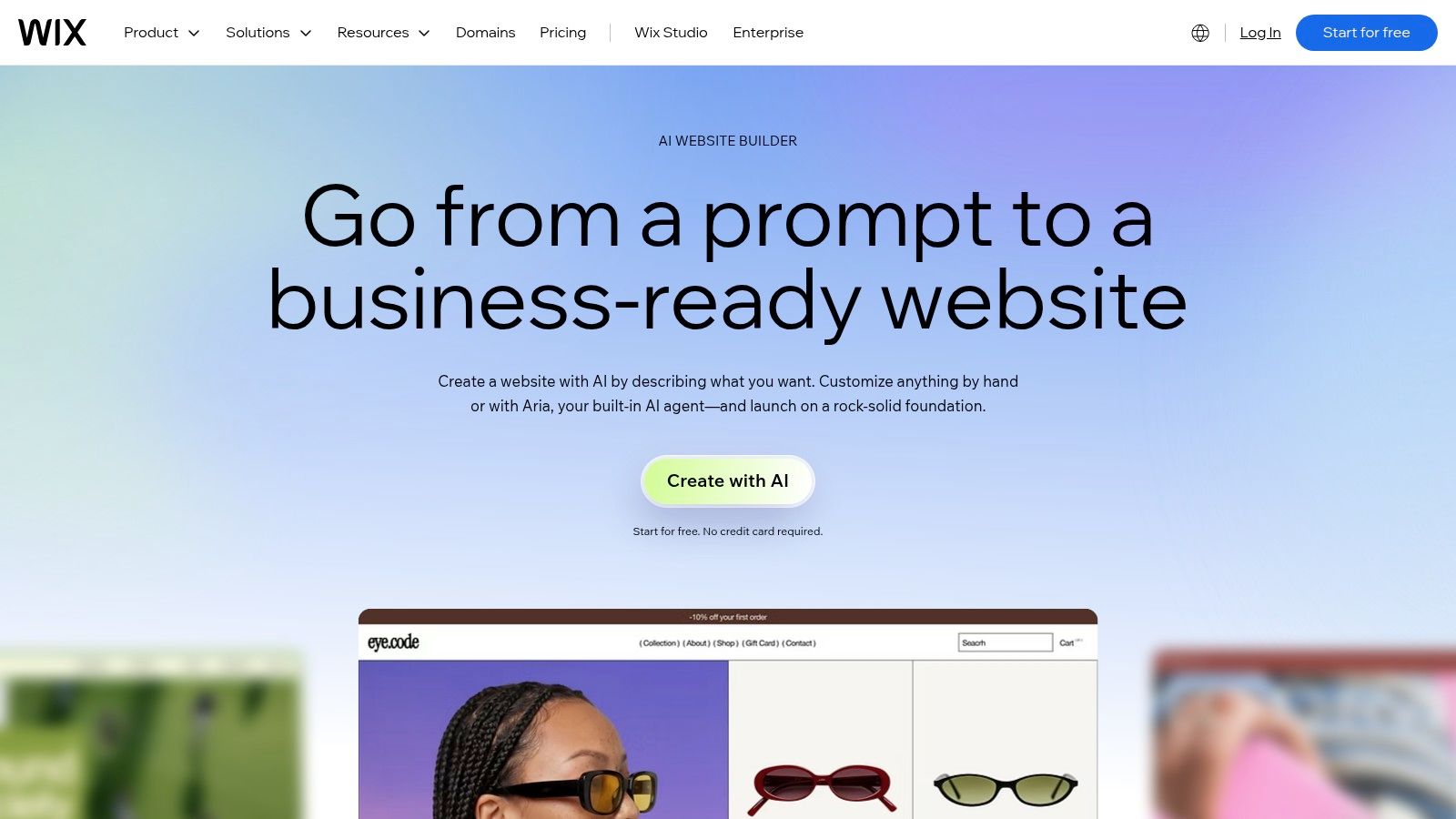
Wix's real advantage is native breadth. If a local service business needs e-commerce, bookings, branding, SEO, and built-in apps without stitching together a bunch of plugins, Harmony is a pragmatic route. That low-friction ecosystem is the same reason Wix often wins for owner-operators who want fewer integration decisions. The friction shows up in a different place. The Harmony editor and AI credits introduce new workflow rules, and some legacy apps or features may not yet map cleanly into the new experience.
The right fit for owner-run sites
Wix Harmony is strongest when the founder wants to publish quickly and keep most tasks in one account. It reduces the need to compare hosting, domain configuration, app integration, and content tools separately. The trade-off is that you're buying convenience inside Wix's ecosystem, not maximum portability or deep layout freedom.
The broader market data helps explain why this model keeps winning attention. Cloud-based tools account for about 81% of the category, and SMEs drive roughly 49% of revenue in the AI website builder market (Hostinger's market summary). That's exactly the audience for which a bundled platform like Wix is usually easier to justify than a more fragmented stack.
4. Hostinger AI Website Builder
Hostinger AI Website Builder is the value play for people who want a site live with hosting, domain, and SSL bundled together. It combines AI generation with a drag-and-drop builder, and that dual approach matters because it gives nontechnical users a simple path in while still leaving room for manual cleanup. For a solopreneur or very small business, that hybrid setup often beats a more advanced builder that feels powerful but slow to learn.
The appeal is straightforward. Hostinger packages the basics, then adds AI helpers and templates so a user can get past setup without dealing with separate vendors. That lowers the coordination cost of launch. The compromise is control. Compared with pro-first tools, Hostinger gives up some design precision, and its app ecosystem is smaller than the biggest all-in-one rivals.
Why this is a launch tool, not a design studio
Hostinger works when the main objective is to publish a credible site quickly and keep ongoing overhead low. It's not trying to be the deepest canvas or the most extensible platform. The value is that the user doesn't need to negotiate hosting choices, SSL setup, and domain plumbing across multiple providers.
If you're comparing it to other fast-launch options, the question is whether you need more flexibility later. For many small businesses, the answer is no at first. They need a functioning website, a clear contact path, and enough room to update content without hiring a developer for every change.
5. Squarespace Blueprint AI
Squarespace Blueprint AI is the polished choice for users who want structure first, customization second. It scaffolds the site's layout and content, then hands the edit over to Fluid Engine, which keeps the site approachable without making it feel templated in the cheap sense. That balance is why Squarespace keeps showing up for portfolios, local businesses, and modest commerce sites where visual polish matters.
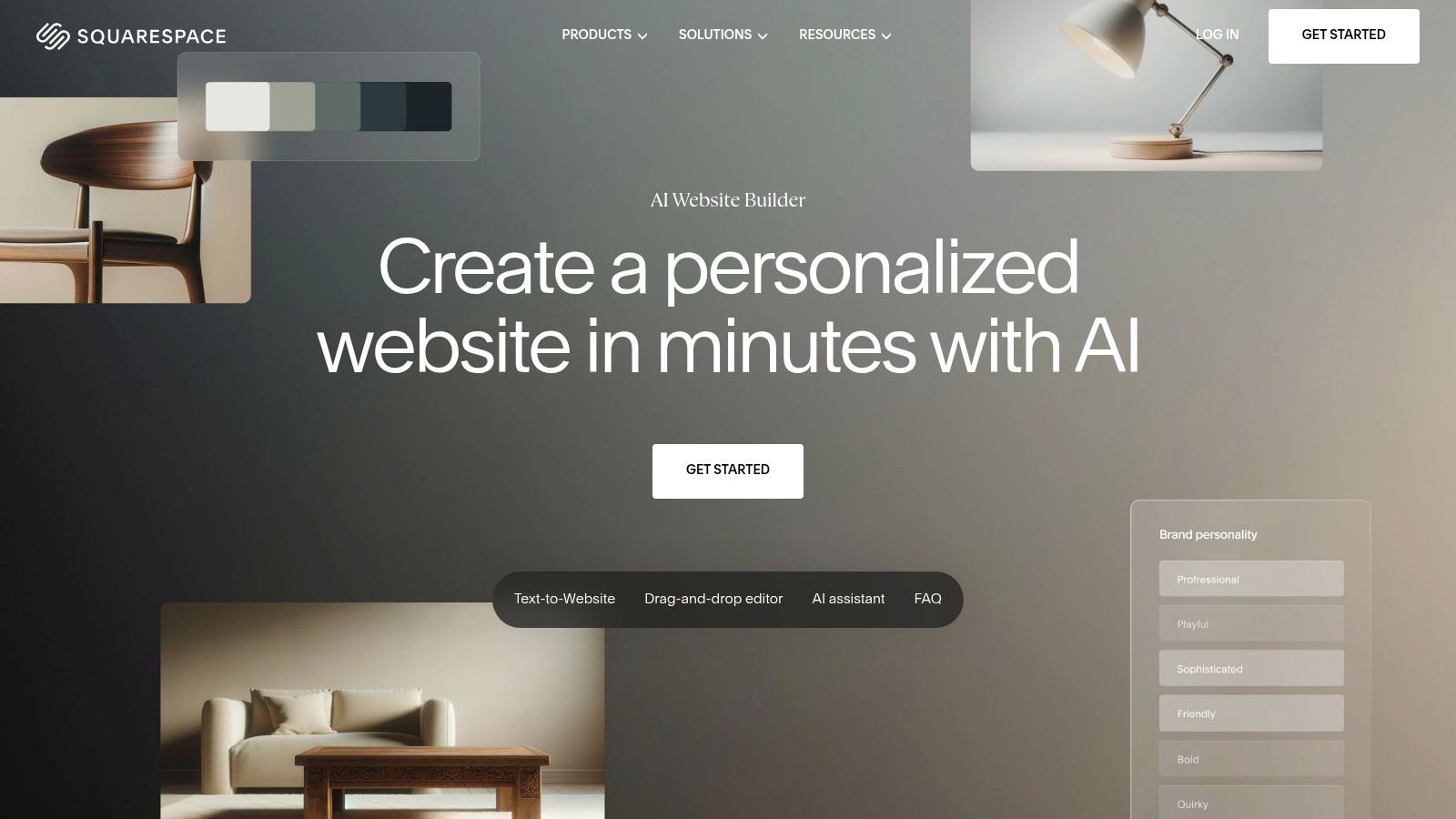
Squarespace's strength is consistency. The templates look refined, the built-in commerce and scheduling features cover common use cases, and the marketing basics are already part of the platform. That lowers the number of product decisions a non-designer has to make. The downside is flexibility. If the project needs a highly bespoke layout or unusual workflow, Squarespace can start to feel more constrained than a pro-first canvas or a WordPress stack.
Best for people who want the site to feel finished
Squarespace is a good fit when the owner wants a site that looks intentional without spending days arguing with layout options. It's also a better fit than a pure generator for businesses that need a reliable all-in-one environment rather than a pile of separate integrations. Plan changes and feature gating still matter, though, so long-term cost-benefit should be checked before committing.
For teams comparing AI-assisted site setup with SEO discovery tools, this AI search engine comparison is a useful reference in the broader workflow discussion. Squarespace belongs in the “business site with a tidy finish” bucket, not the “maximum freedom” bucket.
6. Durable
Durable is the most aggressive small-business autopilot in this group. It can generate a full website quickly, then layer in AI agents for SEO, blog writing, reviews, and lead handling. That makes it less like a traditional builder and more like a business wrapper for service providers who want the site, CRM, and follow-up workflow to sit close together.
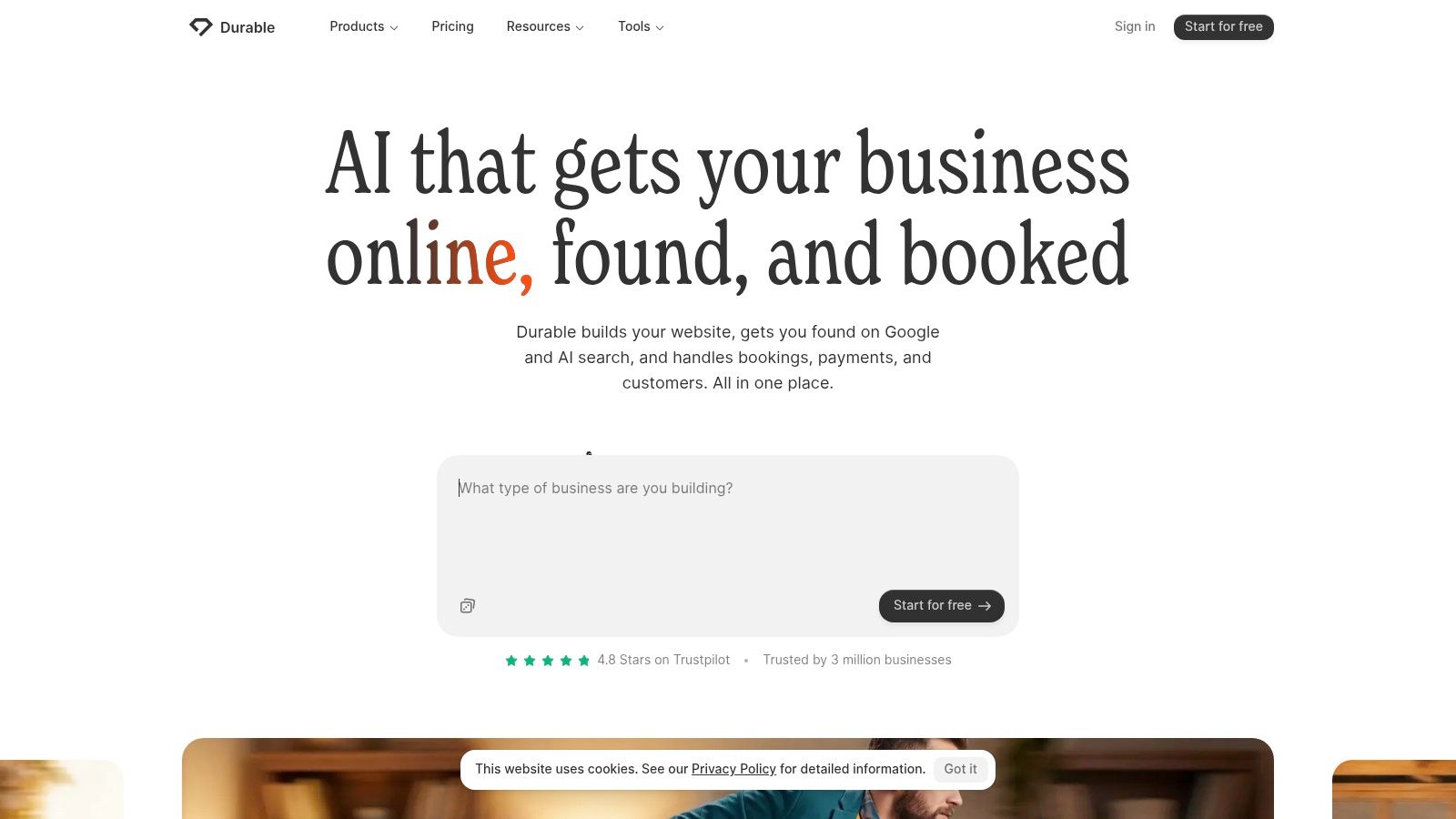
The practical upside is speed. A local service company can get a site, bookings, and customer management in one place without spinning up a separate CRM or content workflow. Durable also leans into automation in a way many builders don't, which is useful if the business owner wants fewer day-to-day tasks. The limit is customization. It's not the best choice for complex commerce or advanced layout needs, and its HTML and control surface are more limited than pro builders.
Where Durable wins, and where it stalls
Durable is strongest when the business model is simple, service-driven, and repetitive. A contractor, consultant, or local operator can use it to get online quickly and keep routine tasks contained. It is weaker when the site needs custom interactions, deeper content structures, or e-commerce logic that goes beyond standard service pages.
That gap matters because the category is still divided between tools that optimize for launch and tools that optimize for long-term control. Durable sits firmly on the launch side, with automation as the selling point rather than deep customization.
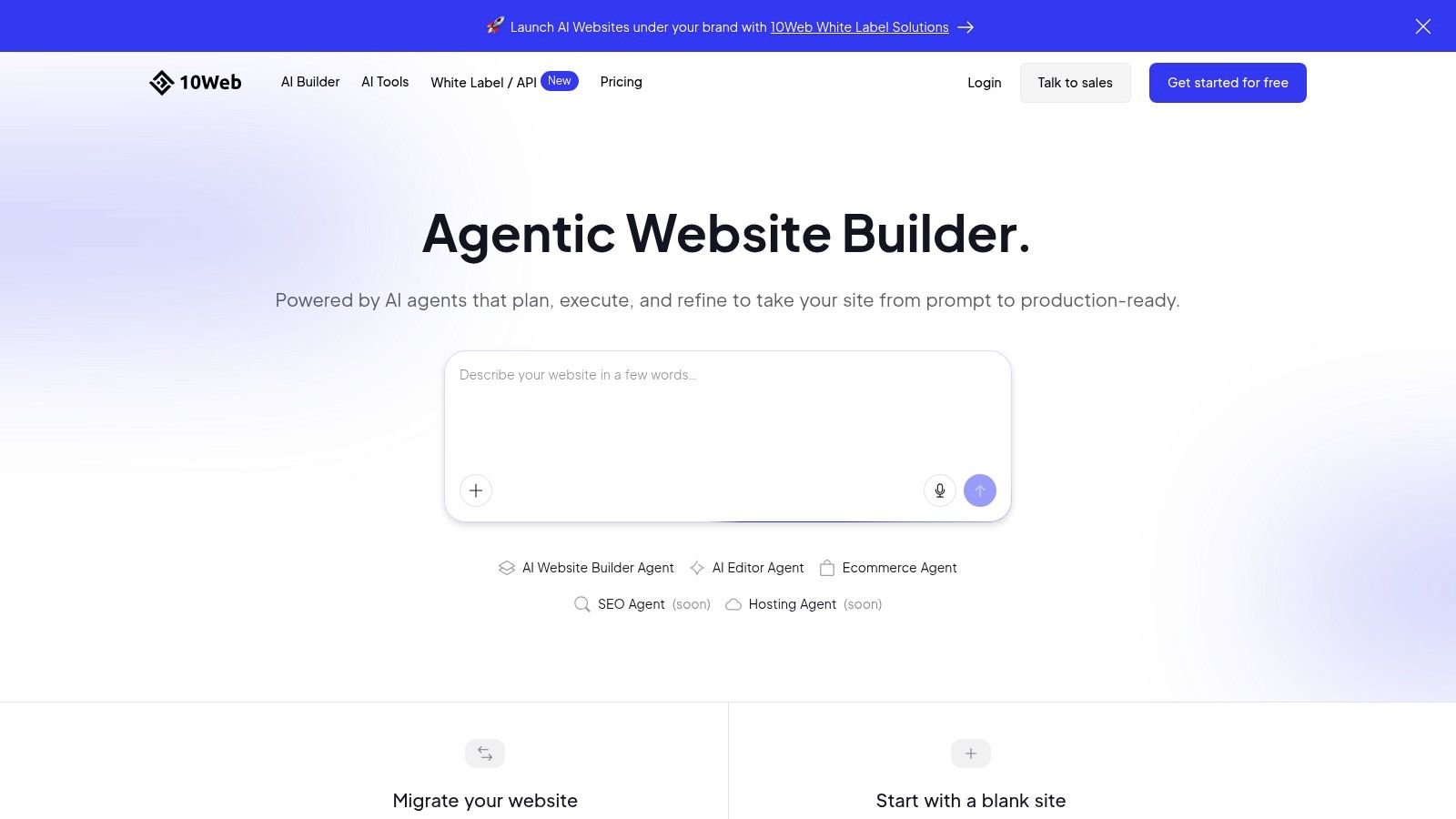
7. 10Web
10Web is the best fit for teams that want WordPress ownership with AI speed. It generates WordPress sites, can convert pages into WordPress, and bundles managed hosting on Google Cloud with performance and optimization tooling. That combination is valuable because it preserves the WordPress plugin ecosystem while reducing the time it takes to get a usable build in place.
10Web is especially useful for teams standardizing on WordPress but tired of manual setup. It keeps WooCommerce support, SEO utilities, and plugin compatibility in the picture, so the AI layer becomes a speedup rather than a replacement for the stack. The trade-off is complexity. Hosting, WordPress, and plugins mean more moving parts than a proprietary builder, and that means more things to verify before launch.
WordPress ownership with fewer blank pages
This is the builder for people who care about portability and ecosystem depth. You're not trapped in a closed site builder if the project later needs custom plugins, content workflows, or a different host. The cost of that flexibility is operational overhead, because a WordPress stack still needs maintenance discipline.
For a deeper verification path, AI Website Detector's builder comparison view can help you inspect whether a live site is really sitting on AI-first infrastructure or just looks that way. That matters when you're comparing WordPress-based builds against proprietary hosted tools.
8. Relume Site Builder
Relume is not trying to be a full traditional website builder, and that's exactly why it's useful. It shines at the brief to sitemap to wireframe stage, then exports into tools like Figma, Webflow, or React, which makes it a strong choice for agencies and teams that care about information architecture before polish. If the project starts with content structure and handoff, Relume is one of the most efficient ways to get there.
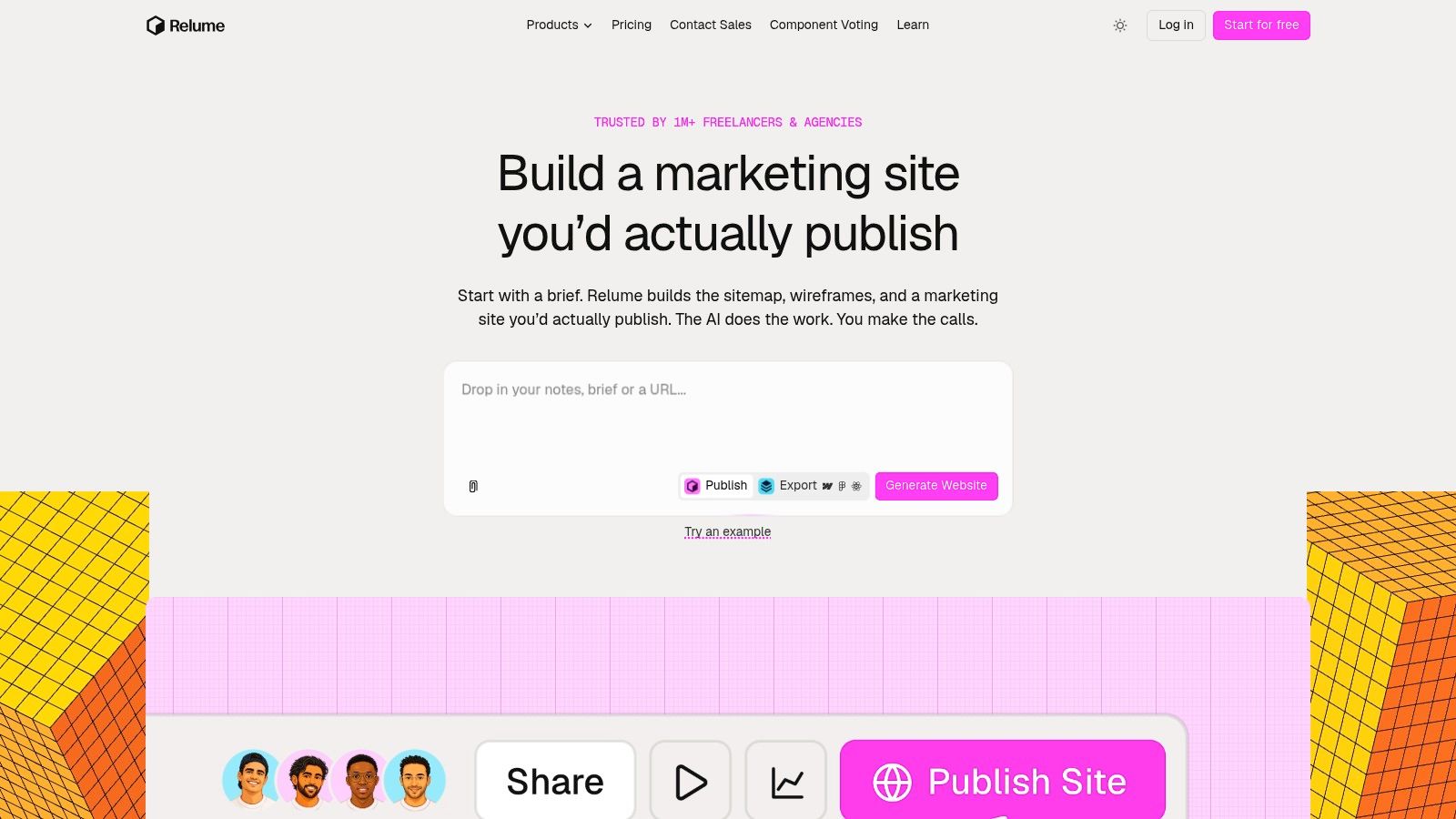
The strength of Relume is consistency. Component libraries and AI-driven wireframing speed up the parts of a project that usually slow teams down, especially when multiple stakeholders need to agree on scope before visual design starts. The downside is the handoff cost. Exports and publishing steps add friction, and the tool is more useful as an upstream accelerator than as a single system for the whole site lifecycle.
Best for agencies, not one-click site owners
Relume works when the team wants to define structure cleanly, then hand that structure into a more specialized build environment. That makes it a better planning tool than a final destination. The free publishing limits also make it less attractive for anyone expecting unlimited live use without moving up a plan.
For a direct comparison that reflects the planning-versus-launch split, Relume versus Durable is a helpful contrast. One tool leans into architecture and export. The other leans into immediate business launch.
9. GoDaddy Airo AI Builder
GoDaddy Airo AI Builder is built around domain-to-site continuity, which makes it a natural fit for brand-new businesses already buying a domain from GoDaddy. The builder works through chat, creates sites and apps, and ties in bookings, payments, and branding assets. That close integration with the domain and marketing stack is the main reason it works for first-time business owners who want to minimize account sprawl.
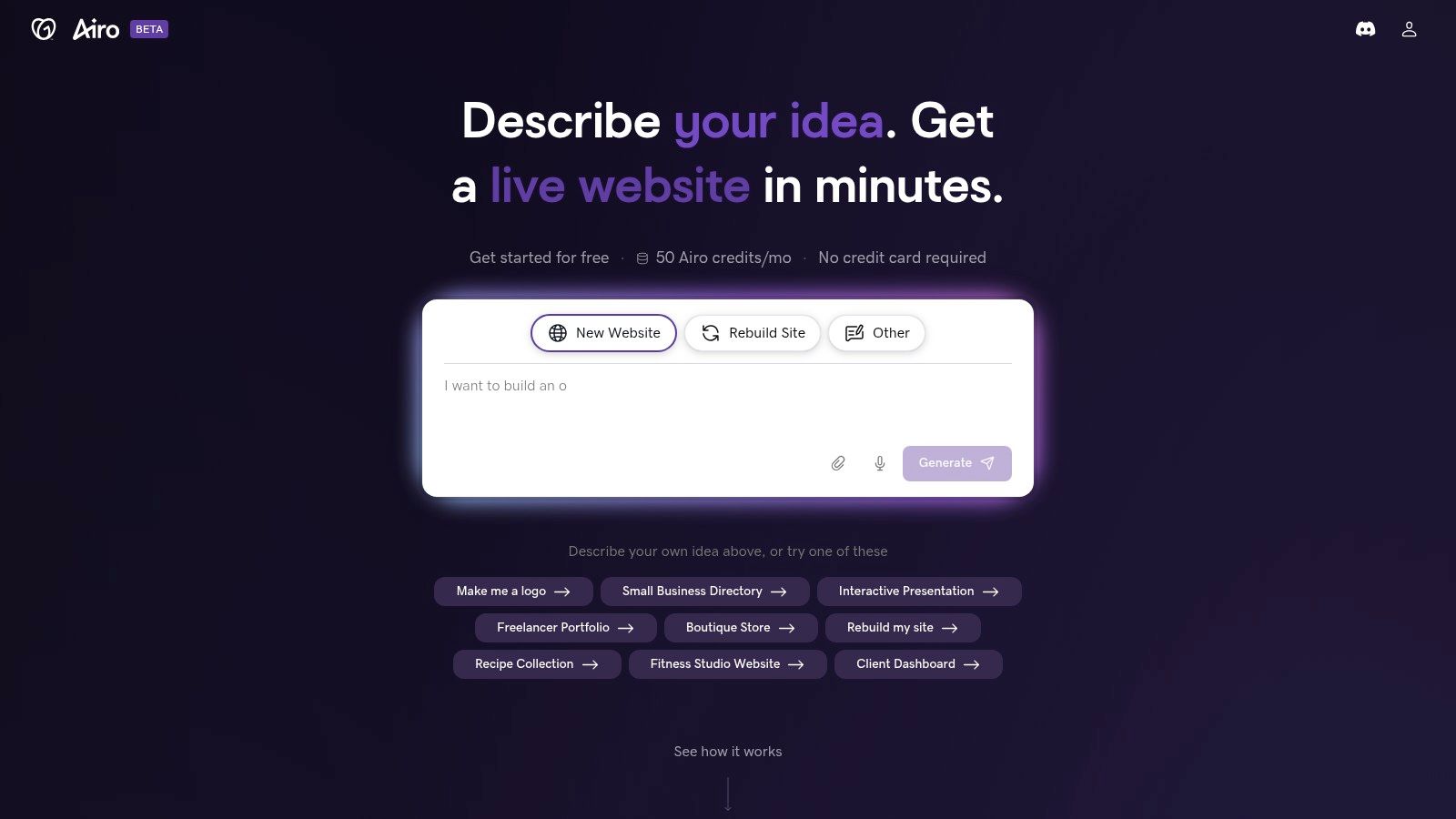
Airo's best use case is a new business that wants the simplest possible path from domain registration to published site. The workflow is less about design sophistication and more about reducing setup friction. The AI credit system is the main thing to watch, because it creates usage management and possible extra cost. Traditional editor parity can also vary, so this is not the first pick for advanced layout customization.
The strength is convenience, not depth
GoDaddy Airo wins when the user values one vendor and one flow. If the domain, email, and marketing tools are already in that ecosystem, the site becomes one piece of a larger setup instead of a separate project. That convenience has a ceiling, though. Once the business wants deeper design control, the limits become more obvious.
This is a classic case of a platform solving the first mile well. It gets the business online, but it doesn't aim to be the most flexible studio in the group.
10. Dorik AI
Dorik AI is the value option for freelancers and agencies that want a lower-friction builder with white-label and client billing features. It generates multi-page sites that can be edited in Dorik's no-code builder, then adds agency-friendly controls that make client management easier than on most consumer-first platforms. If a shop wants to move quickly without losing the ability to present work under its own brand, Dorik deserves a close look.
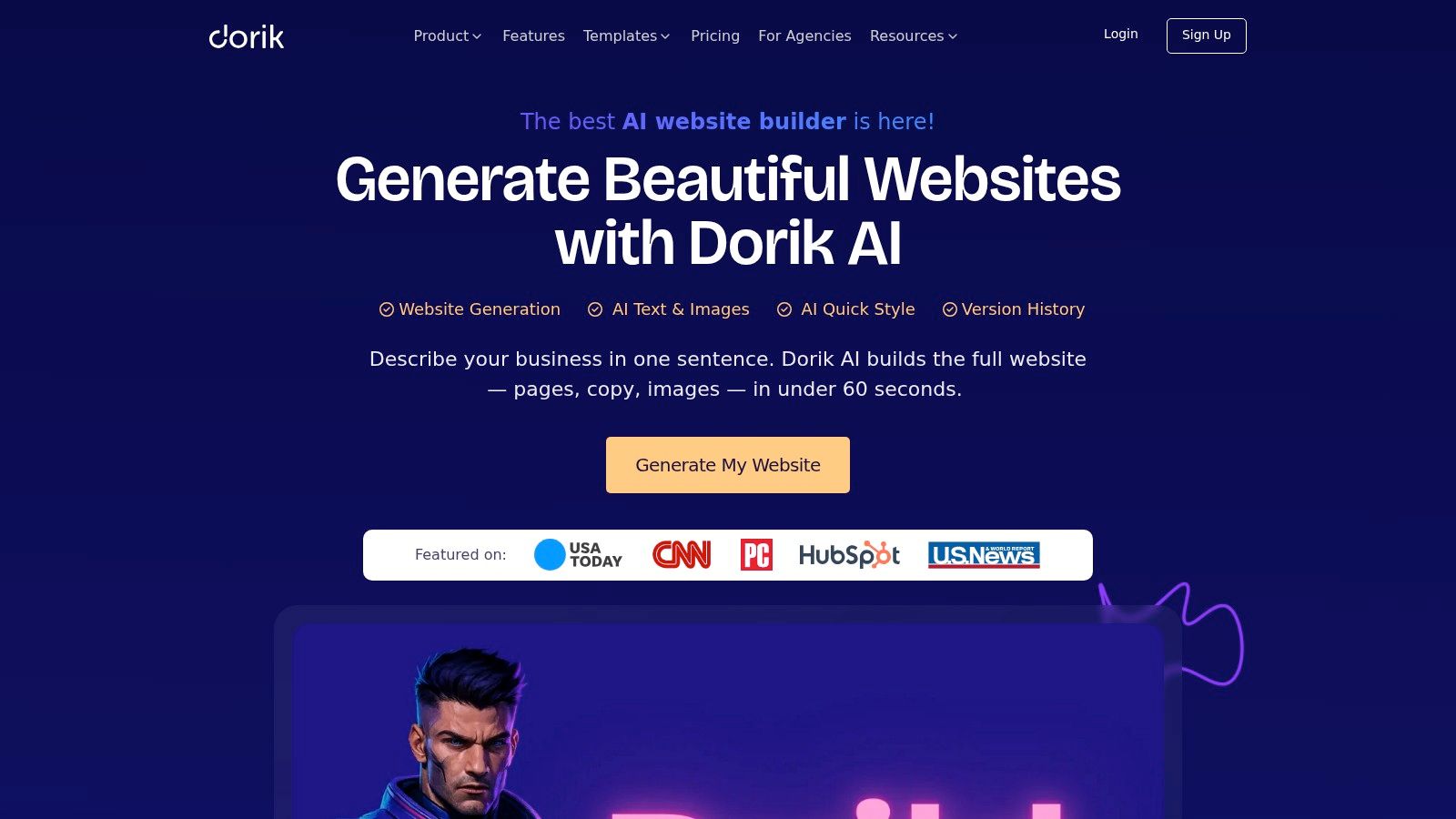
The appeal is a mix of affordability and practical limits. Paid tiers can include generous bandwidth and storage, and the platform supports static export plus Airtable integrations, which broadens how teams can use it. The downside is ecosystem depth. Dorik has fewer advanced widgets than the biggest players, and pricing promos can change, so purchase decisions should be checked carefully.
A practical pick for client work
Dorik is strongest when the agency needs to ship decent sites quickly and manage clients without overbuilding the stack. White-label controls matter here because they let the agency own the presentation layer. The platform is less compelling if the project demands a rich app-like interface or deep third-party ecosystem.
That makes Dorik one of the more pragmatic options in the category. It doesn't try to be the deepest platform. It tries to be efficient, flexible enough, and easier to package for client delivery.
Top 10 AI Web Design Tools, Feature & Performance Comparison
| Platform | Core features ✨ | Standout 🏆 | UX / Quality ★ | Value 💰 | Target 👥 |
|---|---|---|---|---|---|
| Framer | Prompt-to-site visual canvas; built-in CMS, hosting, analytics; A/B & localization | Designer-first pixel control; rich component ecosystem | ★★★★★ production-ready, fast iteration | 💰 Mid–high; AI credits & overages | 👥 Designers, marketing teams, landing pages |
| Webflow AI | AI generation + Webflow designer; robust CMS, hosting, SEO tooling | Enterprise workflows, CDN & performance tooling | ★★★★★ enterprise-grade control | 💰 Mid–high; complex quotas & add-ons | 👥 Enterprises, agencies, pro builders |
| Wix Harmony | Conversational/prompt builder; e‑com, bookings, apps, branding | Very fast first-draft; extensive native integrations | ★★★★ quick & approachable | 💰 All-in-one bundles; AI credits/limits | 👥 SMBs, small businesses, non-technical owners |
| Hostinger AI Website Builder | Two AI approaches + drag‑and‑drop; hosting, domain, SSL bundle | Low total cost; promo pricing for quick launches | ★★★★ simple workflow; less granular control | 💰 Budget-friendly; strong TCO | 👥 SMBs, solopreneurs, beginners |
| Squarespace Blueprint AI | AI scaffolding + Fluid Engine; polished templates, commerce | Refined aesthetics and template quality | ★★★★ approachable & polished | 💰 Mid; plan gating can affect value | 👥 Creatives, portfolios, small e‑commerce |
| Durable | One-click site & brand; CRM, bookings, blog & SEO agents | Autopilot features for replies, blogs, leads | ★★★★ instant launch; limited deep customization | 💰 Good for automation-heavy SMBs | 👥 Local service businesses, solopreneurs |
| 10Web | AI → WordPress generation + managed Google Cloud hosting; WooCommerce support | WordPress ownership with AI speed & optimization tools | ★★★★ flexible but more moving parts | 💰 Mid; depends on hosting & plugin choices | 👥 Teams needing WP control & plugin ecosystem |
| Relume Site Builder | Brief→sitemap→wireframe; exports to Figma, Webflow, React | Fast IA/wireframe flow and flexible handoff | ★★★★ design-system focused workflow | 💰 Good for agencies; hosting optional | 👥 Agencies, designers, dev handoffs |
| GoDaddy Airo AI Builder | Chat-first builder; integrated domain, branding, bookings & payments | Seamless domain-to-publish & GoDaddy ecosystem | ★★★ easy & widely available; less pro flexibility | 💰 Mid; AI credits govern usage | 👥 New businesses, domain-first users |
| Dorik AI | AI multi-page generation; white-label CMS, static export, agency billing | High usage limits; strong agency-friendly billing | ★★★★ strong value; fewer advanced widgets | 💰 High value; unlimited bandwidth/storage tiers | 👥 Freelancers, agencies, budget-conscious clients |
Choose the Workflow Before the Builder
The clearest way to pick among ai web design tools is to decide which workflow you need. Choose Framer when the project is a designer-led marketing page and the priority is on-canvas control. Choose Webflow when you need structured production workflows, permissions, and a stronger CMS layer. Choose Wix Harmony or Squarespace Blueprint AI when the site is a business presence with bookings, commerce, marketing, and a polished finish bundled together. Choose Hostinger, Durable, GoDaddy Airo, or Dorik when the goal is fast small-business launch and lower operational drag. Choose 10Web when WordPress ownership matters. Choose Relume when planning and handoff matter more than immediate publishing.
A quick comparison framework helps. Control is highest in Framer and Webflow, moderate in 10Web, and lower in bundled launch tools like Hostinger or GoDaddy Airo. Infrastructure is most complete in the hosted all-in-one platforms, while business features are strongest in Wix, Squarespace, and Durable. WordPress compatibility belongs to 10Web, while handoff complexity is lowest in all-in-one site builders and highest in Relume because exports add steps. Those differences matter more than any generic “best builder” label because they determine how much cleanup your team owns after the first draft.
Before you commit, test one representative page, one content update, one integration, and one publish step. That small exercise exposes the friction, whether it's AI credit limits, CMS structure, app gaps, or handoff issues. For competitive research or verification, use AI Website Detector to scan a live site and review its technology stack, then confirm current platform capabilities and pricing directly with the vendor before you buy.
AI Website Detector can help you verify whether a live site was built with an AI-first platform and what stack sits underneath it. If you're comparing ai web design tools, that kind of scan makes it easier to separate platform marketing from actual implementation. Visit AI Website Detector to review builder fingerprints, stack details, and AI probability signals before you choose your next workflow.