
7 Best AI Website Builders for 2026
The fastest AI website builder isn't always the best fit. A landing page that needs design precision has different requirements from a local service site that needs leads, bookings, and a quick launch. A content-heavy publication needs a stronger CMS, while a store needs dependable commerce infrastructure and a clear path for managing products, payments, and growth.
This roundup ranks seven of the best AI website builders by matching AI generation speed to the constraint that matters after launch. I compare prompt-to-publish speed, design control, CMS and commerce depth, ownership, extensibility, hosting, and ongoing AI usage limits. The ranking is editorial rather than universal, and current pricing, credits, plan limits, renewal terms, and included features should be checked before purchase. For broader context on choosing AI platforms, see PostSyncer's practical AI guide.
If you're inspecting live examples, AI Website Detector can help with its AI Builder Detector, technology-stack analysis, builder profiles, comparisons, and quiz. Those tools are useful when a platform's marketing page doesn't answer whether a site can support your next stage of growth.
Table of Contents
- 1. Framer
- 2. Wix
- 3. Webflow
- 4. Squarespace
- 5. Hostinger
- 6. Durable
- 7. 10Web
- Top 7 AI Website Builders Comparison
- Choose the Builder That Matches Your Next Constraint
1. Framer
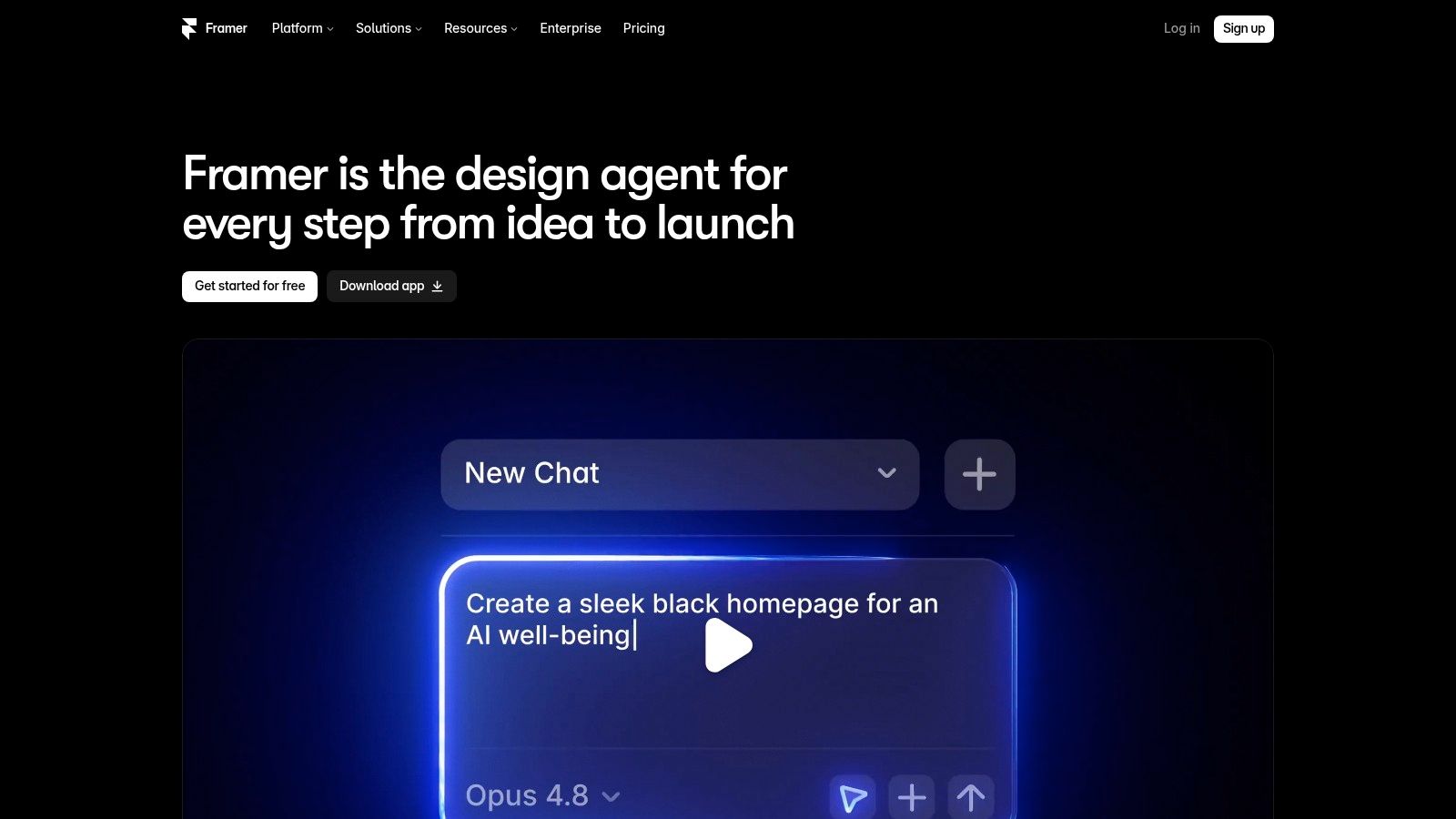
Framer ranks first for teams that care about the relationship between AI speed and visual control. Its AI canvas and agents can generate pages, sections, copy, and structure, then help refine the result directly on the canvas. That makes it more than a prompt-to-template tool. It gives designers a fast starting point while preserving the detailed control they expect from a visual design environment.
The platform also combines production features that matter once the first draft is complete. Framer includes a CMS, analytics, staging and branching workflows, and optional A/B testing. Teams can connect external large language models for some agent tasks, while AI-powered localization introduces per-locale pricing and AI credit considerations. Visit Framer's official website to review the current product scope.
Why Framer leads for design-led sites
Framer suits startups, SaaS marketing teams, agencies, and designers who want to move quickly without surrendering layout precision. Its ability to create and iterate page structure, content, and even a migration from a reference site makes the initial build efficient. The trade-off is that a non-designer may need time to understand the canvas, spacing, hierarchy, and responsive behavior.
Practical rule: Choose Framer when the first draft must be fast, but the final site still needs a designer's judgment.
The main operational risk is AI consumption. Agent-heavy workflows can use credits, and additional usage may require add-ons. That means the cheapest apparent workflow isn't necessarily the cheapest ongoing workflow for a team that repeatedly generates, localizes, and revises content. Before committing, use AI Website Detector's Framer comparison to inspect how Framer sites differ from a more template-led alternative.
2. Wix
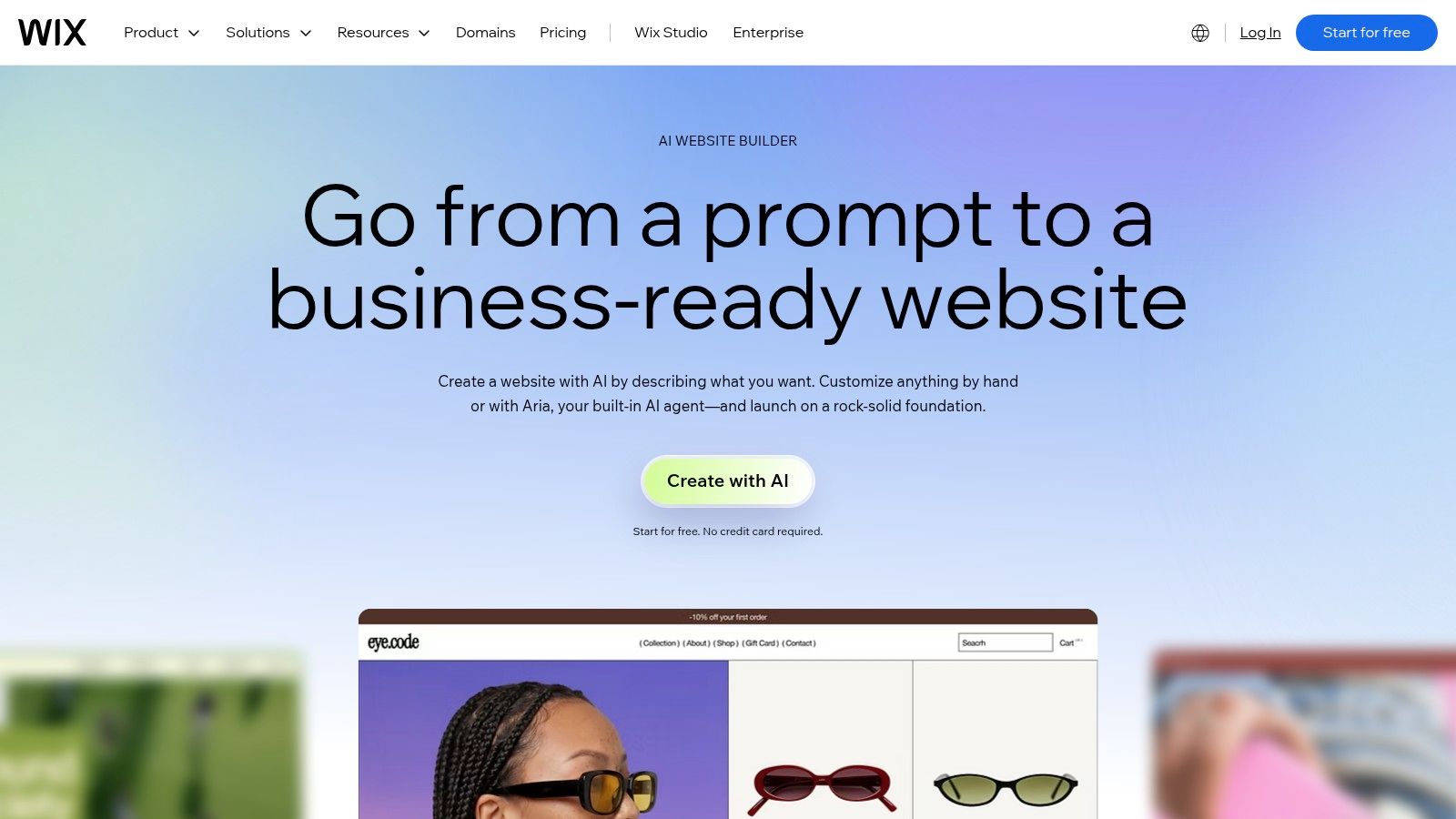
Wix is the strongest broad-purpose choice for small businesses that need more than a generated homepage. Its current AI website builder creates a site from business information, while Wix Studio adds AI-assisted layout generation, code suggestions, and media creation for professionals. The result is a platform that can serve a beginner and still offer a more advanced agency workflow through Wix Studio.
The platform's advantage is breadth. Domains, commerce, marketing, analytics, platform integrations, and a large app ecosystem sit alongside the builder. That reduces the need to assemble a separate stack for every business function. You can explore the current experience through Wix's AI website builder.
Where Wix trades simplicity for range
Wix is a sensible recommendation for service businesses, growing retailers, and agencies managing multiple kinds of client sites. Its app market and developer tools give the platform more room to expand than a tightly constrained AI-only builder. That flexibility also creates more decisions, more plan combinations, and more opportunities to add features that a smaller project may not need.
Certain AI features operate through a credit framework, and usage policies can change. Pricing can also become complicated across plans and add-ons, so confirm the exact limits at checkout rather than judging the platform from its entry point alone. AI Website Detector's Wix and Durable comparison can help you compare the two platforms from the perspective of live-site detection, while this analysis of how Wix AI handles SEO provides another relevant reading point.
Wix wins when the business needs a connected operating stack. It isn't the automatic choice for a designer who wants the cleanest canvas or for an owner who wants the fewest configuration choices.
3. Webflow
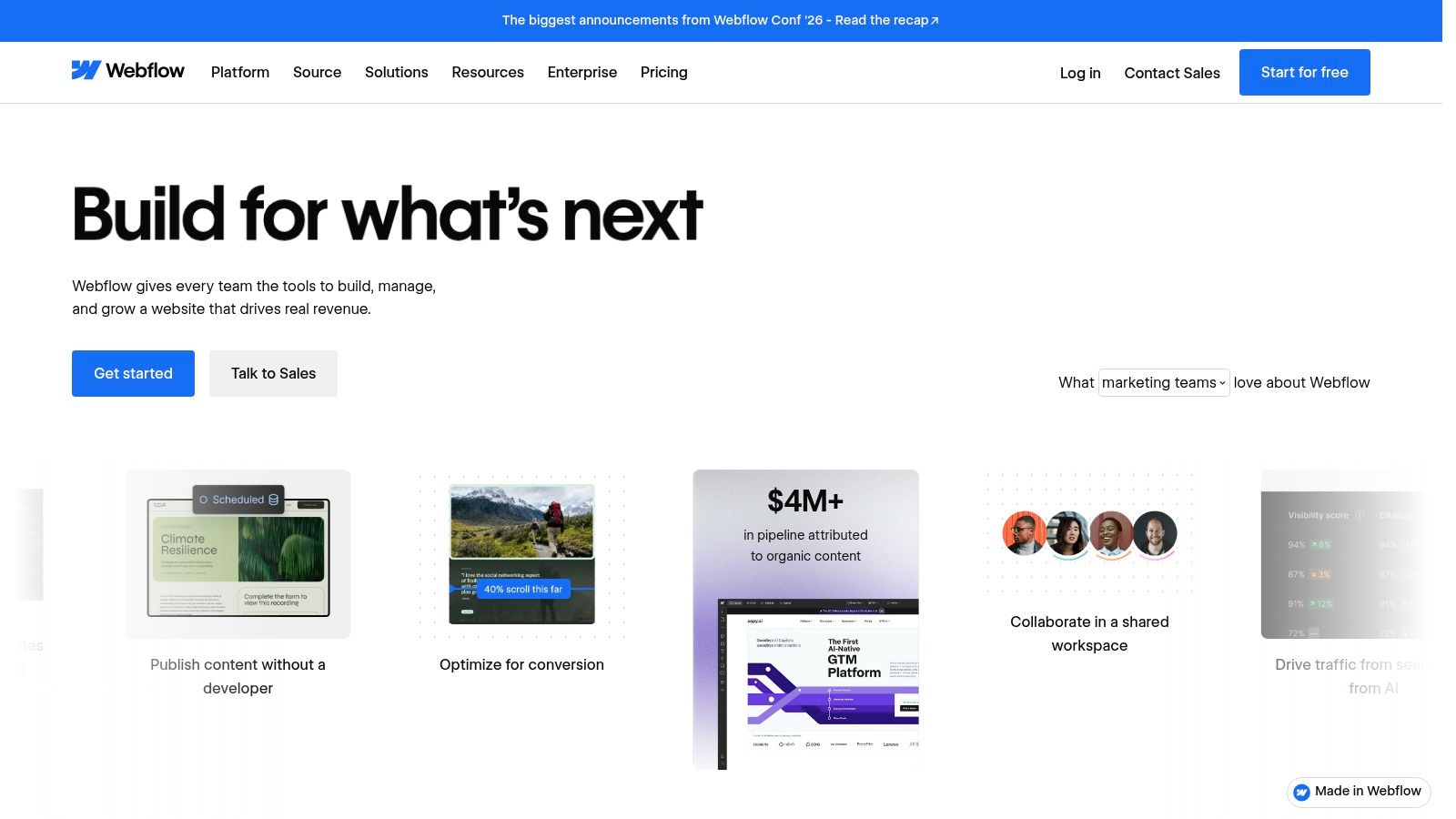
Webflow is the better fit for teams building structured content systems rather than one-off brochure sites. Its AI builder can scaffold pages, its AI tools can generate SEO and editorial text, and AI code components can support interactive elements inside the designer. Those capabilities accelerate the parts of production that are repetitive without replacing Webflow's emphasis on structure and visual control.
The platform's deeper value comes from its CMS, design-system tools, and publishing workflow. A content team can establish reusable structures and visual rules, then use AI to help populate or extend them. That combination makes Webflow particularly relevant for marketing teams, editorial sites, and agencies that need consistency across a growing set of pages. See Webflow's platform for the current product details.
The decision isn't just about generation
Webflow's AI can get a project moving, but its strongest argument is what happens afterward. Structured CMS fields, reusable components, publishing controls, and design systems can protect quality as more people contribute. That makes it more suitable for a content operation than a builder optimized only for a single fast launch.
The cost is a steeper learning curve and more operational planning. Pricing and plan structures have changed frequently, and some advanced AI functions consume credits. Review the current Workspace and site requirements before you design a workflow around a particular feature.
A generated page is easy to replace. A poorly structured content system is expensive to unwind.
For a closer platform comparison, use AI Website Detector's Webflow and 10Web analysis. Webflow is the stronger recommendation when visual governance and CMS structure matter more than ownership through an open ecosystem.
4. Squarespace
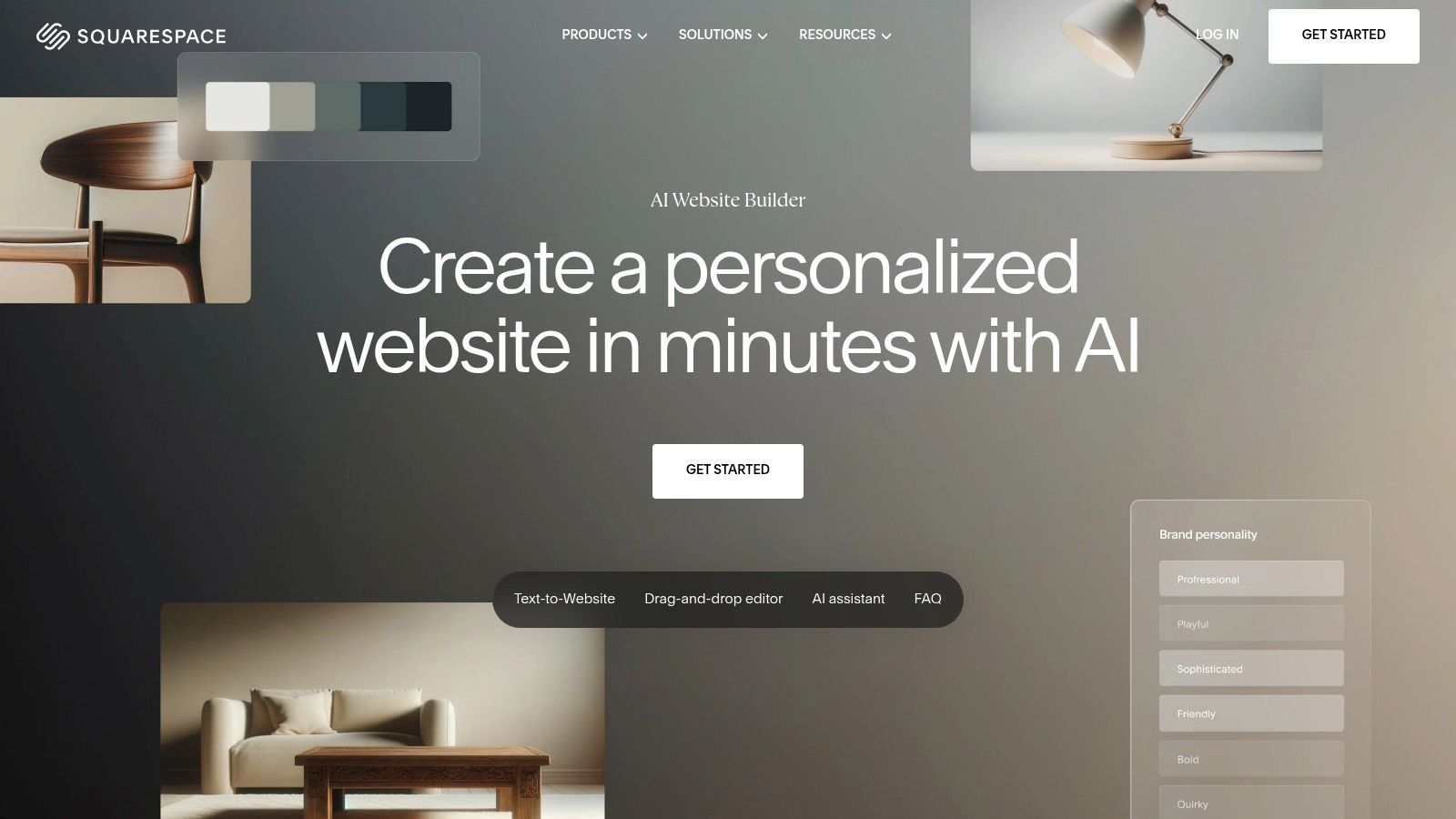
Squarespace is the right choice for creators, portfolios, consultants, and small stores that want a polished result with limited technical involvement. Its Blueprint AI builder uses a questionnaire to produce a personalized site, while Squarespace AI helps create first-draft copy within the editor. The platform's templates, brand controls, commerce features, domains, and marketing tools keep the setup coherent.
That coherence is the product's main advantage. A non-technical owner can start with a guided structure instead of facing an empty canvas, then refine the presentation within a controlled design system. The result may be less experimental than a Framer or Webflow project, but it also reduces the risk of creating inconsistent layouts. Review Squarespace's AI website builder before choosing a plan.
A polished setup with a narrower AI role
Squarespace's AI is more assistant-oriented than fully generative when a project needs complex layouts. That isn't automatically a weakness. Many creators don't want the platform to invent an entire design system. They want guidance, strong starting templates, and an editor that keeps the visual result coherent.
The important trade-off is future complexity. If the site later requires unusual integrations, extensive content modeling, or highly custom interactions, the platform may provide less freedom than Webflow or WordPress. Pricing increases have also been noted for 2026, so confirm current tiers and fees before publishing.
Choose Squarespace when brand presentation and ease of management outrank technical portability. It is especially sensible for a portfolio, service site, or modest commerce operation where the owner wants the site and its supporting tools in one managed environment.
5. Hostinger
Hostinger makes the strongest case for buyers who want infrastructure bundled with the AI builder. Its offering combines AI-assisted site creation with hosting, domain integration, SSL, email options, and built-in SEO features. That reduces setup friction because the owner doesn't have to coordinate a separate hosting account, domain connection, and publishing workflow before the site can go live.
The builder also includes a content editing mode, so the AI-generated starting point isn't the end of the process. Users can revise the copy and structure through a simpler editing experience. Product updates across the builder and AI tooling are another reason to consider it for a straightforward business site. See Hostinger's AI website builder.
Best for bundled value
Hostinger is aimed at budget-conscious users who value fewer moving parts over maximum design freedom. It can be a practical fit for a freelancer, local business, or early-stage project that needs a credible site and hosting in one purchase. The infrastructure bundle matters because the initial site isn't useful if publishing, SSL, and domain setup become separate technical tasks.
Its limitation is control. Advanced layouts are less granular than those in Framer or Webflow, and promotional pricing can differ from renewal pricing. Verify the renewal rate and included features at checkout, especially if the site will become a long-term business asset.
For hosting alternatives around a WordPress setup, readers can compare HostGator's hosting offer, Kinsta, Cloudways, SiteGround, Pressable, or Bluehost. Those services support a different ownership model, so don't treat them as interchangeable with Hostinger's bundled builder workflow.
6. Durable
Durable is built around the needs of a solo founder or local business that wants a functioning web presence immediately. It generates a small-business site with content and images, then adds a CRM, bookings, and AI agents for tasks such as posts, reviews, and lead replies. That makes its AI useful beyond the initial layout because the platform attempts to support simple follow-up and marketing work too.
The attraction is operational speed. A local operator can test an idea, publish a basic site to a subdomain, and use the included business tools without assembling a separate CRM and booking stack. Durable offers a free tier for testing, while paid plans add custom domains and higher agent limits. Review Durable's AI website builder for current plan details.
Fast launch, limited ceiling
Durable is a poor match for a complex brand system, advanced integrations, or a store with demanding product and checkout requirements. Its strength is the first useful version, not unlimited customization. AI usage and agent or post limits are capped by plan, so a business that relies heavily on automated content should examine those limits before building its workflow around them.
Best use: Launch a clear local-business site first, then judge whether Durable's CRM, booking, and response tools cover the next operational need.
The platform's free publishing path lowers the cost of experimentation, but a subdomain may not be suitable for a permanent brand. If you already know the project will need advanced design control or extensive portability, choose Framer, Webflow, or WordPress instead. Durable is the practical recommendation for a business that values speed to a usable presence more than deep technical ownership.
7. 10Web
10Web stands apart because its AI output is a real WordPress site rather than a page inside a proprietary builder. It can generate WordPress sites, apply automated optimization, and support a PageSpeed-focused workflow while hosting on Google Cloud. Its AI Builder API also supports programmatic site provisioning, which gives agencies and technical teams a route to repeatable deployments.
That underlying WordPress foundation changes the ownership calculation. Users can access the broader WordPress theme and plugin ecosystem, rather than being limited to the extensions a closed platform supports. The trade-off is responsibility. WordPress introduces more moving parts, and maintenance still applies even when AI handles the initial build. Explore 10Web's AI website builder.
The choice for portability-minded teams
10Web is the best recommendation for founders, agencies, and site owners who want AI acceleration without abandoning WordPress. The platform's dashboard provides controls for AI generation and plan management, while agency-oriented provisioning can support repeated client work. It is also a better long-term fit than a proprietary builder when plugins, themes, and CMS familiarity are central to the project.
The downside is complexity. Hosting, optimization, WordPress configuration, themes, plugins, and updates create a larger management surface than a fully bundled editor. Pricing tiers and per-site or scale details vary, so confirm the exact plan for your expected setup.
A WordPress build can expand through WordPress.com, Elegant Themes, Elementor, and Rank Math. Additional ecosystem options include Jetpack, WooCommerce Marketplace, Akismet, WP Job Manager, Orderable, SolidWP, Restrict Content Pro, The Events Calendar, KadenceWP, Iconic, LearnDash, and GiveWP.
Top 7 AI Website Builders Comparison
| Product | 🔄 Implementation complexity | 💡 Resource requirements | ⚡ Speed / efficiency | 📊 Expected outcomes (⭐) | Ideal use cases / Key advantages |
|---|---|---|---|---|---|
| Framer | Moderate–High, design-focused editor; learning curve for custom layouts | Design skills, AI credits for agent usage, team workflows (branching/staging) | ⚡ Fast from prompt to polished production | ⭐⭐⭐⭐, production-ready, design-grade pages with CMS & analytics | Startups, SaaS marketing, designers needing pixel control; strong staging, A/B, localization |
| Wix | Low–Medium, simple AI generator; Studio adds pro complexity | App ecosystem, possible AI credits, optional developer tools | ⚡ Fast site creation; Studio speeds pro workflows | ⭐⭐⭐⭐, polished business sites with commerce and extensibility | Small businesses and agencies; mature templates, commerce, large app market |
| Webflow | High, visual designer with structured CMS and component system | CMS setup, Workspaces (credits), design system expertise | ⚡ Moderate, scaffolding quick, advanced builds take time | ⭐⭐⭐⭐, robust CMS-driven sites with interactive components | Content-heavy teams and agencies; strong CMS, designer control, frequent updates |
| Squarespace | Low, questionnaire-based builder and editor-first flows | Templates, integrated commerce/domains, minimal technical needs | ⚡ Fast guided setup for non-technical users | ⭐⭐⭐, high-quality templates and cohesive brand tools | Creators, portfolios, small stores; streamlined all-in-one publishing |
| Hostinger | Low, bundled builder with hosting included; simple UI | Hosting, domain, SSL, email included (budget plans) | ⚡ Fast publish with fewer moving parts | ⭐⭐⭐, cost-effective live sites with basic SEO tools | Budget-conscious users wanting infrastructure included; good value per dollar |
| Durable | Very Low, instant site generation and agent automations | Free tier available; paid plans for custom domains and higher agent limits | ⚡⚡ Very fast initial launch and automated growth tasks | ⭐⭐⭐, basic, launch-ready small-business sites | Solo founders, local businesses needing rapid launch and simple automations |
| 10Web | Medium–High, AI generates real WordPress sites; some WP maintenance required | WordPress ecosystem, Google Cloud hosting, API for programmatic provisioning | ⚡ Fast generation; ongoing WP maintenance needed | ⭐⭐⭐⭐, fully owned WordPress sites with optimization tooling | Users wanting WordPress ownership/extensibility and agency provisioning |
Choose the Builder That Matches Your Next Constraint
The right choice depends on what the website must do after the AI produces its first draft.
Choose Framer for a design-led SaaS or startup marketing site where visual precision, staging, and team iteration matter. Choose Wix when a small business needs broad functionality across commerce, marketing, analytics, and integrations. Choose Webflow for structured CMS work, reusable design systems, and a publishing process that can support a larger content operation.
Squarespace fits creators, portfolios, and small commerce sites that prioritize polished presentation and managed tools. Hostinger is the practical bundled-value option when hosting and publishing simplicity matter more than advanced layout control. Durable suits rapid local-business launches with CRM, bookings, and lightweight AI marketing support. 10Web is the strongest fit when you want AI speed alongside WordPress ownership and extensibility.
Before buying, check the constraints that a generated demo won't reveal:
- Design control: Can you edit the details your brand depends on, or only adjust preset sections?
- Content needs: Does the CMS support your publishing structure, editorial workflow, and future page growth?
- Integrations: Can the builder connect to payments, analytics, CRM, email, booking, and other required systems?
- Hosting and ownership: Are hosting, SSL, domains, backups, and exports clear, or are they tied to a proprietary platform?
- AI credits: Which generation, localization, copy, media, or agent features consume credits?
- Plan limits: Check pages, sites, collaborators, storage, traffic, products, domains, and automation allowances.
- Renewal pricing: Promotional terms may not match future billing, so review renewal rates before committing.
- Portability: Ask whether you can export content, move the domain, preserve SEO settings, or migrate the underlying stack.
For commerce, Shopify deserves separate consideration. Shopify's AI store builder generates designs from a business description of up to 100 characters, and its AI theme blocks are available on Trial, Basic, Grow, Advanced, and Plus plans for English storefronts, according to Shopify's AI builder guidance. Shopify also states that all plans include secure hosting, a free subdomain, SSL encryption, and PCI compliance, making it a bundled commerce stack rather than only a visual editor, as described in Shopify's platform overview.
For a simple WordPress.com launch, the free plan has no time limit, includes 1 GB of storage, unlimited pages and posts, and a WordPress.com subdomain, according to WordPress.com's free-plan details. Annual and multi-year paid plans include a free custom domain for the first year, while monthly plans don't. If you register a separate domain through Namecheap, remember that its mandatory ICANN fee is USD 0.20 for each year of registration, renewal, or transfer, a pass-through charge rather than a Namecheap markup, as explained in Namecheap's ICANN fee documentation.
The market context explains why this decision deserves more care. One 2026 estimate puts the AI website builder market at USD 3.24 billion in 2026, up from USD 2.69 billion in 2025, with a projection of about USD 17.43 billion by 2035 at a 20.55% CAGR. A separate report estimates USD 4.19 billion in 2026 after USD 3.51 billion in 2025, so the precise forecast varies, but both point to rapid expansion, as summarized in AI website builder market statistics. The practical conclusion isn't that every builder will improve equally. It is that buyers should evaluate automation, integrations, analytics, and portability, not just the quality of the first generated screen.
Use AI Website Detector's builder and technology-stack tools to validate live examples before you commit. It can help identify whether a site uses an AI-first platform, inspect its broader stack, and compare the implementation clues that a sales demo leaves out. If you're considering an AI-generated application rather than a conventional website, Lovable is another option to investigate separately, because its workflow belongs closer to AI-assisted product building than to the managed site-builder category ranked above.
AI Website Detector identifies whether a live site was built with an AI-first builder and reveals its underlying technology stack, including CMS, hosting, analytics, and other platform signals. Visit AI Website Detector to scan examples, compare builders, inspect WordPress details, and use the results to choose a website stack that won't create avoidable limitations later.