Verify Site Trust: Top 10 Website Authenticity Checker
You're about to launch, and the uncomfortable question is still hanging there. Is that sleek site actually trustworthy, or is it just polished enough to pass a quick glance? A website authenticity checker helps you answer that by pulling together ownership signals, security reputation, and deep tech-stack evidence, so you can spot a templated scam store, verify a competitor's build, or confirm whether a site was assembled with AI-first tools. That matters because authenticity now lives in the details, not the surface. Domain age, TLS, email authentication, transparency pages, headers, and even the way a site is built can all leave traces that a real checker can inspect, which is why modern tools increasingly combine protocol-level checks with identity and transparency signals instead of relying on one browser padlock or a casual visual scan, as reflected in the SiteReviewChecker trust model. For a broader fraud and monitoring context, the same logic applies to understanding dark web monitoring, because the same operators who spoof a website often reuse infrastructure elsewhere.
Table of Contents
- 1. AI Website Detector
- 2. Google Transparency Report Safe Browsing
- 3. VirusTotal URLs
- 4. Sucuri SiteCheck
- 5. urlscan.io
- 6. Norton Safe Web
- 7. Cisco Talos Intelligence Reputation Center
- 8. Kaspersky OpenTIP Threat Intelligence Portal
- 9. Trend Micro Site Safety Center
- 10. Checkphish by Bolster
- Top 10 Website Authenticity Checkers, Quick Comparison
- Next Steps for Verifying Website Authenticity
1. AI Website Detector
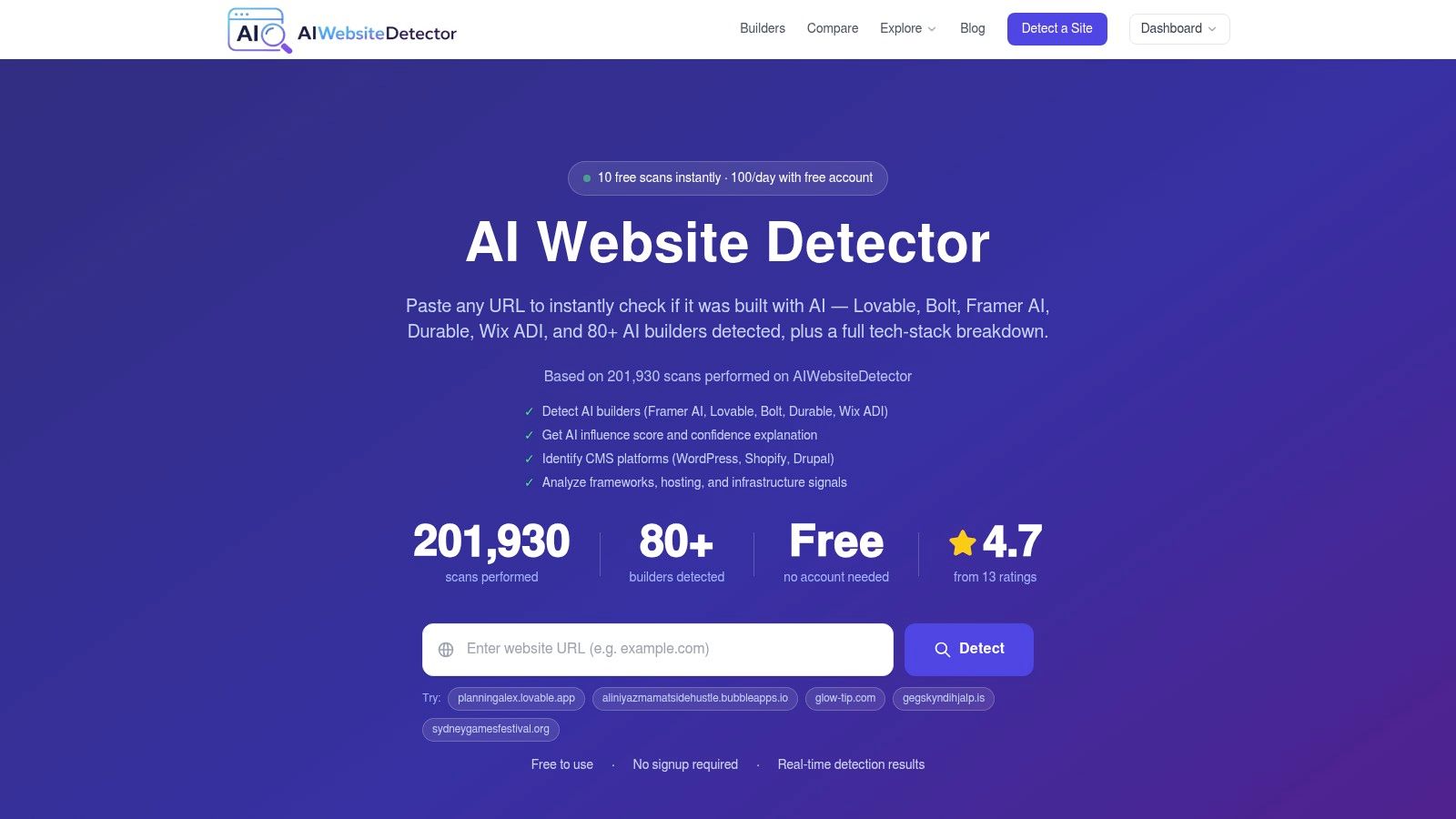
A lot of tools can tell you whether a URL looks risky. Far fewer can tell you what built the site, which plugins it uses, or whether the page is sitting on an AI-first stack disguised as a custom brand experience. AI Website Detector closes that gap by scanning for AI builders, CMSs, frameworks, hosting, analytics, plugins, and bundle artifacts in one pass, then returning an AI probability score and a verdict you can easily interpret on sight. Its public product pages and scan outputs are built around explainability, not guesswork, which is exactly what matters when you're verifying a vendor claim or checking a competitor's build pattern.
Why it stands out in practice
The tool is unusually broad. It covers 80+ AI builders and also fingerprints traditional stacks like WordPress, Shopify, Webflow, and custom frameworks, while its analysis logic looks for HTML and CSS classes, script tags, headers, cookies, and bundle markers that often reveal AI-augmented development even when the domain looks hand-built. That's useful because a site can present as bespoke while still exposing telltale artifacts from tools like Lovable, Bolt, or v0.
Practical rule: if you need both legitimacy signals and build provenance, start here before moving to a narrower reputation scanner.
The workflow is fast enough for day-to-day research. AI Website Detector offers no-signup scanning with a free limit of 10 scans per 30 minutes, and registered users get 100 scans per day along with saved history. It also exposes a developer API with paid access starting at €12/month, which makes it more usable for agencies and research teams than a one-off browser check. Those usage limits and tiers matter because many authenticity tools are useful only when you can repeat scans at scale.
The product also publishes visibility features that help with decision-making, including screenshots, recent scans, builder profiles, side-by-side comparisons, and market-oriented insights based on aggregate scans. The official site says its detections have reported accuracy for major platforms in the 85 to 99% range, though the result is still probabilistic and should be treated as evidence, not legal proof. For a deeper walkthrough of its AI detection logic, the company's own guide on how to detect if a website was built with AI is the most relevant companion read.
2. Google Transparency Report Safe Browsing
Google's Safe Browsing view is the fastest way to see whether a URL has already been flagged for obvious danger. It won't tell you how the site was built, but it can tell you whether the domain currently sits in a known phishing, malware, or deceptive-content bucket, which makes it a strong first-pass filter before you spend time on deeper analysis. That first pass is important because the public web still has a large verification gap, especially around email authentication and trust controls, so a reputation hit can save you from wasting time on a site that's already been burned into browser-level defenses.
The practical value here is speed and scale. If you only need to know whether Google currently sees a problem, this is the simplest place to look. If you're doing competitive research, vendor checks, or a legitimacy review, it's better as the opening signal than the final word.
Where it fits in a serious workflow
Use Safe Browsing as the triage layer, then verify ownership, certificate details, URL structure, and domain age elsewhere. That aligns with mainstream security guidance from major vendors that recommend checking HTTPS, SSL details, spelling, privacy policies, contact information, and owner signals before trusting a site, including the guidance published by DigiCert on identifying fake websites and the related checks from AVG on website legitimacy.
A Safe Browsing hit is a strong warning, but a clean result doesn't prove the site is authentic.
The main limitation is scope. This is a reputation and safety layer, not a forensic scanner, so it doesn't capture bundles, cookies, headers, or the stack details that matter when you're checking whether a website is AI-built, cloned, or dressed up to appear credible. For a website authenticity checker workflow, that's fine as long as you treat it as the first gate rather than the whole decision.
3. VirusTotal URLs
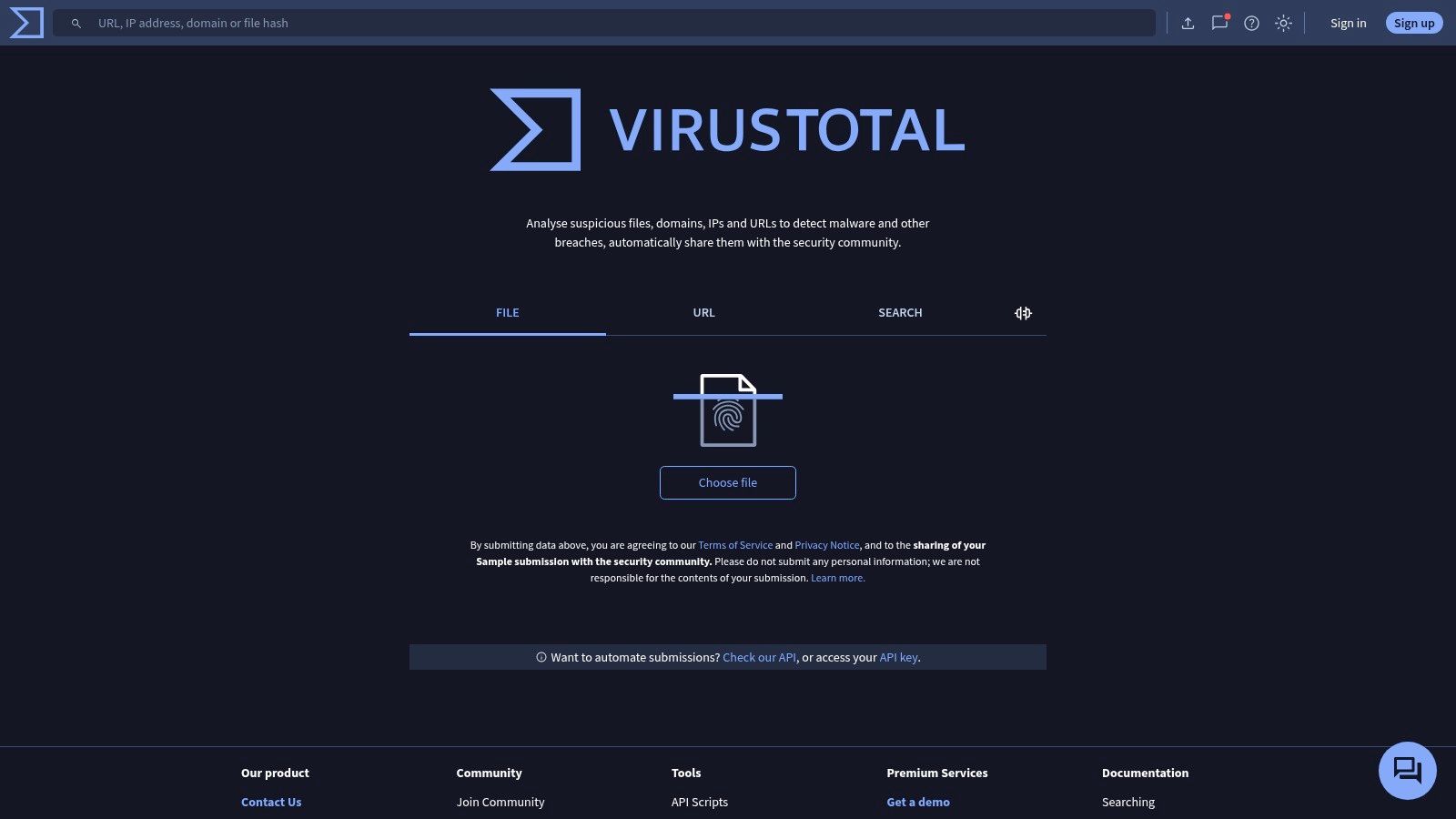
VirusTotal is the tool people reach for when they want a second, third, and fourth opinion on a URL. It aggregates verdicts and metadata from multiple security engines and reputation sources, which makes it especially useful when you need corroboration instead of a single vendor's view. If one product says “suspicious” and another says “clean,” VirusTotal often helps you see whether that disagreement is isolated or part of a broader pattern.
Best use case for analysts
It works well when you need historical context and multi-vendor perspective. That makes it a good fit for fraud review, brand abuse checks, and incident follow-up, especially when you're trying to figure out whether a URL has shown repeat suspicious behavior or just triggered one isolated engine. It's also valuable for infrastructure pivoting, because security teams can move from a URL to related indicators and see whether there's a wider cluster behind it.
The tradeoff is visibility. Public submissions and results are broadly shared in the community, so it isn't the right place to upload sensitive material unless you've planned for that exposure. Advanced context and richer workflows also sit behind paid tiers, which is typical for a platform that doubles as an investigation hub.
Why it matters for authenticity work
VirusTotal does not replace a stack fingerprinting tool, but it complements one well. A website can look real in the browser and still show up as suspicious across several engines, while another can trigger a narrow false positive yet expose a clean technical footprint when you inspect headers, scripts, and infrastructure elsewhere. That's why analysts use it as corroboration, not as a standalone verdict.
For website authenticity checks, the primary insight comes from the collision of signals. A clean reputation result paired with a strange build profile deserves a closer look. A mixed reputation result paired with a normal stack often needs less panic and more verification.
4. Sucuri SiteCheck
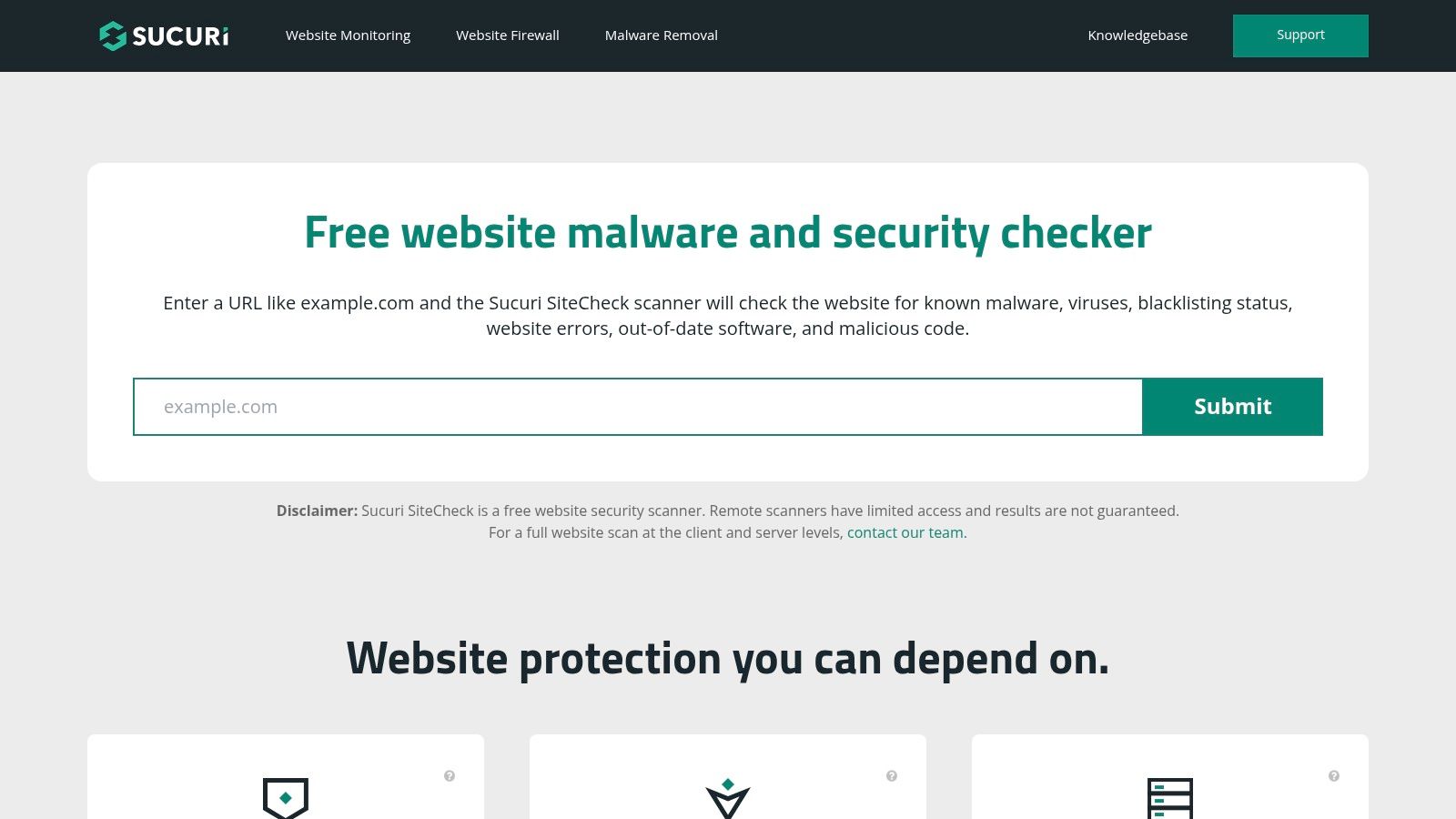
Sucuri SiteCheck fits the early-stage question, “Does this URL show signs of compromise or reputation risk?” It runs a remote scan for malware, blacklist status, and common security issues, then explains the findings in plain language. That makes it practical for site owners, marketers, and operators who need a quick screen before they share a URL with a client, a partner, or an internal team.
Strong for quick health checks
Its value is speed and clarity. The scan can surface insecure redirects, injections, and defacements, and it points users toward remediation steps when something looks wrong. For non-specialists, that is easier to act on than a raw security console, especially when the goal is to decide whether a site is obviously compromised.
The result still needs context. Remote-only scanning can miss server-side malware or anything hidden behind access rules, so a clean report does not confirm authenticity on its own. If the target blocks the checker, or if suspicious behavior only appears after login, you need another layer of evidence, such as source review, server data, or HTTP header analysis.
Practical rule: use SiteCheck for a fast public-health snapshot, not as your only authenticity decision.
For reputation and legitimacy screening, SiteCheck works best as an early filter in a broader workflow. Analysts should still check certificate details, verify contact information, confirm domain ownership, and compare the site's technical stack against what the brand claims to use. Sucuri can tell you whether a URL looks clean from the outside, while deeper stack and AI-builder analysis helps explain whether the site's build pattern matches a legitimate operation or something assembled to imitate one.
5. urlscan.io
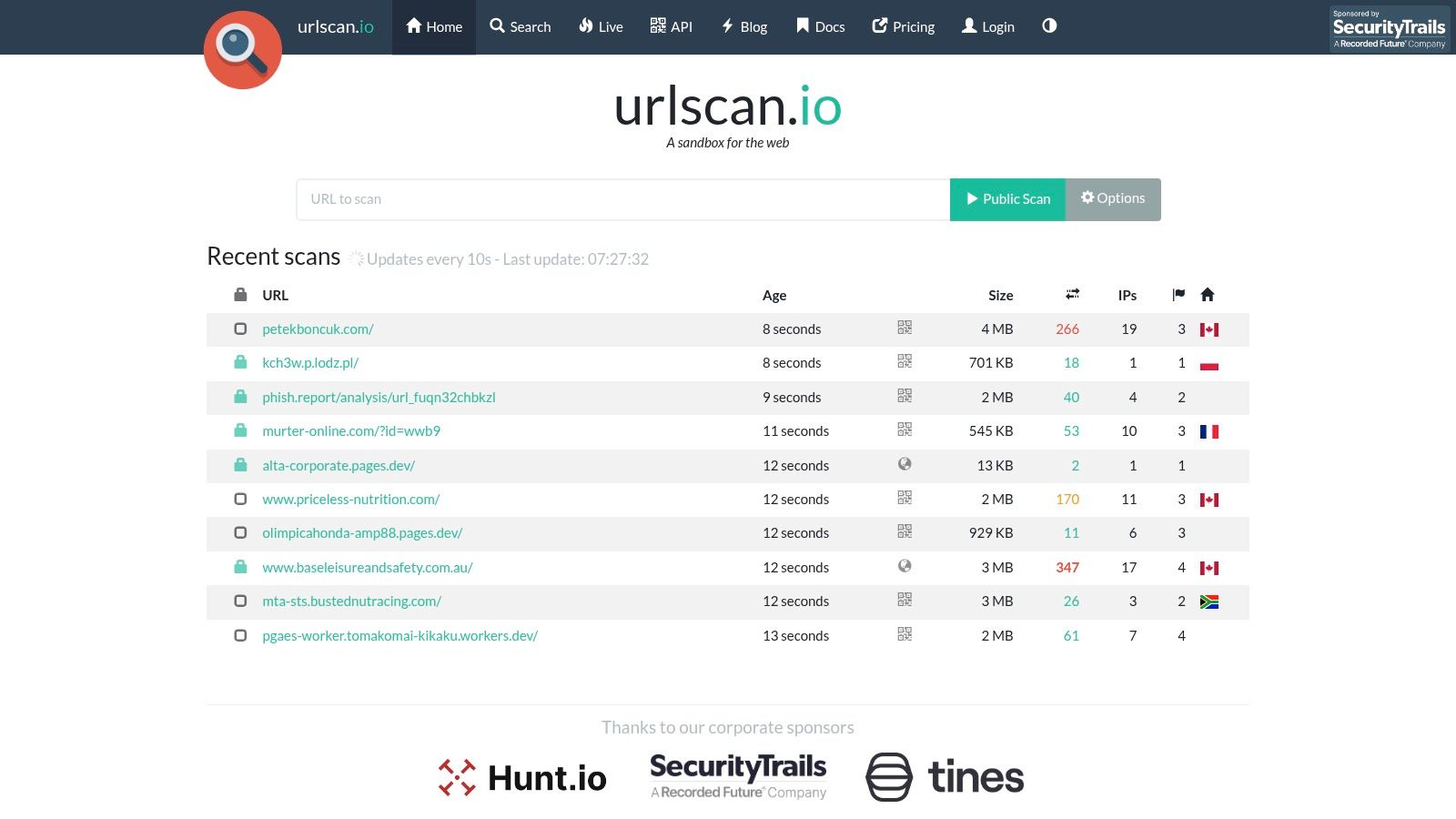
urlscan.io is one of the best tools for evidence-led authenticity checks because it shows its work. Instead of giving you a vague rating, it captures screenshots, the DOM, requests, cookies, scripts, and connected infrastructure, which lets you inspect what a page did during load. That's a major advantage when you're checking a suspicious storefront, a look-alike brand site, or a vendor page that claims to be custom-built.
Why investigators like it
The platform's browser-based scan view is especially strong for forensics. You can see how a page behaved, what resources it called, and what artifacts it left behind, then pivot into threat-hunting workflows if the URL turns out to be part of a broader campaign. Public, unlisted, and private scan modes also give you options for how visible you want the evidence to be.
That transparency makes urlscan.io a better fit than reputation-only tools when the question is “what happened on this page?” rather than “does this vendor have a bad reputation?” If you're comparing it with a build-oriented checker, it's the difference between seeing the footprint and seeing the design logic.
Best paired with stack analysis
The strongest authenticity workflows use urlscan.io alongside a tech-stack detector. urlscan.io shows the execution trail, while a dedicated builder detector explains whether the page was assembled with AI assistance or a known CMS pattern. For a practical guide to the stack side, AI Website Detector's own resource on how to analyze website tech stack is the closest matching companion.
The main caution is visibility. Public scans are visible unless you choose unlisted or private modes, so sensitive research should use the right sharing setting from the start. For analysts, that's a reasonable tradeoff for the amount of evidence it exposes.
6. Norton Safe Web
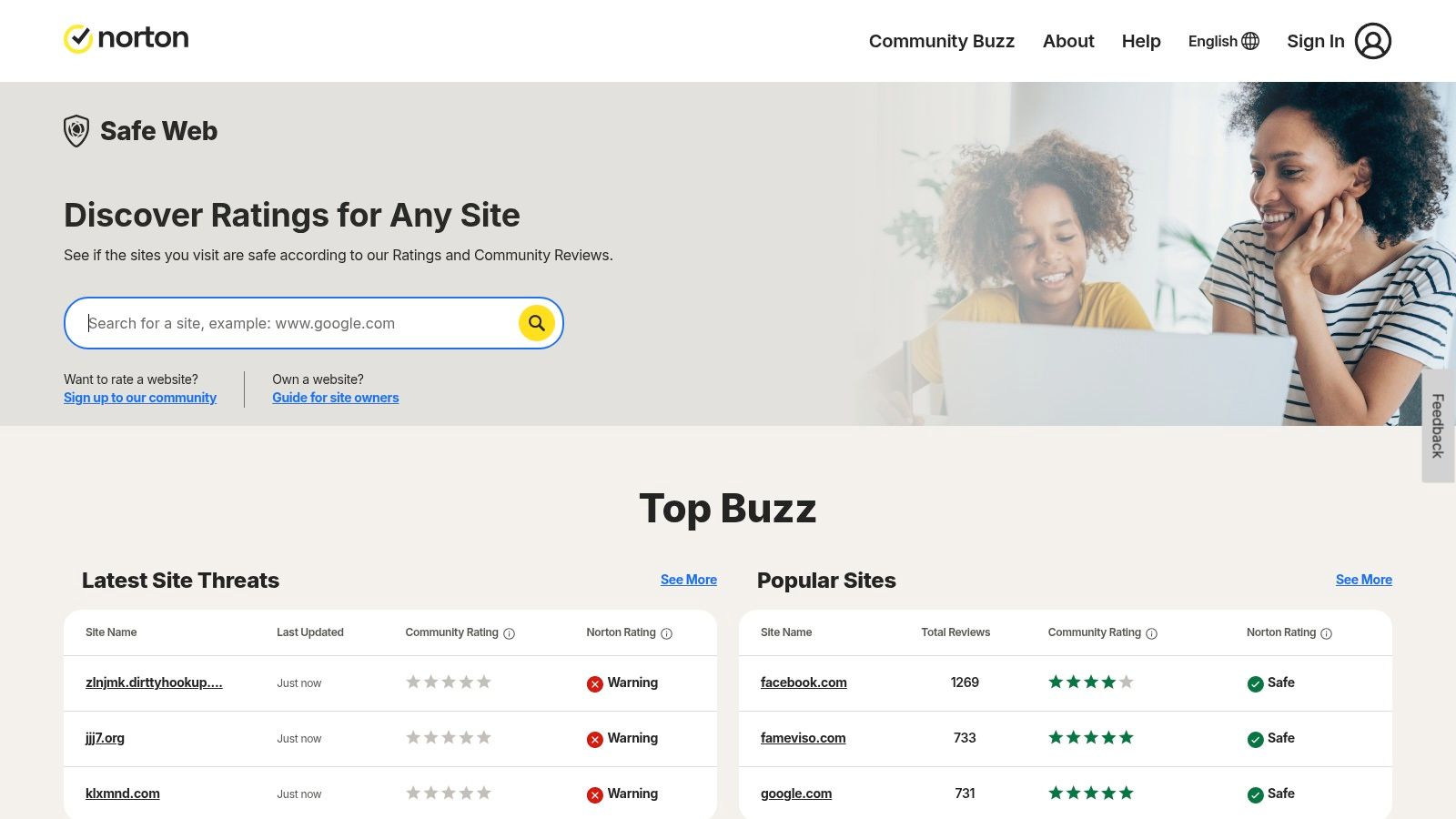
Norton Safe Web is built for quick interpretation. It gives consumers and browser users an easy way to see whether a site looks safe, unsafe, or questionable, and it wraps that judgment in a familiar Norton ecosystem. If you want something a non-technical user can understand without reading a report, this is one of the clearest options in the category.
Consumer-friendly, but not deeply forensic
The service leans on site ratings, community reviews, and browser extension warnings. That makes it handy for everyday browsing and quick trust checks, especially for people who don't want to interpret raw headers or scan artifacts. It also integrates with Norton 360, which gives existing customers a natural place to stay.
The limitation is depth. Norton Safe Web is less useful when you need to know how a site is built, what bundle patterns it uses, or whether it's AI-native versus manually assembled. It gives you a safety opinion, not a stack map.
A website authenticity checker with build detection serves a vital function. A simple safe or unsafe label is fine for consumer browsing, but product teams, agencies, and analysts usually need more than a label. They need evidence, context, and the ability to compare one site against another.
7. Cisco Talos Intelligence Reputation Center
Cisco Talos Intelligence brings enterprise reputation context to the authenticity problem. Its Reputation Center is useful when you want to know how a domain, URL, or IP looks through Cisco's telemetry and category system, especially if a Cisco-secured network has already been blocking or flagging the site. That makes it valuable in corporate environments where network blocks often become the first signal that something is wrong.
Enterprise reputation with operational value
The refresh cadence is a big part of the appeal. Cisco says the data is refreshed roughly every 3 hours, which means the signal can stay fairly current for fast-moving risk events. That's useful for site owners asking for reclassification, and for analysts who need to understand whether a domain is suspicious or just newly registered and not yet normalized in the ecosystem.
The downside is explainability. Talos gives strong category and reputation intelligence, but it doesn't offer the same forensic visibility you get from a sandbox-style scan or a tech-stack fingerprinting tool. If you need to understand page logic, bundle artifacts, or CMS clues, you'll need to supplement it.
For teams already using Cisco controls, Talos is often the fastest way to match a URL against what the network sees.
The platform's biggest strength is lineage. It comes from a threat-intelligence ecosystem that many enterprise security teams already trust, so it fits naturally into reputation-driven decisioning. As a website authenticity checker, it's strongest when you need a network-facing verdict rather than a reconstruction of how the site was built.
8. Kaspersky OpenTIP Threat Intelligence Portal
Kaspersky OpenTIP is a clean reputation lookup tool for URLs, domains, IPs, and files. It fits the authenticity-checking workflow because it gives you a second opinion from a mature security vendor, which can be especially useful when another checker has returned a mixed or inconclusive result. That second opinion matters more than people admit, because reputation systems don't always agree on newly observed domains.
Where it helps most
OpenTIP is useful for enrichment. You can run a lookup, see the verdict category, and then use that signal alongside other tools that capture artifacts or ownership details. It's also built for re-analysis, which is helpful when a legitimate site gets caught in a false positive or when a newly launched domain needs a fresh review.
The platform's focus is verdicts rather than deep artifact capture, so it's not the place to look for headers, cookies, or bundle evidence. That's a design choice, not a flaw. It's meant to be quick, reliable, and familiar to teams that already use Kaspersky products or related threat-intelligence workflows.
A good authenticity workflow often needs that kind of layered reassurance. One tool tells you a site is suspicious. Another shows the technical evidence. A third confirms whether the domain has a reputation history worth worrying about. OpenTIP sits neatly in that middle layer.
9. Trend Micro Site Safety Center
Trend Micro's Site Safety Center is built for fast verdicts. It gives users a quick safe, suspicious, or dangerous read on a URL, along with content categories that help explain why the site was scored that way. That makes it practical for triage when you're checking whether a link is safe to open, share, or send to a client.
Quick verdicts for fast-moving teams
The service is especially useful because it supports reclassification requests for site owners. That matters when a legitimate site gets mislabeled or when a new domain needs to be reevaluated. It also fits naturally into environments where Trend Micro already plays a role in endpoint or network protection.
What it doesn't do as well is explain the site's technical construction. If you're trying to determine whether a site was built with AI tools, a CMS, or a custom stack, a reputation center won't get you there. It can confirm that a URL is suspect, but it won't show the DOM, scripts, or hosting signals behind the page.
That makes it a solid triage product, not a full-fledged authenticity lab. For consumer-grade safety checks, that's enough. For analyst-grade website authenticity checks, it needs a partner tool that can inspect the build itself.
10. Checkphish by Bolster
Checkphish is the most focused product on this list when the problem is phishing, brand abuse, and fake storefronts. It's designed to catch look-alike domains, typosquats, and fraud URLs, so it's a strong complement to broader reputation tools that may miss the brand-impersonation angle. If your main risk is someone cloning your storefront or launching a deceptive page under a similar name, this tool deserves attention.
Strong on impersonation and fraud patterns
The product is good at monitoring the kinds of authenticity failures that hurt businesses fastest. Fake stores, copycat checkout pages, and brand-abuse campaigns often look legitimate in a quick visual check, but they leave subtle naming and structure clues that this kind of scanner is meant to catch. That's where its focus pays off.
The tradeoff is scope. It's narrower than general threat-intelligence platforms, so if you need broad URL reputation or deep forensics, you'll still want one of the other tools in the stack. But when the question is “is someone abusing my brand or spoofing my site?”, a purpose-built fraud scanner is often the cleanest starting point.
Brand impersonation is one of the few cases where narrow focus beats broad coverage.
For teams doing ongoing monitoring, the monitoring and takedown angle is important too. A one-time scan is useful, but an evolving fraud campaign needs watchlists and response workflows. Checkphish is built with that reality in mind.
Top 10 Website Authenticity Checkers, Quick Comparison
| Tool | Core capability | Standout (✨) | Quality / Trust (★) | Price / Value & Audience (💰 👥) |
|---|---|---|---|---|
| AI Website Detector 🏆 | AI-builder detection + full tech-stack fingerprinting; signal-by-signal evidence | ✨ Unified AI builders + CMS; bundle-artifact & "vibe-code" heuristics; explainable profiles | ★★★★☆ 4.7/5; 85–99% reported accuracy | 💰 Free scans (10/30min; 100/day w/ account); API from €12/mo; 👥 founders, PMs, devs, agencies |
| Google Transparency Report – Safe Browsing | Site safety verdicts (malware, phishing, deceptive content) | ✨ Global telemetry used by Chrome & partners; remediation guidance | ★★★★☆ Widely trusted for safety signals | 💰 Free; 👥 general users, triage teams, security ops |
| VirusTotal (URLs) | Multi-engine URL reputation & aggregate metadata; historical lookups | ✨ Multi-vendor corroboration; sandboxing & intelligence graph | ★★★★☆ Broad industry trust | 💰 Free public; paid intelligence tiers; 👥 analysts, investigators |
| Sucuri SiteCheck | Remote malware, blacklist & common security checks | ✨ Easy remediation guidance; accessible for non-experts | ★★★☆☆ Good quick health triage | 💰 Free remote scan; paid WAF/monitoring; 👥 site owners, SMBs |
| urlscan.io | Full-page sandbox: screenshots, DOM, requests, cookies, scripts | ✨ Forensic artifacts + public/unlisted/private modes; rich APIs | ★★★★☆ Excellent for evidence-led analysis | 💰 Free/public; paid for advanced features; 👥 researchers, threat-hunters |
| Norton Safe Web | Site ratings & browser-extension warnings | ✨ Consumer-friendly labels + community reviews | ★★★☆☆ Trusted consumer signal | 💰 Free; integrated w/ Norton products; 👥 consumers, casual users |
| Cisco Talos Intelligence – Reputation Center | Domain/IP/URL reputation & content categorization | ✨ Enterprise-grade telemetry; frequent refresh & dispute workflows | ★★★★☆ Enterprise trust (Talos lineage) | 💰 Free lookups; 👥 SOCs, enterprise security teams |
| Kaspersky OpenTIP | URL/domain/IP reputation from Kaspersky TI | ✨ Strong AV pedigree; enrichment integrations & re-analysis | ★★★★☆ Solid AV-backed signal | 💰 Free lookups; 👥 security teams, TIP/EDR integrations |
| Trend Micro Site Safety Center | URL reputation & content categorization; reclassification | ✨ ISP/endpoint integration; clear verdicts for triage | ★★★☆☆ Useful for network/endpoint checks | 💰 Free; 👥 ISPs, ops teams, site owners |
| Checkphish by Bolster | AI-driven phishing & brand-impersonation scanning | ✨ Typosquat/look-alike monitoring + takedown workflows | ★★★★☆ Strong for brand-fraud detection | 💰 Free scanner; paid monitoring/takedowns; 👥 brand security, anti-phish teams |
Next Steps for Verifying Website Authenticity
A useful authenticity check starts with a fast reputation pass, then moves to evidence. Open Google Safe Browsing, VirusTotal, or a similar verdict layer first to catch known threats, then switch to urlscan.io or Sucuri SiteCheck if you need page-level evidence such as loaded scripts, requests, and visible assets. If the question is whether a site was built with an AI-first builder, a CMS, or a custom stack, AI Website Detector adds a signal set that reputation tools do not cover.
The strongest review uses three layers. Reputation shows whether the domain already carries known risk. Ownership and security signals help confirm whether the domain, certificate, DNS, and headers fit the identity the site claims. Build provenance adds the last layer, because tech-stack fingerprints, content controls, and certificate details can reveal whether the site was assembled in a way that matches its stated purpose.
The market movement points in the same direction. Dataforcee projects the AI-detection and content-integrity market at US$19.27 billion in 2025, up from US$16.48 billion in 2024. The same source says the top five detectors together drew about 4.5 million visits per month in 2025 YTD, compared with 0.8 million in 2023. Those figures do not show which product is strongest, but they do show that buyers are searching for tools that go beyond a simple trust label. A separate February 2026 crawl of 5.5 million domains found only 30.4% DMARC publication and 12.8% enforcement, while 40.8% lacked email-authentication controls, which leaves many public sites with visible verification gaps.
The practical workflow is layered. Use reputation tools to filter out obvious threats, then use evidence-rich scanners to inspect certificates, headers, cookies, scripts, and the underlying stack. If you are vetting a vendor, checking a competitor, or trying to decide whether a site is custom-built or AI-assisted, the better tool is the one that explains the verdict and exposes the signals behind it.
If you need a closer read on whether a site was built with AI and what sits underneath it, visit AI Website Detector. It fits the middle ground this article focuses on, where reputation checks help but do not settle the question. Use it for a fast, explainable scan that turns a suspicious website into evidence you can review.