10 Free AI Detector Tools Compared for 2026
A free AI detector can't conclusively prove who wrote a piece of text. That's the assumption behind much of the popular advice, and it's the wrong starting point for academic review, editorial decisions, hiring, or content governance. Independent evaluations summarized by Scribbr's explanation of AI detectors found that the highest accuracy identified in a premium tool was 84%, while the best free tool reached 68%. A separate study of 14 AI-detection tools found that every system scored below 80% accuracy, with only 5 exceeding 70%. The summarized research also found that paraphrased text is frequently misclassified.
This comparison treats detectors as workflow tools, not digital lie detectors. It covers text screening, academic review, visual forensics, human-assisted analysis, and API integration. Compare the signals each tool provides, its input limits, language support, privacy requirements, and the point at which free triage stops being practical. For context, read more about how AI watermarks and detectors differ.
AI Website Detector belongs in a separate category. It helps determine whether a website was built with an AI-first builder and identifies technology-stack signals. It isn't a substitute for text or media authorship detection, but it can complement a broader research workflow when the question concerns a website rather than a document.
Table of Contents
- 1. Copyleaks AI Detector
- 2. GPTZero
- 3. QuillBot AI Detector
- 4. Sapling AI Detector
- 5. ZeroGPT
- 6. Scribbr AI Detector
- 7. AI or Not
- 8. Hive AI-Generated and Deepfake Detection
- 9. GLTR, Giant Language Model Test Room
- 10. Rewind.ai AI Content Detector
- Top 10 Free AI Detectors Comparison
- Choose the Workflow, Not Just the Score
1. Copyleaks AI Detector
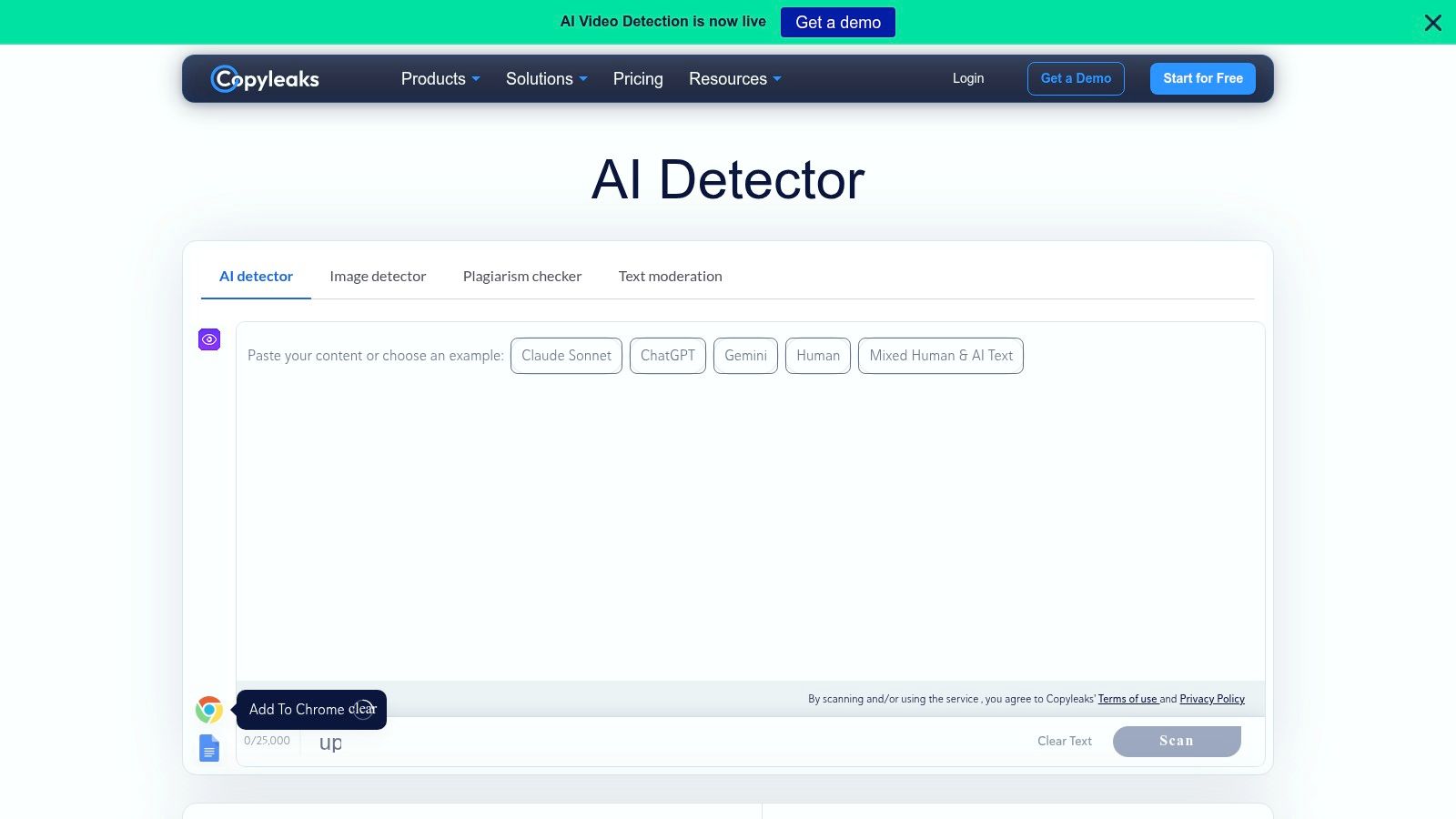
Copyleaks is a strong starting point when one workflow needs to examine both written content and visual assets. Its web-based AI detector supports text checks across more than 30 languages, while its image detector can return probability signals and highlight regions that may warrant closer inspection. That combination makes it more useful for multilingual content teams, education departments, and agencies reviewing mixed creative deliverables than a text-only checker.
The free web tool is designed for relatively substantial single scans, although users should verify current limits before building a repeatable process around them. Copyleaks also offers enterprise APIs and learning-management-system integrations, so the path from occasional review to institutional use is clearly defined on its AI detector product page.
Best fit and upgrade trigger
For a content manager, Copyleaks can function as a first-pass screen across languages and formats. For an academic or compliance decision, its score should remain one signal among writing history, source use, drafts, citations, and a human conversation. Strong product positioning doesn't change the general evidence problem. A detector's probability is still an estimate, not proof of authorship.
- Best for: Multilingual text screening and mixed text-image review.
- Free access: Useful for individual web scans, with advanced workflow features requiring account or paid access.
- Upgrade trigger: Move to an API or integration when batch review, LMS connectivity, or centralized administration matters.
Practical rule: Treat a high score as a reason to investigate the document's provenance, not as permission to make an accusation.
2. GPTZero
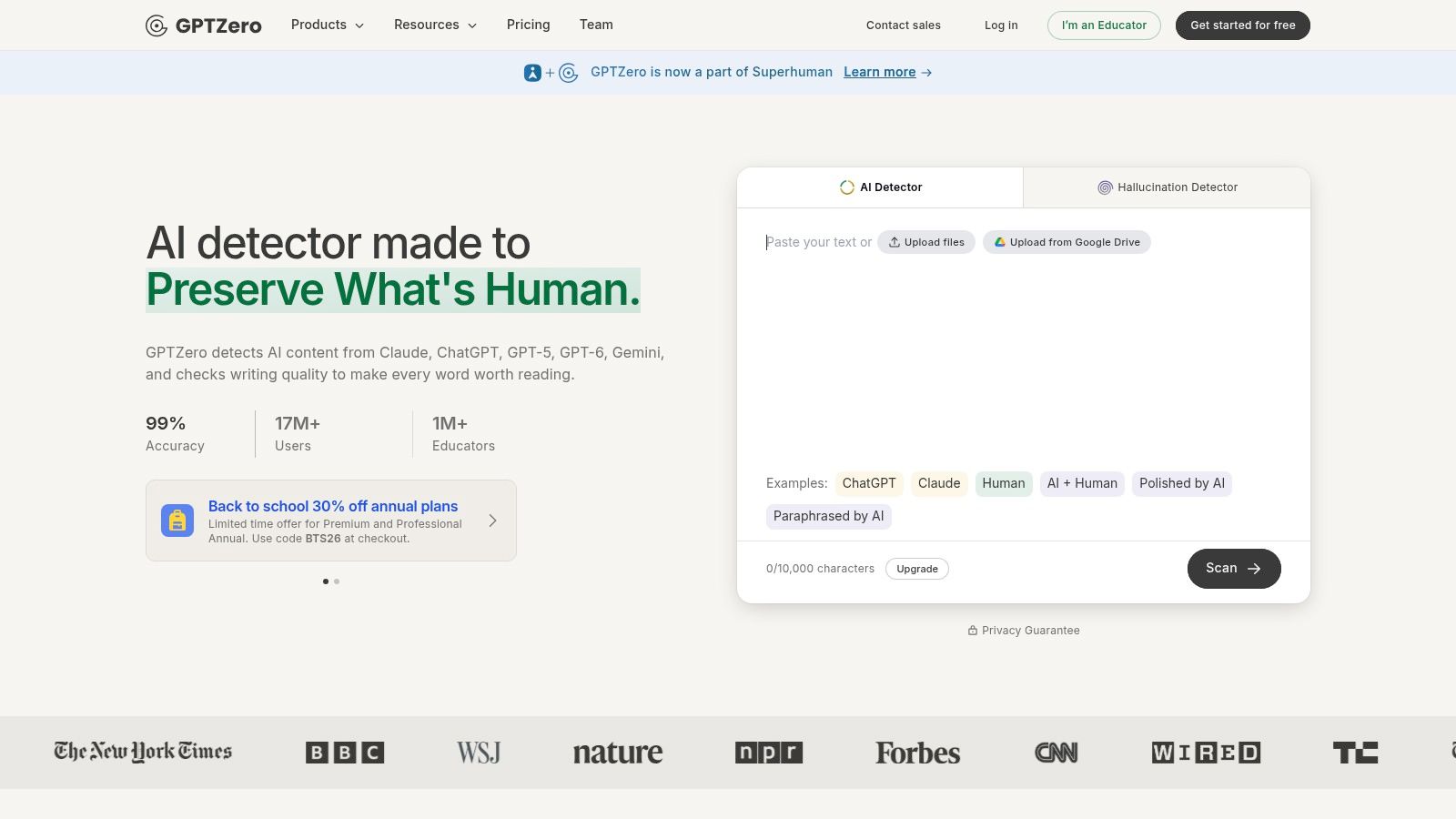
GPTZero is built around education workflows, which gives it a clearer institutional identity than many general-purpose free AI detectors. Teachers, schools, and universities can use its web checker for an initial review, while document and batch-upload capabilities become more relevant after sign-up and on educator-oriented plans. The distinction matters because a single pasted passage and a managed review process create different operational needs.
Its paid tiers provide educator tooling and dashboards, while the service publishes information about plan limits and overage pricing. That transparency helps a department estimate when casual use will become restrictive, even though the detector itself remains subject to false positives and false negatives. The GPTZero platform is therefore better evaluated as a workflow option than as a source of certainty.
Academic review needs context
A student or instructor checking a draft can use GPTZero to identify passages for discussion. That's materially different from treating its output as disciplinary evidence. The detector can point a reviewer toward text that deserves attention, but the reviewer still needs to examine revision history, the student's ability to explain the work, citations, and the assignment context.
For a quick secondary check, an AI text checker can sit alongside GPTZero, provided the reviewer records the tools used and doesn't mistake agreement between automated scores for independent proof. Multiple detectors may share similar weaknesses, especially when text has been paraphrased, translated, or lightly edited.
- Best for: School and university screening workflows.
- Free access: Suitable for initial checks, with per-request and monthly limits.
- Upgrade trigger: Consider paid educator features when batch uploads, dashboards, and repeatable administration outweigh the need for occasional scans.
3. QuillBot AI Detector
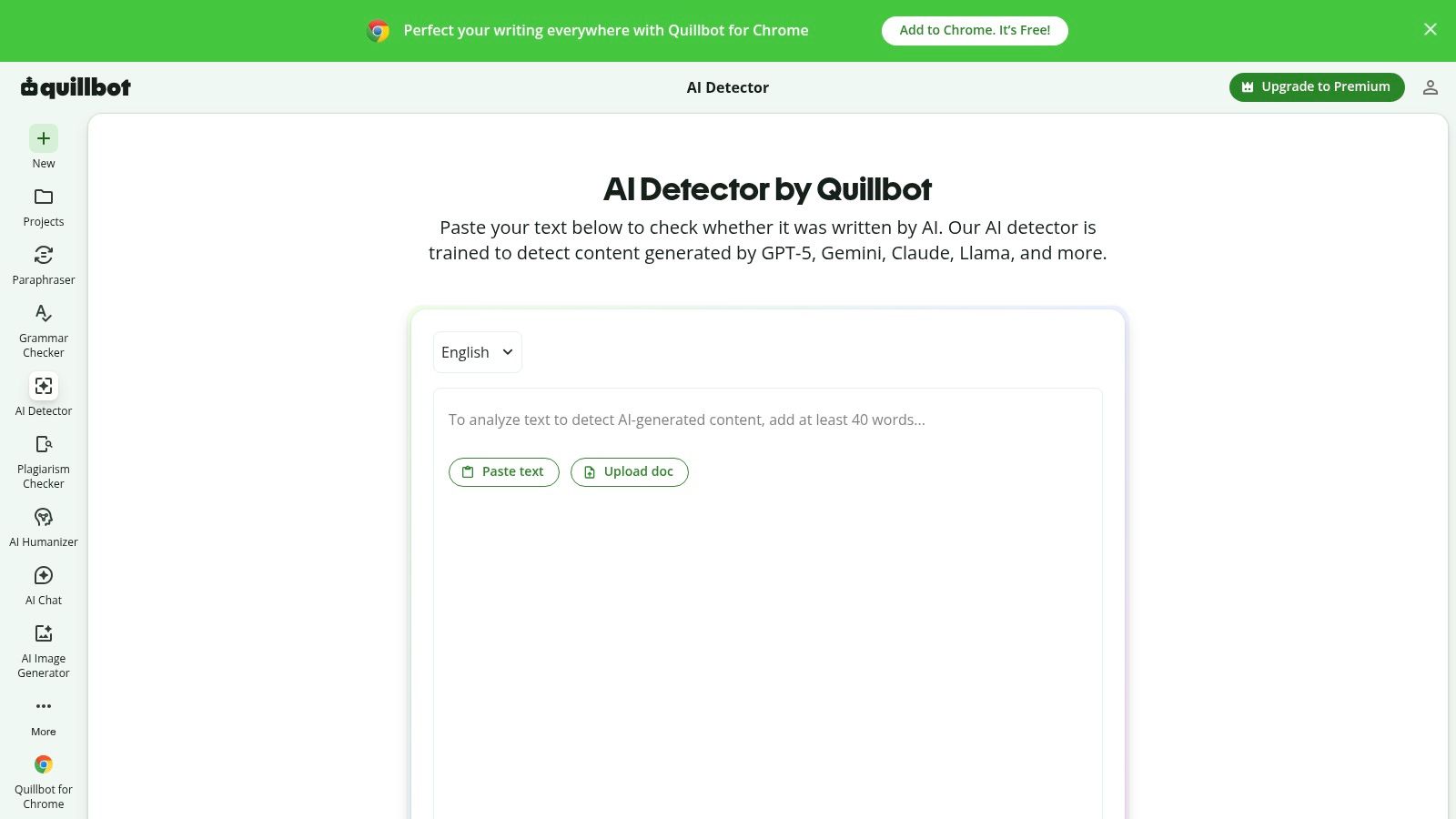
QuillBot appeals to users who already work inside a writing and revision suite. Its web tools include a free AI text detector and a free AI image detector, allowing individual writers, students, and editors to check separate content types without adopting a specialist platform. The interface is familiar to people who use QuillBot for paraphrasing, grammar, or readability work.
That relationship also creates an important interpretation issue. Text that has passed through rewriting or paraphrasing tools may be harder for detectors to classify consistently. An instructional review from Illinois State University cites a 54.83% drop in detection accuracy after GPT-3.5 paraphrasing, which illustrates why a result from a polished or transformed draft shouldn't be read as a direct record of how the first draft was produced.
Convenient for individuals, limited for volume
QuillBot's free access suits one-off text and image checks. Users should confirm current word or file limits in the interface because descriptions of those limits can conflict across product pages and third-party references. Bulk uploads and added convenience features are directed toward premium accounts, so a content team with many files will quickly need a more formal process.
- Best for: Students and individual content writers who want accessible text and image screening.
- Free access: Individual web checks are available without committing to a production plan.
- Upgrade trigger: Upgrade when bulk review becomes more important than occasional manual checks.
The practical advantage is convenience, not evidentiary strength. A clean result doesn't authenticate a document, and a flagged result doesn't establish misconduct.
4. Sapling AI Detector
Sapling fits a workflow that needs evidence at the passage level and a possible route into software. Its free web checker highlights likelihood by span instead of assigning only one document-level label. Reviewers can therefore inspect specific passages alongside a writer's usual style, revision history, or other supporting evidence. The highlighting narrows the review area, but it does not establish how the text was produced.
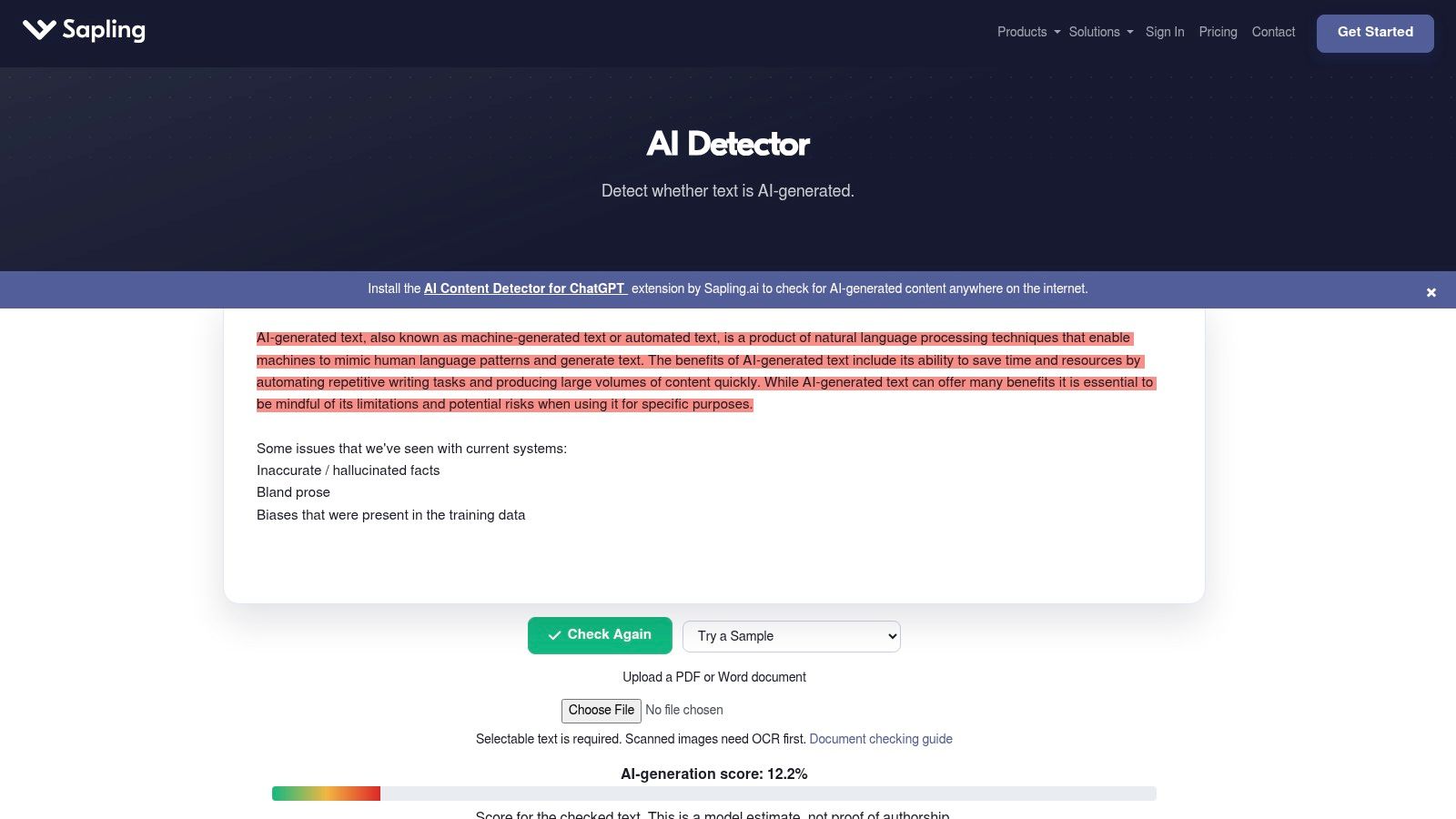
Short text screening is the practical starting point. Longer documents may be truncated in the web interface, requiring users to divide the material into sections or test the API instead. Sapling also offers free evaluation quotas through its developer offering, allowing a team to test representative support tickets, editorial drafts, or moderation samples before adopting recurring usage.
From manual review to API testing
The product's distinction is workflow fit rather than a uniquely authoritative score. A marketer can examine a short passage manually, while a developer can measure whether the signal adds value to an existing review process. Sapling's documentation describes limitations and reliability caveats, giving evaluators information to consider before deployment.
The detector is primarily English-focused. Multilingual teams should test their own language mix rather than assume that results transfer from English.
- Best for: English-language text screening, human-assisted review, and API experimentation.
- Free access: Web checks and developer evaluation quotas support initial testing.
- Upgrade trigger: Consider API usage when web input limits interrupt review or automated screening belongs inside an existing application.
Sapling shows why integration and evidence quality must be assessed separately. An accessible endpoint can automate a provisional signal, not replace editorial judgment or a documented review process.
5. ZeroGPT
ZeroGPT fits a triage workflow more than a final review. Its web checker supports text analysis, while the same service includes image and video checks, browser extensions, and history features. That combination helps teams sort mixed content quickly, although it does not establish authorship or provide the evidence needed for a disciplinary or publishing decision.
Free access should be verified at the point of use. ZeroGPT's published tool pages describe limits for free submissions, but those limits can differ by interface and may change. Users should confirm the current character or file allowance before planning a batch review. Language coverage and score behavior also require testing with representative samples rather than assuming that results transfer across languages or content types.
Privacy deserves equal attention. Multiple domains or service instances associated with the brand make it necessary to confirm the exact operator, retention terms, and treatment of uploaded text or media. Keep confidential client copy, unpublished research, personal records, and sensitive student work out of the tool until those conditions are clear.
A practical workflow is to use ZeroGPT for an initial queue, then have a human examine flagged passages, drafts, sources, and writing history. Digital Applied's 2026 detector guide describes uneven reliability among free detectors and differing false-positive patterns.
- Best for: Fast text triage and basic multi-modal screening.
- Free access: Check the active interface for current text and file limits.
- Upgrade trigger: Choose a controlled workflow when privacy, evidence logs, API access, or repeatable benchmarking matters.
ZeroGPT can reduce sorting time. It should not alone support a rejection, academic penalty, or employment decision.
6. Scribbr AI Detector
Scribbr's detector fits students and academic writers who want to screen an essay or document within a familiar academic-support service. Its web tool accepts document uploads and places the result alongside guidance on academic writing and responsible interpretation. That context matters because a free AI detector is often more useful for starting a review than for proving who wrote a passage.
A percentage needs context. Academic work uses formal phrasing, recurring conventions, and standardized structures that may resemble patterns associated with generated text. Editing software, second-language writing, and polished final drafts can create the same ambiguity. Scribbr's overview of detector performance describes practical limits for free tools, including a best free result of 68% accuracy in the evaluation it summarized. Readers can also consult this explanation of how detector scores work.
For academic review, the strongest evidence sits outside the score. Preserve the original file, compare earlier drafts, inspect cited sources, and ask the writer to explain important choices. That process can distinguish an unusual result from a genuine authorship concern, while a detector alone cannot reconstruct how the work was produced.
Scribbr is therefore suited to an individual first check, not to automated adjudication. Its document workflow supports student self-review, while institutions that need repeatable administration, reporting, or integration should assess whether dedicated controls justify a different tool.
Use Scribbr to identify passages for discussion and guide a fair review. Treating its result as an academic penalty would exceed what the evidence can support.
7. AI or Not
AI or Not is more useful for visual verification than for judging whether text was written by a person. Its free web demo supports image checks for marketing, public relations, newsroom, and brand-protection work. The API extends coverage to image, deepfake, voice, music, and video signals, giving media teams a broader review path than a text-only detector.
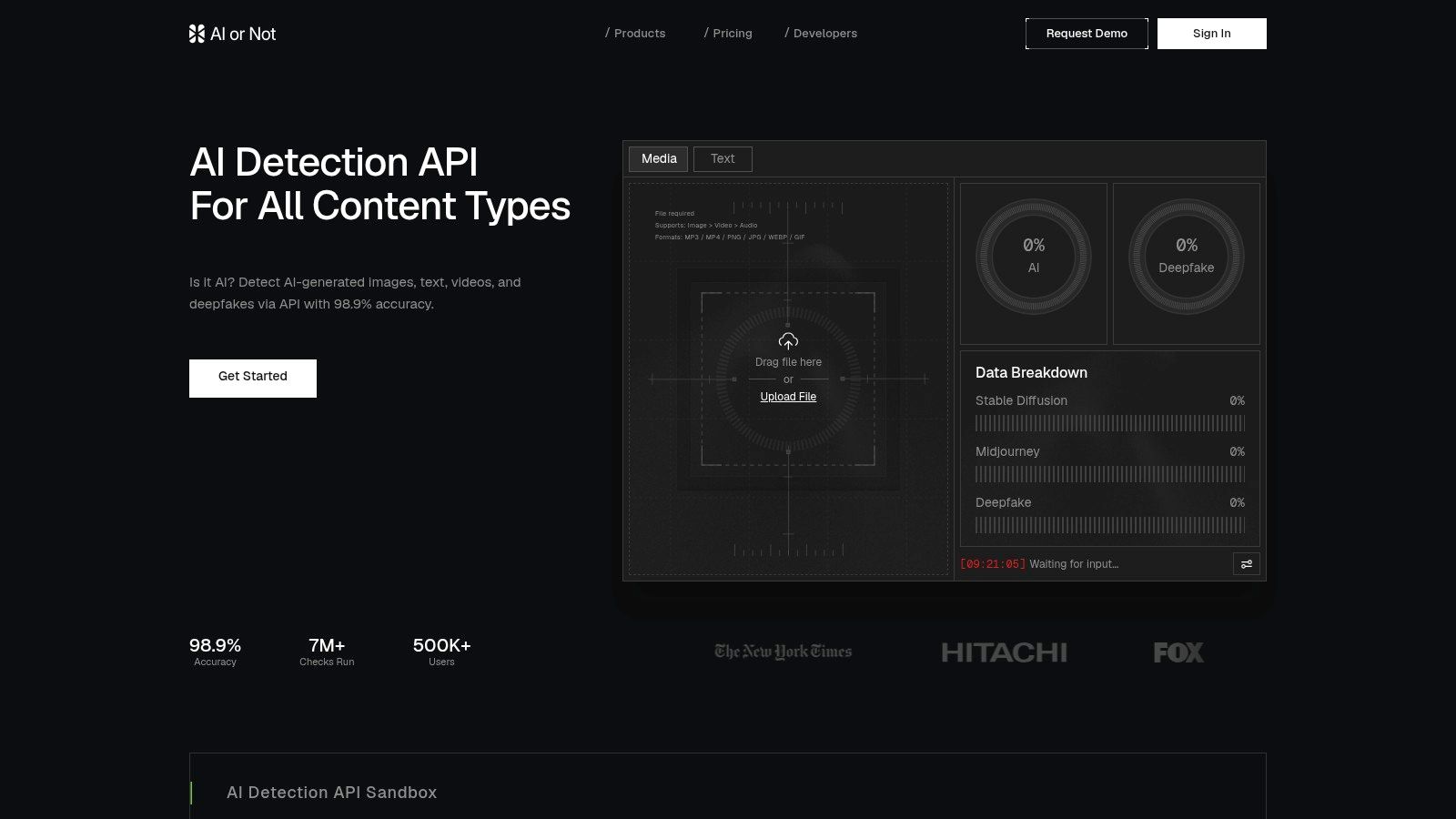
Best for visual checks with human review
A result needs context. Keep the original file, source URL, publication setting, and available metadata with the finding. The detector may recognize patterns linked to generation or manipulation, yet unfamiliar generator variants, screenshots, edited files, and composites can reduce confidence. Audio and video outputs require the same cautious interpretation.
For a newsroom or brand team, the useful unit is an evidence record, not a label. A reviewer can compare the file with its source, inspect suspicious regions, and document why the result merits escalation.
The free demo fits exploratory screening and individual investigations. Production workflows require the paid API, so teams should test representative media, retention practices, and integration requirements before adopting a formal policy.
- Best for: Image review and broader synthetic-media investigations.
- Free access: Web demonstrations support quick individual checks.
- Upgrade trigger: API access fits newsroom, moderation, and brand-monitoring systems that need repeatable checks.
AI or Not's main value is its media focus. Its output should inform review rather than serve as universal proof of authorship.
8. Hive AI-Generated and Deepfake Detection
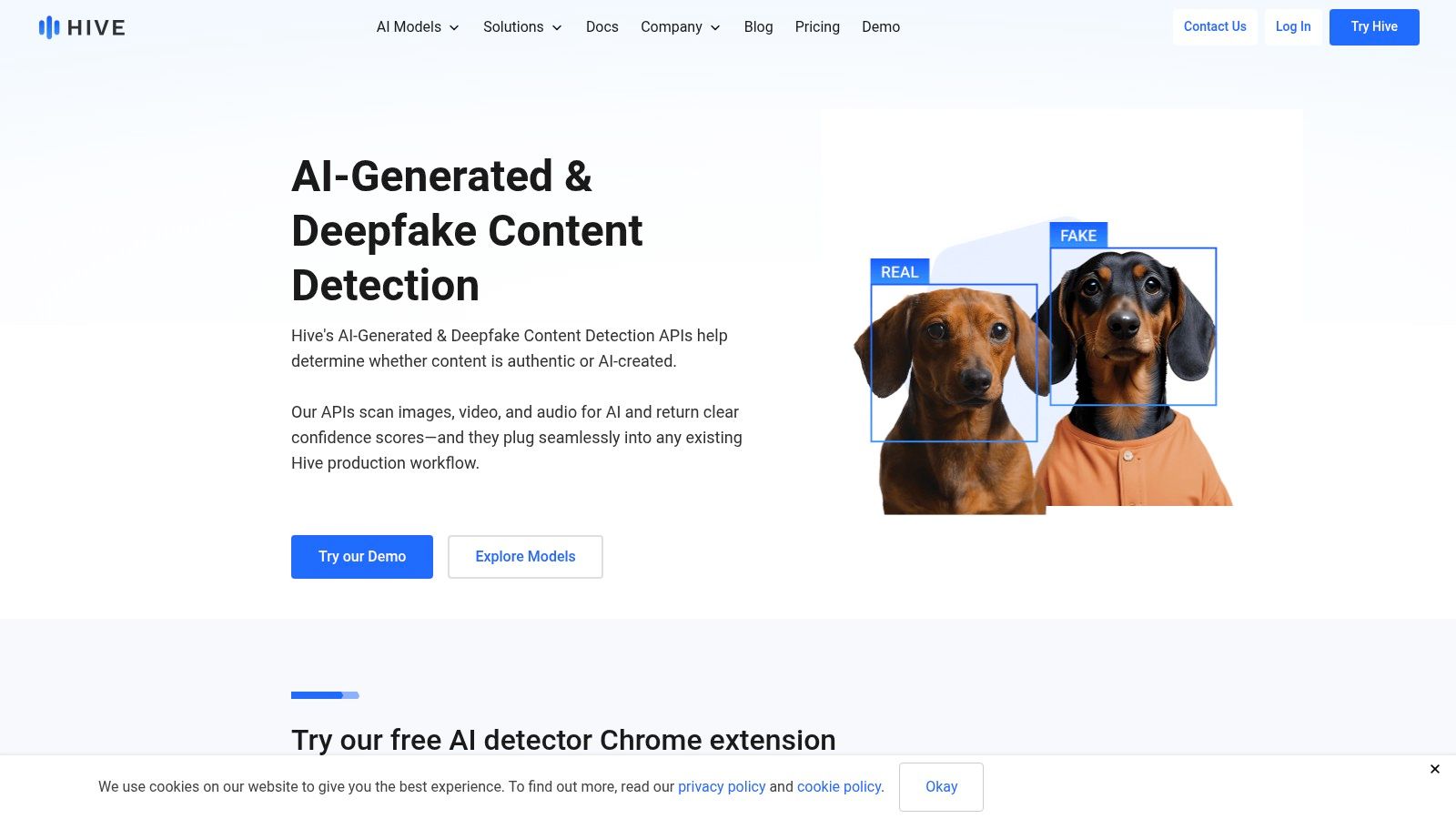
Hive focuses on generated images, videos, and face-swap deepfakes. Its free Chrome extension and public demos make quick checks accessible, while its commercial APIs support organizations that need more structured media analysis. Regular model updates are important in this category because generators and editing workflows change, but updates don't eliminate uncertainty for unfamiliar or transformed files.
Best for media teams with human reviewers
Hive's public-sector and enterprise orientation makes it relevant to organizations that need more than a binary “AI” label. A reviewer may need to distinguish a generated image from a face swap, inspect the affected region, and retain the file and surrounding evidence. Those needs call for a documented chain of review, not just a browser result.
The free extension is useful for rapid investigation, but it isn't the same as a production control. Commercial API access brings developer work, authentication, monitoring, and decisions about how long submitted media should be retained.
- Best for: Image and video forensics, especially deepfake-oriented review.
- Free access: Browser and public-demo access supports quick checks.
- Upgrade trigger: Commercial APIs make sense when media review is recurring, collaborative, and operationally documented.
Human review still matters: A detector can point to a likely manipulation. A reviewer must establish what the file is, where it came from, and whether the decision carries consequences.
9. GLTR, Giant Language Model Test Room
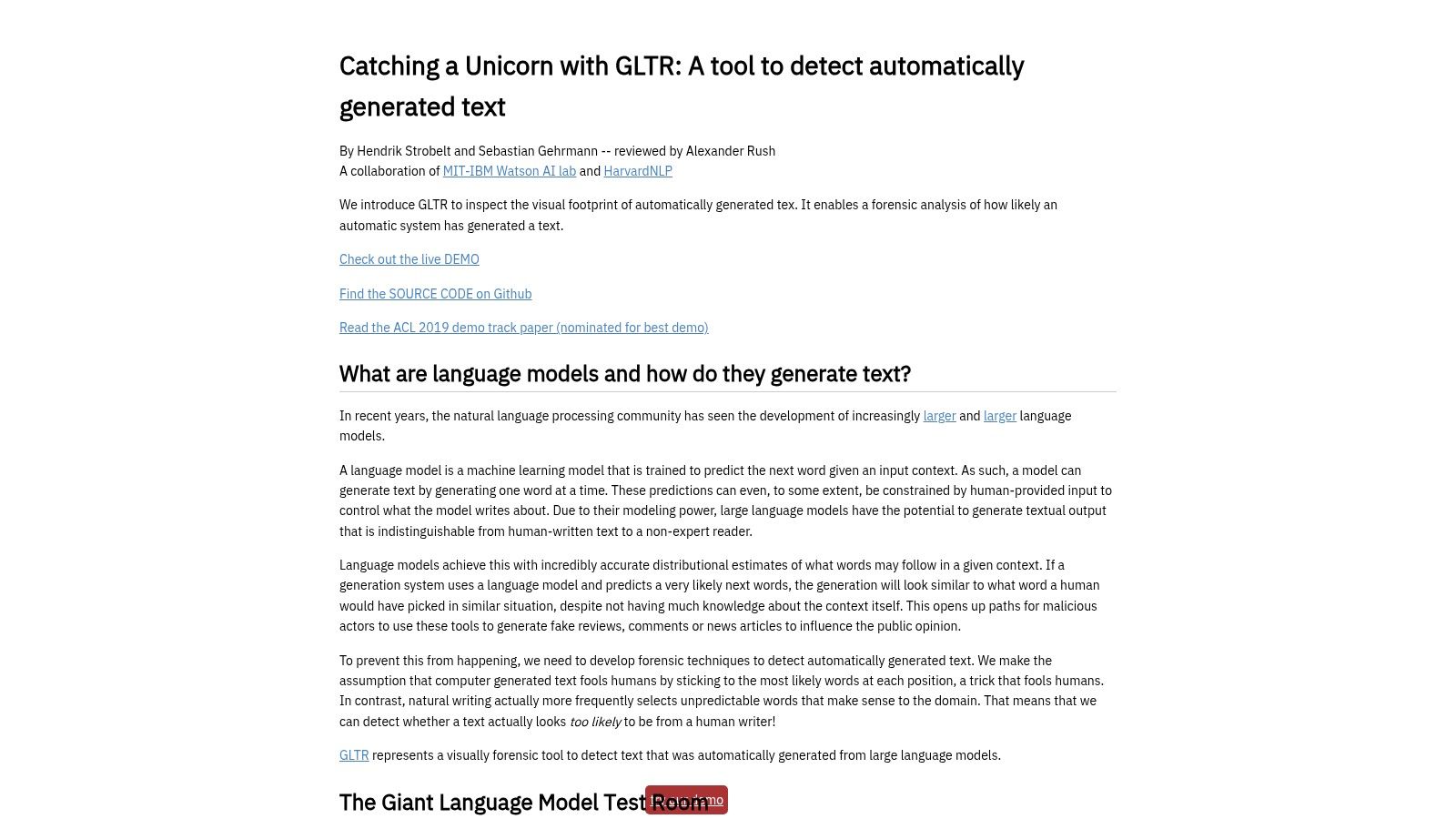
GLTR takes a different approach from most tools on this list. Instead of returning a polished AI probability score, it visualizes token-level predictability with color-coded overlays. Reviewers can inspect whether wording follows unusually regular patterns and use that view to form a more informed hypothesis about how the text was produced.
That transparency is GLTR's main strength. The open browser demo requires no sign-up and has clear educational value for instructors, editors, and researchers who want to understand the mechanics behind statistical detection rather than outsource judgment to a label.
An analysis aid, not a modern verdict
GLTR is built around older GPT-2-era language-model priors, so it shouldn't be presented as a current production detector. It also doesn't deliver a single AI-versus-human conclusion. Those limits are deliberate, and they make it useful for teaching reviewers why predictable language can produce suspicion without proving machine authorship.
A reviewer can pair GLTR with an LLM text checker, but the same caution applies to any second signal. Agreement between tools doesn't establish independence or correctness.
- Best for: Human-assisted text analysis and education.
- Free access: Browser-based use is available without an account.
- Upgrade trigger: There's no conventional upgrade path. Choose a modern API or managed platform if the workflow needs scale, logging, or current model coverage.
GLTR is the clearest choice when interpretability matters more than a convenient score.
10. Rewind.ai AI Content Detector
Rewind.ai offers a straightforward web detector for quick AI-likelihood checks and an API with a familiar OpenAI-style format. That combination makes it useful for developers who want to run a small programmatic trial without designing around a complex endpoint. Users can start without an account, which lowers friction for a one-off read.
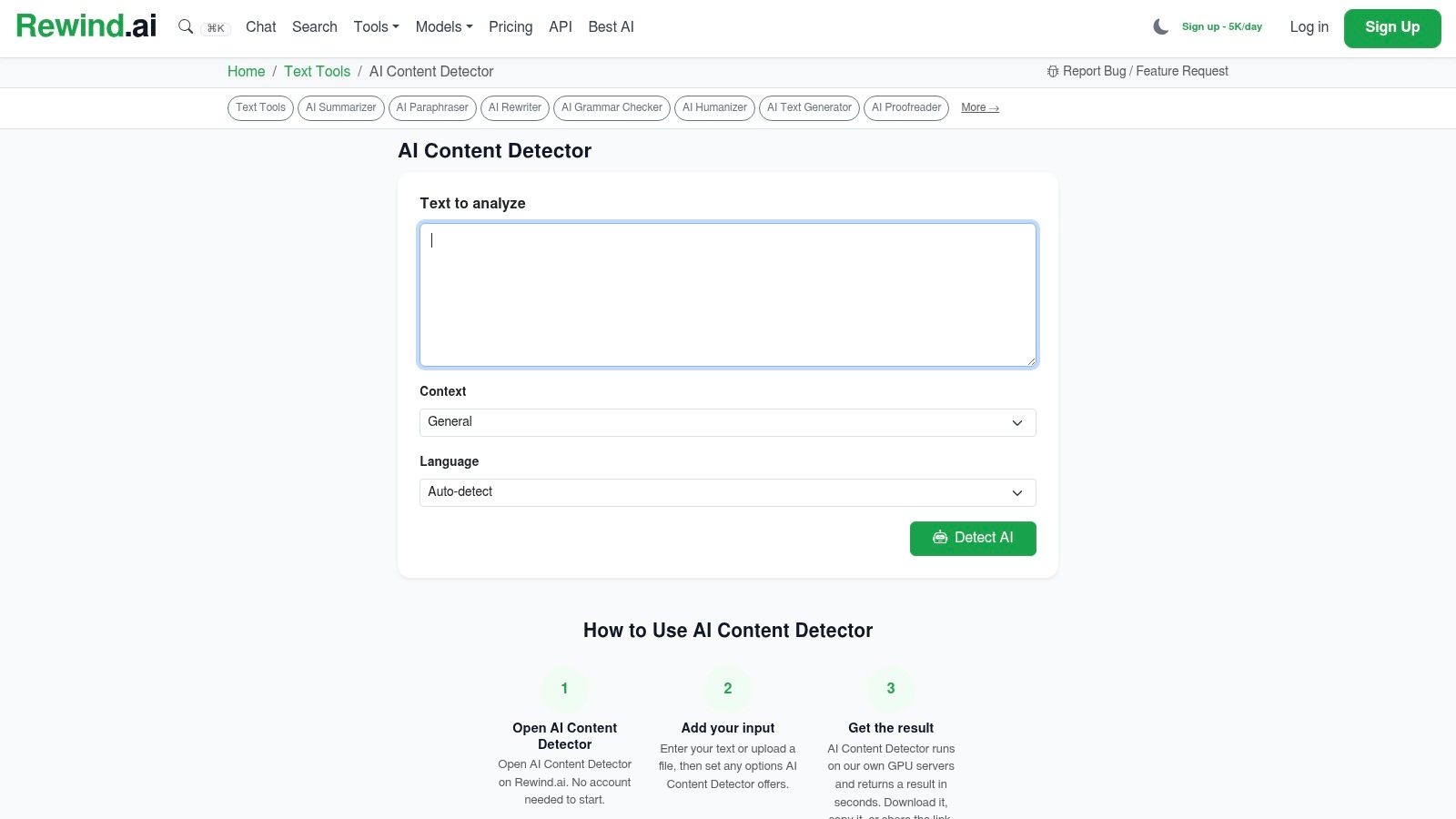
A lightweight option for API experiments
The free daily token allowance is small, and it applies across Rewind tools. That makes the service suitable for testing request formats, response handling, and an initial sample, but not for high-volume production screening. Teams should also decide what they'll do with borderline outputs before connecting the API to an automated decision.
A useful test compares detector results with human judgments on content the team handles. Include edited drafts, different writers, multiple languages if relevant, and documents whose provenance is known. Don't optimize an integration around synthetic benchmark samples alone.
- Best for: Quick text checks and early API trials.
- Free access: No-account web use and limited daily API experimentation.
- Upgrade trigger: Payment becomes relevant when token usage, recurring automation, or service reliability justifies it.
Rewind.ai is best viewed as an accessible prototype tool. Production adoption still requires privacy review, sampling, monitoring, and a policy for human escalation.
Top 10 Free AI Detectors Comparison
| Tool | Core capability | ✨ Unique features | ★ Quality | 💰 Pricing / value | 👥 Target audience |
|---|---|---|---|---|---|
| Copyleaks AI Detector | Multilingual text + image detection | Image region highlights; enterprise APIs & LMS integrations ✨ 🏆 | ★★★★☆ (broad coverage) | 💰 Generous free scans; paid enterprise plans | 👥 Education, enterprise, publishers |
| GPTZero | Education-focused text detection (web + batch) | Educator tuning, dashboards, batch uploads ✨ | ★★★☆☆ (edu-standard) | 💰 Free tier limited; paid educator plans | 👥 Schools, universities, educators |
| QuillBot AI Detector | Free text & image checks (part of writing suite) | Familiar brand UX; free single-file checks; premium bulk ✨ | ★★★☆☆ (casual use) | 💰 Truly free for single checks; premium for bulk | 👥 Students, content writers |
| Sapling AI Detector | Web detector + developer API | Per-span likelihood highlighting; generous API trial ✨ | ★★★★☆ (developer-friendly) | 💰 Free web limits; API free quota for testing | 👥 Developers, teams |
| ZeroGPT | Large per-scan text allowances; basic image/video checks | Multi-modal support; browser extensions for quick triage ✨ | ★★★☆☆ (variable; triage) | 💰 Free triage; vet privacy/data handling | 👥 Casual users, fast triage |
| Scribbr AI Detector | Academic-focused web checker with uploads | Essay-length support; academic guidance & help content ✨ | ★★★☆☆ (student-oriented) | 💰 Free for typical essay checks | 👥 Students, academic writers |
| AI or Not | Image-first media detector + API (image/voice/video/music) | API for multiple media types; newsroom/brand focus ✨ | ★★★★☆ (media-focused) | 💰 Free demo; pay-as-you-go API | 👥 Newsrooms, PR, developers |
| Hive: AI-Generated & Deepfake Detection | Image & video deepfake detection; model updates | Regular model updates; Chrome extension; enterprise APIs ✨ 🏆 | ★★★★☆ (forensics-grade) | 💰 Public demos; commercial API pricing | 👥 Media forensics, enterprises |
| GLTR, Giant Language Model Test Room | Token-level predictability visualizer (research tool) | Color-coded token likelihood overlays; open research demo ✨ | ★★★☆☆ (educational/tooling) | 💰 Free browser demo | 👥 Researchers, educators, analysts |
| Rewind.ai, AI Content Detector | Quick web detector + OpenAI-style API | No-signup quick checks; daily free tokens across tools ✨ | ★★★☆☆ (convenient tester) | 💰 Small free daily allotment; paid for heavy use | 👥 Developers, quick testers |
Choose the Workflow, Not Just the Score
The best free AI detector depends on what you're trying to decide. For broad language coverage and mixed text-image checks, start with Copyleaks. For academic workflows, GPTZero and Scribbr offer the clearest education-oriented fit. Sapling and Rewind.ai are more useful when the next step is API experimentation, while AI or Not and Hive belong in media-analysis workflows. Choose GLTR when a human reviewer needs transparent evidence about language patterns rather than another binary label.
The evidence argues against treating any score as proof. A multi-tool benchmark summarized by AI Detectors' 2026 accuracy report found average accuracy across 10 detectors rose from 84.2% in January to 85.7% in April 2026, while the top performer reached 95.2% overall accuracy with a 3.1% false-positive rate. Another independent test placed real-world performance between 52% and 79% when edited or humanized text was included. Those results aren't contradictory. They show why model, prompt, editing, sample composition, and benchmark design change the meaning of a headline score.
Use a detector as a triage layer:
- Start with representative samples: Test the languages, content types, writers, editing methods, and document lengths your team handles.
- Record the context: Save the tool, date, input version, output, and relevant privacy terms.
- Add human evidence: Compare drafts, revision history, sources, metadata, interviews, and the writer's ability to explain the work.
- Define escalation: Decide in advance when a result triggers discussion, additional review, or no action.
- Upgrade for operations: Pay when batch processing, API volume, LMS or CMS integration, access controls, reporting, or retention policies justify the cost.
Free access is useful for screening. It isn't a substitute for governance. A 2026 academic review notes that no detector can realistically reach a 0% false-positive rate, and a 2025 medical-journal test reported false-positive rates around 24.5% to 25% in that setting, as summarized in the published review. The correct response to a flagged passage is investigation, not automatic punishment.
AI Website Detector solves a different research problem. Its free scanner accepts a website URL and returns an AI-builder assessment with a confidence-style verdict, while its broader analysis identifies technology-stack signals. That makes it useful for competitor research, vendor verification, and website technology analysis, but not for deciding whether a paragraph, image, or video was produced by AI. If you're deciding which free AI detector to trust, separate authorship detection from website-stack detection before choosing a tool.
Use AI Website Detector to scan websites for AI-first builders and underlying technology-stack signals. Start with an instant free scan for individual research, then consider account or API access when recurring competitive analysis requires higher volume.