7 Best Website Audit Tools for 2026
Most advice about the best website audit tools starts with the wrong premise. It assumes one crawler can answer every important question about a site. In practice, audit work splits across four different dimensions: SEO, performance, accessibility, and security. The tools below don't inspect those dimensions in the same way, and they don't operate at the same scale.
Some crawl whole domains. Some test a single URL in a controlled browser environment. Some add competitive SEO data. One focuses on a question many teams now ask before they audit anything else: what was this site built with, and does an AI-first builder shape what you can realistically fix? If you want a broader framework for that kind of review, Wispra's guide to an AI-era website audit is a useful companion.
The comparison here stays practical. I'm looking at audit depth, crawl scale, workflow fit, reporting, integrations, implementation setting, and cost trade-offs. One warning up front: security coverage isn't the core strength of these seven tools. If your audit carries legal, compliance, or breach-risk consequences, treat security as a separate requirement. Don't infer it from a strong SEO score or a clean technical crawl.
Table of Contents
- 1. AI Website Detector
- 2. Semrush Site Audit
- 3. Ahrefs Site Audit including Ahrefs Webmaster Tools
- 4. Screaming Frog SEO Spider
- 5. Sitebulb
- 6. Lumar
- 7. Google Lighthouse
- Top 7 Website Audit Tools: Feature Comparison
- Build a Toolchain Around Your Audit Goal
1. AI Website Detector
A technical crawl is often the wrong first move. If you do not know whether a site runs on WordPress, Framer, Shopify, a custom React stack, or an AI-first builder, you can misread the audit before you start fixing anything.
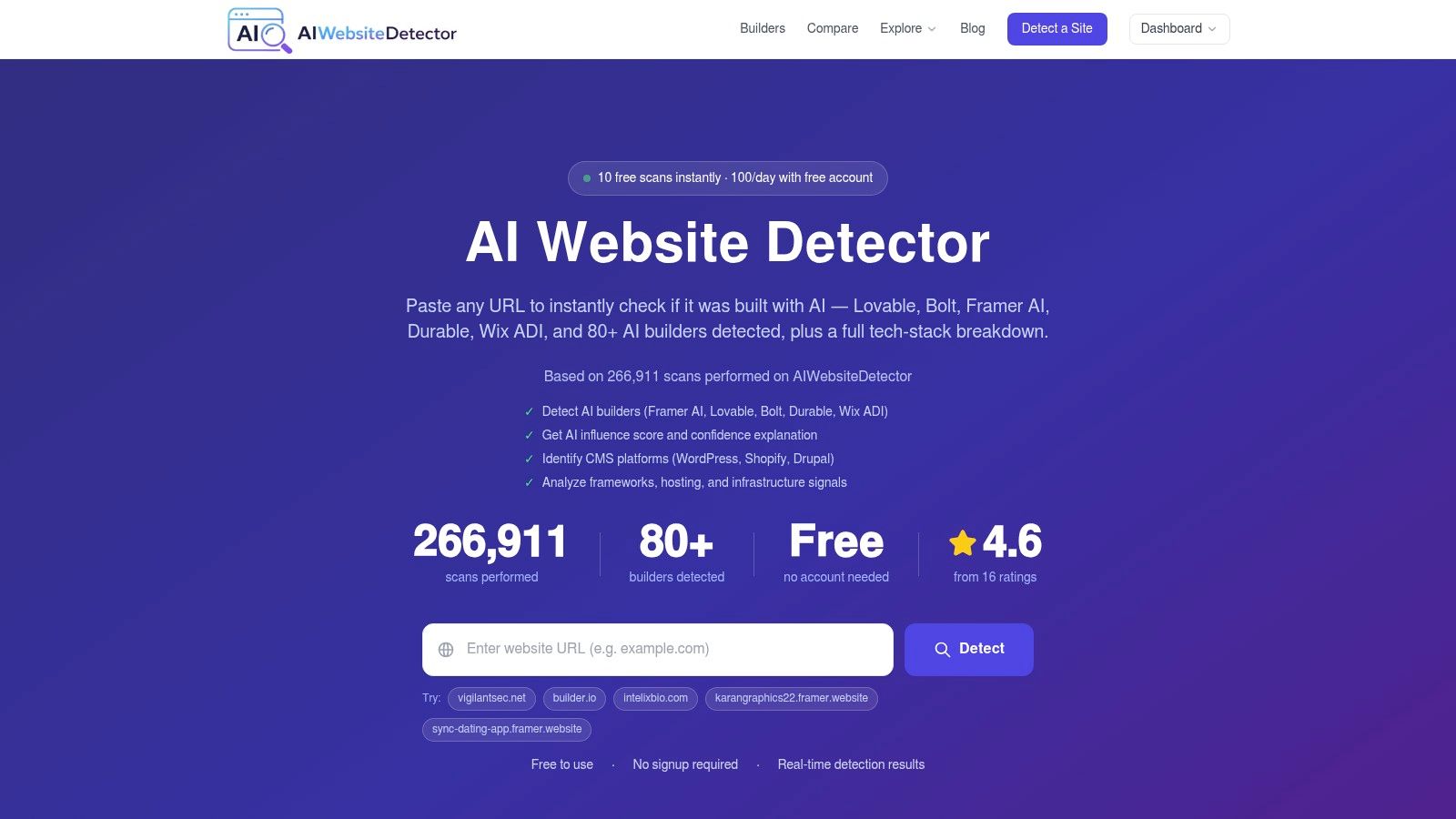
AI Website Detector fits a narrower job than the rest of this list, but it fills a real gap. It identifies likely builders and surrounding stack components, then shows the evidence behind that attribution. That changes the audit path. A render issue on a JavaScript-heavy framework, a template constraint inside an AI site builder, and a plugin conflict on WordPress can produce similar symptoms while requiring different owners, tools, and expectations.
Best for stack attribution and AI-builder detection
The product is strongest as an attribution layer before broader auditing. It fingerprints more than 80 platforms and surfaces an AI probability score, verdict label, confidence notes, and traceable signals pulled from items such as HTML patterns, script tags, headers, cookies, CDN domains, and bundle artifacts. It also extends beyond builder detection into CMS, framework, hosting, analytics, payments, and WordPress theme and plugin identification.
The useful distinction is not just detection breadth. It is explainability. Instead of returning a single label, the tool shows why it reached that conclusion and pairs the result with a screenshot. That makes it easier to use in competitor research, procurement checks, and agency handoffs where another person needs to verify the call rather than accept a black-box output.
A practical rule follows from that workflow. If the implementation context is unclear, start with attribution, then choose the audit stack. Teams auditing AI-built or heavily templated sites often waste time running large crawls before confirming what can be changed.
Public Recent Scans, builder profiles, methodology pages, utilities, and an API make the platform usable for both quick lookups and repeatable research. Pricing starts at €12/month on AI Website Detector. The company also states 85 to 99 percent accuracy for major, well-fingerprinted platforms such as Framer, Lovable, WordPress, and Shopify. Treat that as a platform-specific claim rather than a universal benchmark. Detection remains probabilistic for custom implementations, sites that hide signatures, or stacks with heavily modified front ends.
Where it fits in a real audit
Use AI Website Detector when the audit starts with attribution rather than optimization.
- Competitive teardown: Identify the builder, framework, analytics stack, and commerce tooling before comparing SEO execution or content architecture.
- Vendor validation: Check whether a delivered site appears custom-built, template-led, or assembled on an AI-first platform.
- Audit triage: Decide what comes next. JavaScript-heavy sites may need render-aware crawling. WordPress deployments may need plugin-level inspection. AI-builder sites may have tighter template constraints and fewer remediation options.
- Lead qualification: Separate sites that need developer-led work from sites where a marketer can handle most fixes.
The best follow-on tool depends on the answer. Pair it with Screaming Frog for forensic crawl work, Sitebulb for visual diagnosis, Lumar for governance at scale, or Lighthouse for developer-led testing. If the next question is SEO execution rather than attribution, an AI-powered SEO audit for brands is a sensible second step.
2. Semrush Site Audit
Semrush is not the best audit tool for every technical SEO job. It is the best fit when the audit needs to stay attached to keyword research, rank tracking, reporting, and competitor monitoring instead of living in a separate crawl-only workflow.
That distinction matters in practice. A crawler can surface broken links, duplicate tags, and indexation problems. Semrush adds a layer many marketing teams care about more. It keeps those findings in the same environment as search visibility data, so prioritization is less abstract and easier to defend internally.
Best for integrated SEO intelligence
Semrush positions Site Audit as a crawler that scans pages for technical and on-page SEO issues, groups findings by severity, and supports recurring audits over time through scheduled crawls and project-based monitoring, as described in its Site Audit documentation. That makes it a strong option for teams that want ongoing audit operations rather than a one-time technical review.
The workflow is built for that use case. You set crawl scope, review issue clusters through a health-oriented dashboard, and connect the project to other SEO tasks already happening inside Semrush. If you need a process refresher before configuring that setup, this guide on how to perform a website SEO audit is a useful reference.
One limitation is also clear. Semrush is efficient for monitored, recurring site auditing, but it is not the tool most analysts choose for low-level forensic crawling, custom extraction, or desktop-only investigations. Its value comes from operational context, not maximum crawl configurability.
Semrush is strongest when the audit has to support decisions, reporting, and recurring SEO management, not just diagnosis.
Two trade-offs shape the buying decision. Plan limits and project allocations can affect agencies or operators managing many smaller sites. And while Semrush surfaces a broad set of technical issues, some detections are still rule-based and probabilistic, which means analysts should verify high-impact findings rather than treat every alert as equally conclusive.
Where Semrush wins
- In-house marketing teams: It keeps technical findings tied to ranking, keyword, and competitor workflows in one platform.
- Agencies with reporting pressure: It gives clients readable outputs without forcing every audit into spreadsheets and slide decks first.
- SEO managers prioritizing remediation: It makes it easier to explain why a technical issue matters in business terms, especially when visibility trends sit nearby.
Choose Semrush if the audit job is integrated SEO intelligence. Choose another tool if the job is forensic crawling, visual troubleshooting, enterprise governance, or developer-led performance testing.
3. Ahrefs Site Audit including Ahrefs Webmaster Tools
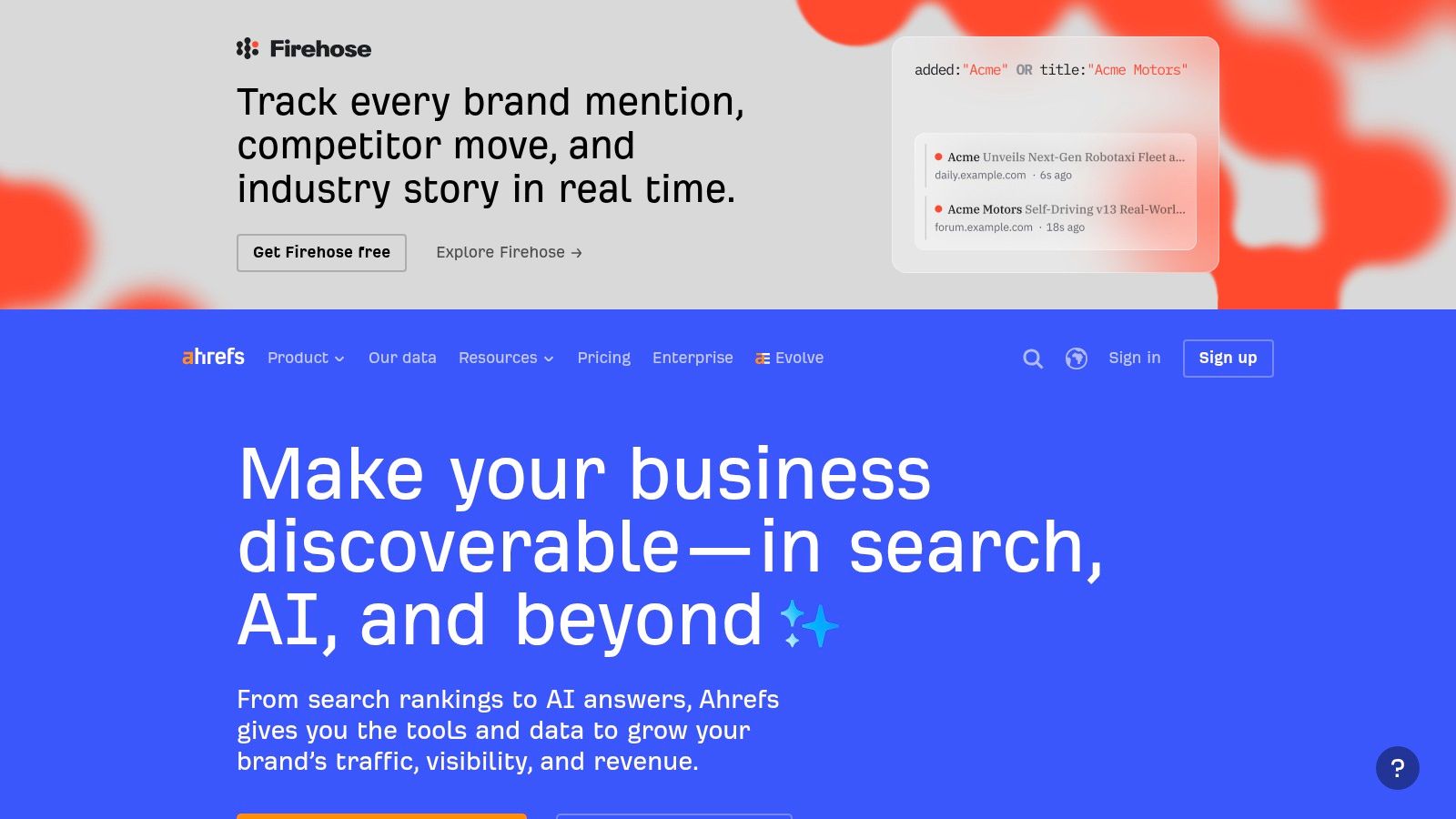
A crawl can tell you that a page is broken. Ahrefs is useful when you also need to decide whether that page is worth fixing first.
That distinction matters in real audits. A noindexed article with no links and no ranking footprint is a different problem from a noindexed category page that attracts referring domains and sits close to page one. Ahrefs places those cases in the same working environment as link data, keyword visibility, and page-level SEO signals, so prioritization becomes less arbitrary.
The free entry point also changes who can use it. Ahrefs Webmaster Tools gives verified site owners access to auditing without forcing a full subscription at the start, which makes it practical for smaller in-house teams or publishers that want recurring crawls before committing to a broader platform.
Best use case: deciding which technical issues deserve SEO attention first
Ahrefs fits the audit job between integrated SEO intelligence and raw forensic crawling. Semrush is stronger for recurring reporting and cross-channel SEO management. Screaming Frog gives analysts more crawl control, custom extraction, and local inspection. Ahrefs sits in the middle. It is the better choice when technical findings need to be filtered through backlinks, organic demand, and page importance.
A simple example shows the difference. If an audit surfaces duplicate titles across hundreds of URLs, Ahrefs can help separate pages that are merely untidy from pages that may waste link equity or suppress performance on queries that already matter. For page-level checks, a meta tag analyzer for title and description review can support that workflow before changes are pushed.
Two trade-offs deserve a clear warning.
First, Ahrefs is a cloud crawler, so scale and rendering depth are constrained by account limits and product design. Large sites, JavaScript-heavy sections, and frequent recrawls can increase cost faster than teams expect. Second, issue detection still relies on predefined rules and heuristics. That makes the tool efficient for triage, but not conclusive for every alert. Analysts should verify high-impact findings such as canonicals, indexability conflicts, and redirect behavior on the affected URLs.
Use Ahrefs if the audit goal is backlink-supported crawling and SEO prioritization. Use something else if the job requires desktop-only forensics, highly customized extraction, or governance controls across many stakeholders.
Its strongest role in a toolchain is clear. Ahrefs helps answer which technical defects matter most for search performance, then a specialist tool can handle the deeper investigation or validation.
4. Screaming Frog SEO Spider
Audits often fail at the moment an analyst needs evidence at URL level. Dashboards summarize. Screaming Frog exposes the crawl itself.
That difference matters in jobs where the question is not "Do we have technical issues?" but "Which URLs break, under which rules, and can we prove it before release?" Screaming Frog is strongest in that narrower, more exact role. It runs locally, gives direct control over user agents, rendering, extraction, segmentation, and exports, and fits teams that need a forensic record rather than a simplified health score.
For migrations and pre-launch QA, that local model changes the workflow. Analysts can crawl staging environments, password-protected areas, redirect sets, canonicals, hreflang clusters, and template outputs before pages are public. A quick sitemap checker also helps validate a common crawl input before or after a larger run.
The trade-off is easy to miss. Screaming Frog finds a large amount of detail, but it does not do much editorial work for you. It will surface duplicate directives, chains, orphan signals, thin templates, and extraction patterns. The analyst still has to decide which findings are likely to affect indexation, which are harmless edge cases, and which deserve validation in a browser, log file, or server configuration.
That is why Screaming Frog belongs in this list as the forensic desktop tool, not the default answer for every audit.
Its best fit looks like this:
- Migration audits where redirect logic and canonical targets must be checked at scale
- Technical QA on staging or restricted environments that cloud crawlers may not reach cleanly
- Custom extraction work for schema, headings, meta directives, internal link patterns, or template anomalies
- Analyst-led workflows that combine crawl exports with Google Analytics, Google Search Console, or PageSpeed Insights data
The limits are practical, not theoretical. The free version caps usage at 500 URLs. Large crawls depend on local memory and machine performance. JavaScript rendering is useful, but it is still a test environment, not a full substitute for validating behavior in a browser and on production infrastructure.
Use Screaming Frog when the audit job requires control, repeatability, and raw exports. If the main problem is stakeholder communication, visual explanation, or program-level governance, another tool in this list will fit better. In a mixed toolchain, Screaming Frog often does the verification work after a broader platform flags where to look.
5. Sitebulb
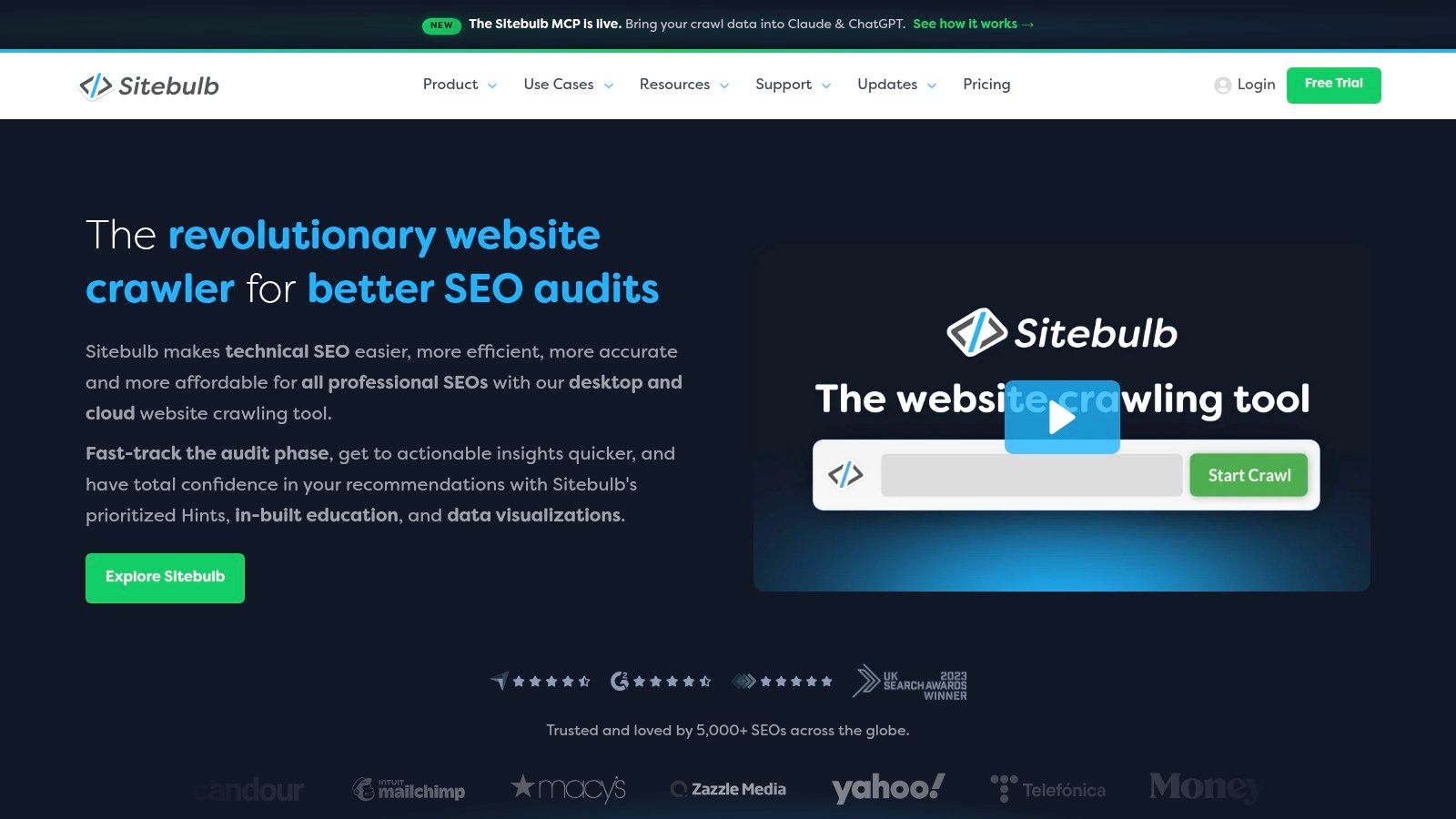
Sitebulb is what I recommend when the audit itself isn't the hard part. The hard part is explaining the findings clearly enough that designers, content owners, developers, and clients all act on them.
Its visual style and educational hints reduce that translation overhead. That changes the economics of audit work, especially for consultants and in-house teams that spend as much time socializing findings as discovering them.
Best for visual troubleshooting
Sitebulb combines a capable crawler with issue explanations that feel written for humans rather than only for specialists. That makes it particularly effective for collaborative troubleshooting, where the goal isn't just to find technical debt but to establish shared understanding of why something matters.
The desktop and cloud split is useful. Desktop suits solo consultants and analysts who want local control. Cloud suits teams that need scheduling, collaboration, and larger-scale recurring audits without tying crawl capacity to a single machine.
A broader market truth supports Sitebulb's role. Independent comparisons argue that "website audit tools" really split across technical SEO, performance, accessibility, security, and content quality, and one comparison notes that no single product on its list does all five well in Flow Ninja's comparison of site audit disciplines. Sitebulb works well because it doesn't pretend otherwise. It focuses on making technical and structural issues legible.
What to watch
- Big advantage: It helps teams move from issue lists to shared diagnosis.
- Cloud benefit: It removes some local machine limits and supports scheduled collaboration.
- Constraint: Desktop still depends on your hardware, and cloud introduces recurring spend.
If your stakeholders glaze over when they see a spreadsheet crawl export, Sitebulb often gets further than more forensic tools. That's not because it's softer. It's because explanation is part of the audit job.
6. Lumar
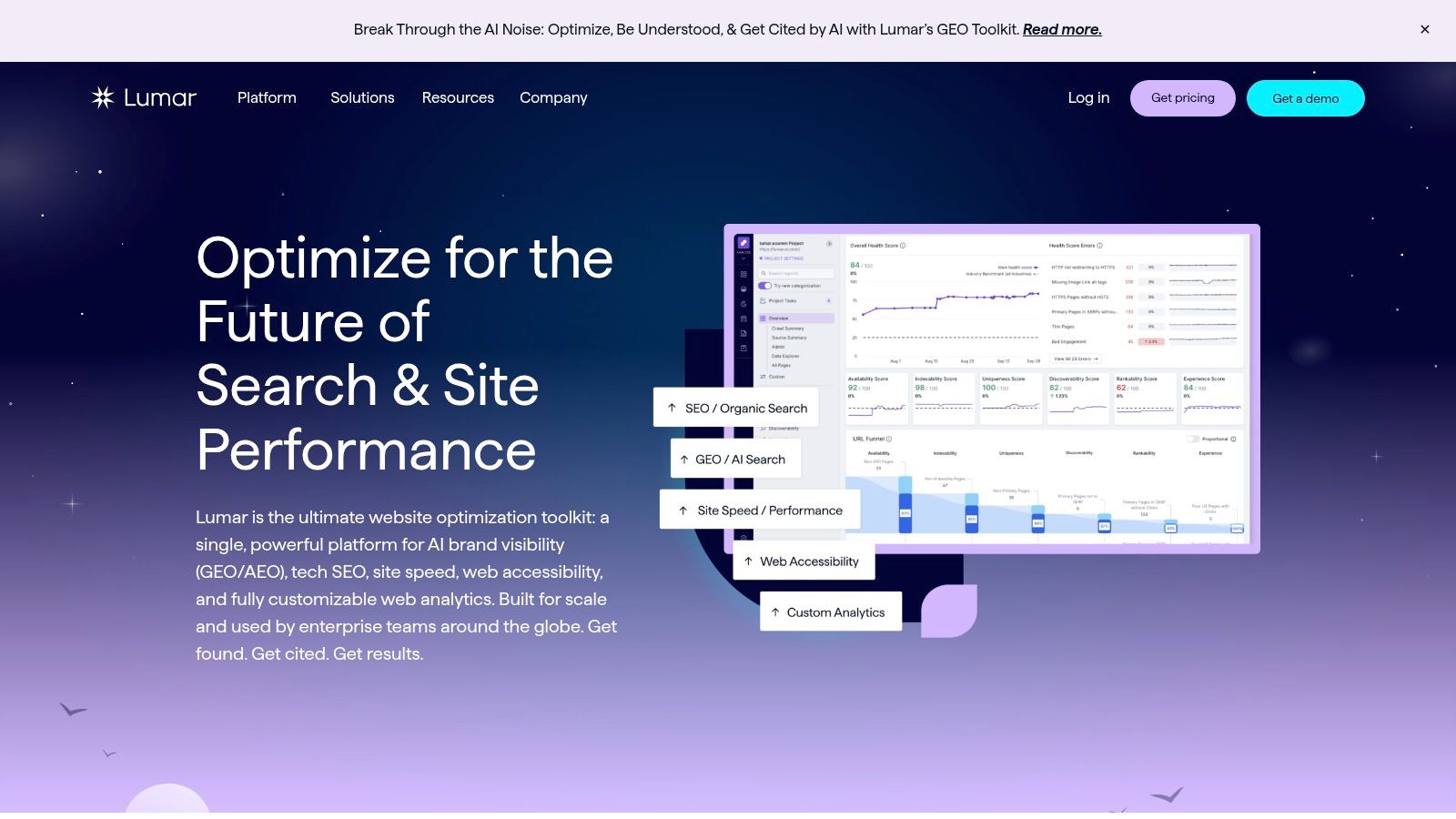
Lumar is the governance pick on this list. Its value shows up when a site is large enough that auditing stops being a one-time diagnostic task and becomes an operational system for multiple teams.
That changes the buying criteria. A consultant or in-house SEO can get a lot done with a fast crawler and a spreadsheet export. A retailer with many storefronts, a publisher with sprawling taxonomy, or a global brand with separate product, engineering, and content owners usually needs scheduled crawls, permissions, recurring reporting, and a way to track whether fixes shipped.
Lumar supports that model well. It is built for high-scale crawling, custom extraction, scheduled monitoring, and integrations that push crawl data into analytics or BI workflows. That matters when the audit job is less "find broken links today" and more "monitor release risk across a large estate every week."
Best for enterprise governance
The strongest case for Lumar is not raw issue detection alone. Screaming Frog is often the sharper forensic tool for analysts who want local control. Sitebulb is often easier for explanation and collaborative diagnosis. Lumar earns its place when governance itself is the requirement: large crawl scope, repeatable workflows, segmented ownership, and reporting that can serve SEO, engineering, and leadership at the same time.
Its trade-off is overhead. Teams need enough site complexity to justify setup, process, and spend. Smaller organizations often buy enterprise crawling before they have the operational discipline to use it well, which leads to lots of monitoring and little remediation.
A practical test helps:
- Choose Lumar if you need scheduled crawls across very large sites, custom extraction, and reporting that feeds governance or BI.
- Choose Screaming Frog if the job is analyst-led investigation and flexible local crawling.
- Choose Sitebulb if the blocker is stakeholder understanding rather than crawl coverage.
Lumar works best as part of a toolchain, not as a universal winner. Pair it with Lighthouse for developer-level performance and accessibility checks, or with Semrush or Ahrefs when you want enterprise crawling plus broader SEO context such as keyword visibility or link data.
7. Google Lighthouse
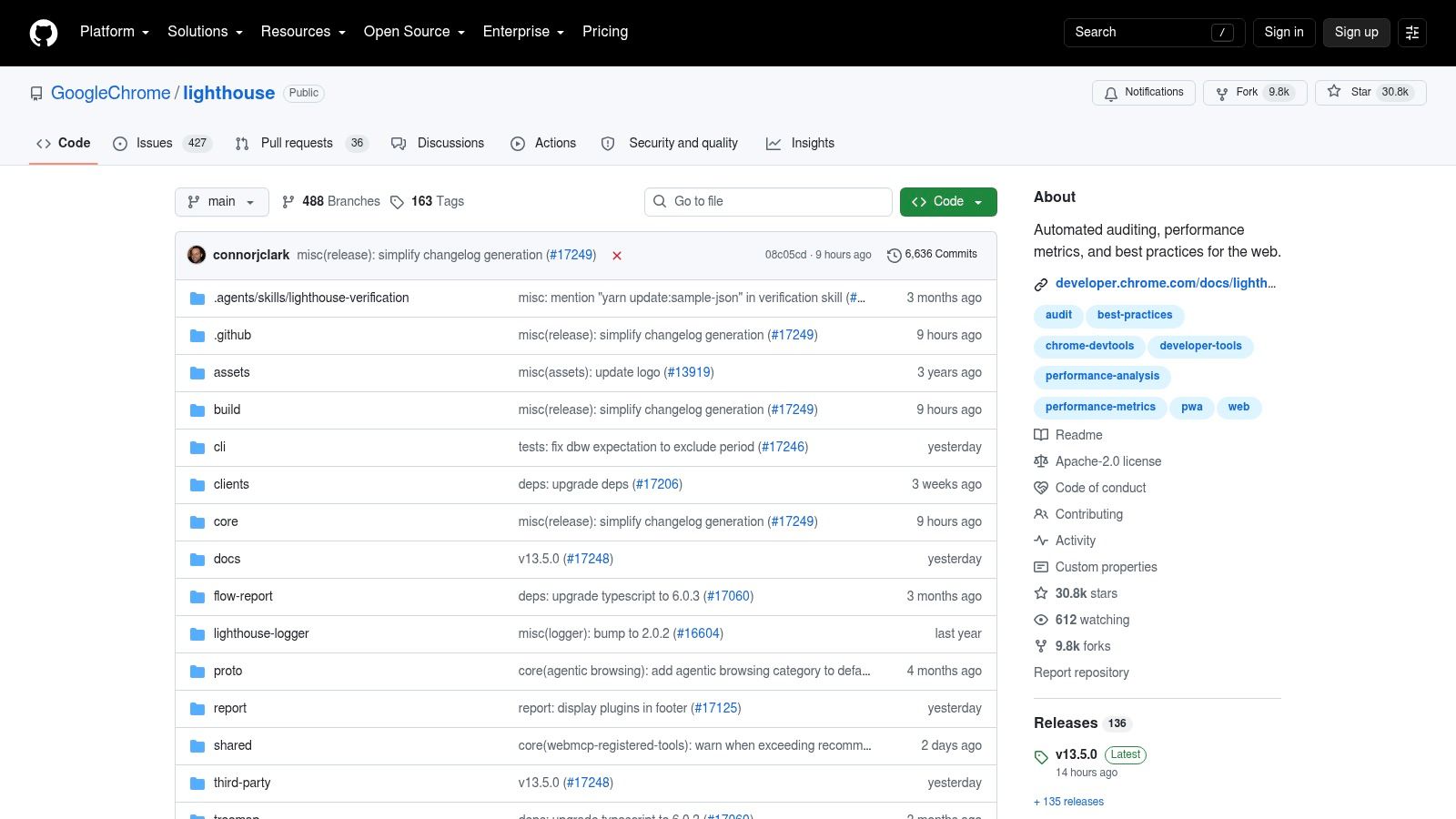
Google Lighthouse is the least useful tool on this list if your question is "What is broken across the whole site?" It becomes one of the most useful if the question is narrower: "What happened on this page after the latest code change?" Google's own documentation defines Lighthouse as an automated auditing tool for web page quality, focused on categories such as performance, accessibility, progressive web apps, and SEO, with reports generated in Chrome and related workflows in Google's Lighthouse documentation.
That scope matters. Lighthouse tests an executed page in a controlled, synthetic environment, so it is better at exposing page-level regressions than at discovering site-wide inventory or ownership problems.
Best for developer-led performance and accessibility testing
Lighthouse fits teams that treat audits as part of shipping software, not just reviewing SEO tickets. A developer can run it in Chrome DevTools, a team can standardize it in CI, and both can compare results across releases with the same audit framework.
Its strongest use cases are specific. It surfaces render-blocking resources, JavaScript-related performance bottlenecks, missing accessibility attributes, and a limited set of SEO checks on representative templates or critical URLs. That makes it a strong complement to crawler-based tools: the crawler tells you where issues exist, while Lighthouse helps explain how a page behaves when the browser renders it.
The trade-off is just as important. Lighthouse reports are lab diagnostics, not direct measurements of real-user experience, and some findings are probabilistic rather than definitive. A poor score can point to a likely problem worth investigating. It does not always tell you how often users hit that problem in production.
What Lighthouse won't do for you
Lighthouse does not map an entire site, prioritize fixes by template prevalence, or give backlink, keyword, or governance context. Its SEO audit is intentionally shallow compared with dedicated crawlers, and its value drops if you run it on a handful of pages and assume the results generalize across every template, locale, or device condition.
Used well, Lighthouse belongs in a toolchain. Pair it with Screaming Frog or Sitebulb when you need forensic discovery plus browser-level diagnosis. Pair it with Lumar when governance is already handled and engineering needs release-level performance and accessibility checks. Pair it with Semrush or Ahrefs when you want page diagnostics alongside search visibility or link context, rather than forcing one platform to do every audit job.
Top 7 Website Audit Tools: Feature Comparison
| Tool | Implementation complexity 🔄 | Resource requirements ⚡ | Expected outcomes ⭐ | Ideal use cases 💡 | Key advantages 📊 |
|---|---|---|---|---|---|
| AI Website Detector | Low, web UI + optional API; instant checks | Minimal for UI; paid API for high volume (€12+/mo) | Explainable AI-builder verdicts; high accuracy on known builders ⭐⭐⭐⭐ | Competitive research, vendor validation, dev integrations | Multi‑signal explainability, bundle‑artifact & vibe detection, public scan feeds |
| Semrush – Site Audit | Moderate, cloud SaaS with setup & integrations | Subscription required; integrates GA4/GSC and datasets | Prioritized fixes + competitive context tied to keywords/backlinks ⭐⭐⭐ | Teams needing audits plus keyword/backlink research & reporting | Unified workspace linking audits, keywords and backlinks |
| Ahrefs – Site Audit (AWT) | Low–Moderate, cloud setup; free AWT for owners | Moderate; scalable crawl credits on paid tiers | 170+ technical checks + backlink data; reliable crawler ⭐⭐⭐ | Webmasters wanting crawler + backlink/keyword insights | Free AWT onramp, strong backlink integration, scalable crawling |
| Screaming Frog SEO Spider | Moderate, desktop app; highly configurable | High for large crawls, local CPU/RAM; paid license for >500 URLs | Deep technical/extractable data for forensic audits ⭐⭐⭐⭐ | Technical SEOs, migrations, staged or sensitive environments | Very fast, flexible, local control, custom extraction & AI hooks |
| Sitebulb (Desktop & Cloud) | Low–Moderate, desktop or cloud options | Desktop uses local resources; Cloud subscription for scale (~£95+/mo) | Visual, prioritized “Hints” that speed troubleshooting ⭐⭐⭐ | Stakeholder-facing reports, teams needing scheduling & comparisons | Visual reports, educational hints, desktop/cloud flexibility |
| Lumar (formerly Deepcrawl) | High, enterprise cloud with bespoke setup | Very high, enterprise pricing, integrations, support | Scalable, governance‑grade insights for large sites ⭐⭐⭐⭐ | Large organizations needing scale, governance, BI alignment | Enterprise reports, cross‑team collaboration, advanced integrations |
| Google Lighthouse | Low, runs in DevTools, CLI, or CI | Minimal, local/CI resources; free & open‑source | Developer-centric metrics (Performance, Accessibility, SEO) ⭐⭐⭐ | Developers improving Core Web Vitals and CI checks | Free, fast, CI-friendly, standard benchmarking metrics |
Build a Toolchain Around Your Audit Goal
The right choice depends on the question you're trying to answer, not on which brand appears most often in generic roundups.
Choose AI Website Detector when your first problem is attribution. If you need to know who built a site, whether an AI-first builder shaped the implementation, or what stack sits underneath the front end, it's the most direct starting point. That context sharpens every later audit decision.
Choose Semrush or Ahrefs when technical SEO needs to connect to keyword and backlink intelligence. Semrush is the stronger fit for integrated marketing workflows and reporting. Ahrefs is the better fit when backlink context and SEO prioritization sit close together.
Choose Screaming Frog for local forensic work, migrations, redirect mapping, and custom extraction. Choose Sitebulb when the challenge is visual explanation, collaborative troubleshooting, and helping non-specialists act on crawl findings. Choose Lumar when website auditing becomes an organizational system rather than a specialist task. Choose Lighthouse when developers need repeatable performance and accessibility checks on representative pages.
A practical workflow looks like this:
- Identify the implementation first: Use stack attribution to understand the builder, framework, CMS, and likely constraints.
- Crawl for structural issues next: Use a site crawler to find indexation, canonical, linking, redirect, and metadata problems.
- Test representative URLs separately: Use Lighthouse or similar browser-native testing for performance and accessibility diagnostics.
- Validate in the right environment: Check staging, production, templates, and rendered outputs where relevant.
- Document ownership: Assign each issue to the team that can fix it, then re-test after release.
No tool here is a universal winner because website auditing isn't one job. It's a chain of jobs performed by different people with different evidence needs. Heuristic technology verdicts can point you toward the right explanation. Synthetic lab scores can point you toward the right fixes. Neither replaces human validation, production testing, or field data.
If your audit starts with uncertainty about the site itself, AI Website Detector gives you a fast way to identify the builder, detect AI-first implementation signals, and map the broader tech stack before you commit to a deeper crawl. That's useful for competitor research, vendor validation, and choosing the right follow-up tool instead of treating every site like it was built the same way.