10 Best PDF AI Detector Tools Compared for 2026
Stop treating a pdf ai detector score like a verdict. A PDF is a container, not a confession, and the best tools only show you what they can infer from extracted text, OCR output, metadata, and formatting artifacts. That's why a useful review has to ask a harder question than “which tool is most accurate?” It has to ask what each tool can see inside the file, how it handles batch work, and whether the report is good enough for review.
The practical split is between tools that give you a quick probability and tools that help you inspect evidence. That distinction matters because PDF detection is a classification problem, not an authorship test, and results shift with document type, language, editing, and OCR quality. For a useful background comparison of extractive and abstractive methods, see comparing extractive and abstractive methods.
Table of Contents
- 1. Originality.ai
- 2. GPTZero
- 3. Copyleaks
- 4. Winston AI
- 5. Turnitin
- 6. Sapling PDF & Word AI Detector
- 7. ZeroGPT
- 8. Crossplag AI Content Detector
- 9. Quetext
- 10. Scribbr AI Detector within Scribbr Checks
- Top 10 PDF AI Detector Tools Comparison
- Choosing the Right Check for Your Documents
1. Originality.ai
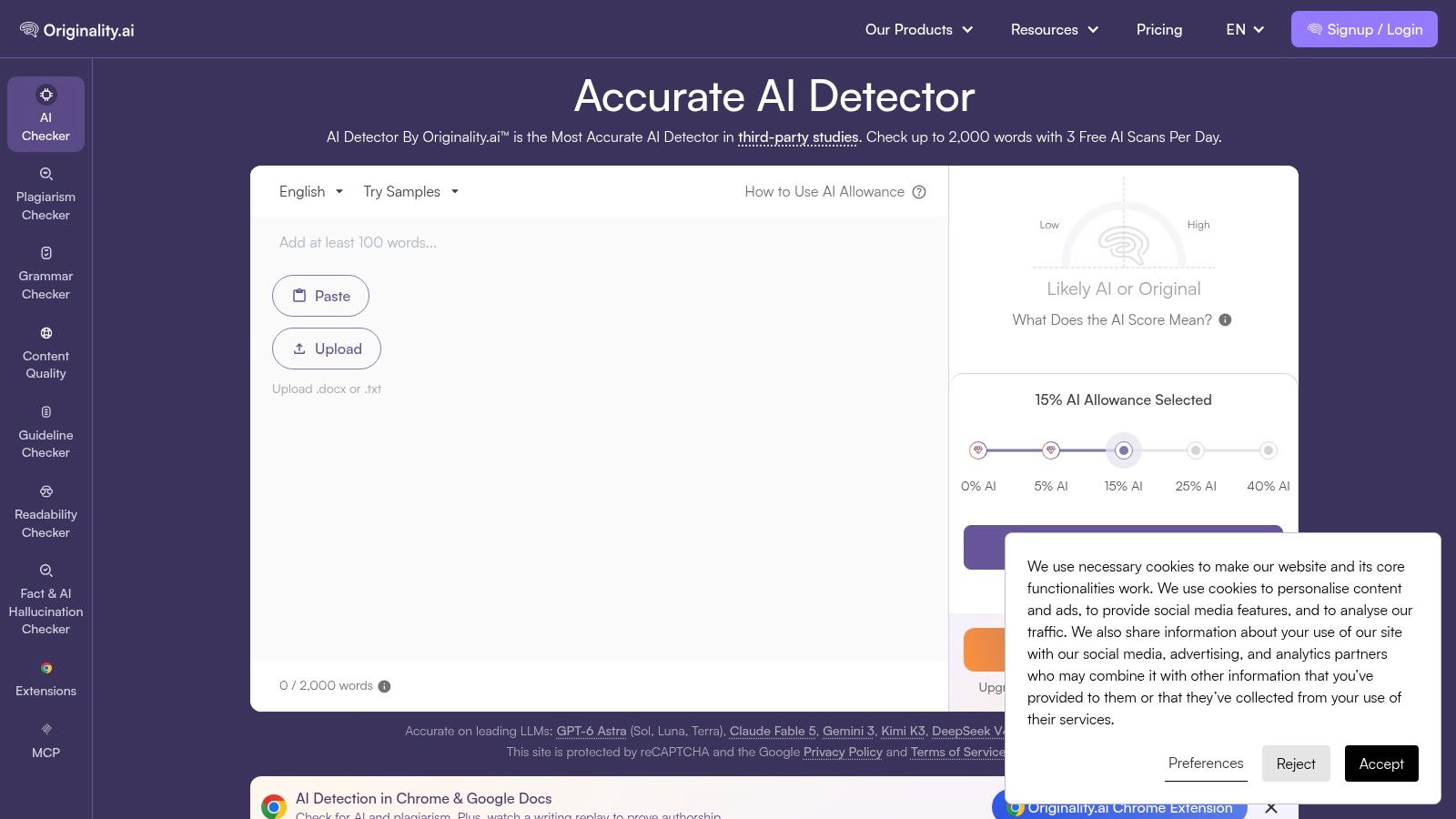
Originality.ai fits teams that want more than a single AI score. It combines AI writing detection, plagiarism checking, readability analysis, URL and site scans, and it accepts direct PDF, DOC, and DOCX uploads. That makes it useful for publishers and SEO teams that need one place to review both originality and reuse.
Where it works well
The strongest part is workflow control. Credits, tags, team workspaces, report sharing, and downloads make it easier to manage reviews across editors and clients. The API and Chrome extension also help when the same content needs repeated checks in a production pipeline.
- Good for agency work: Team roles and tagging help separate drafts, client files, and final approvals.
- Good for mixed checks: AI detection and plagiarism live in the same system.
- Good for handoff: Downloadable reports make it easier to document a review trail.
Practical rule: If you need one platform for content integrity, Originality.ai is more useful than a bare detector.
The limitation is familiar but important. Any pdf ai detector becomes less reliable on heavily edited or “humanized” text, and this platform is no exception. It's strongest when you use it as a screening layer, then verify flagged passages manually.
Website: Originality.ai
2. GPTZero
GPTZero is for reviewers who need readable evidence, not a black-box score. It accepts PDF, DOCX, and TXT uploads, then breaks the result into sentence-level highlights with an overall classification. That setup works well for educators, editors, and intake teams that need to point to the exact lines that triggered a flag.
The workflow matters too. Organization and education setups, plus API endpoints for text and file uploads, make it easier to fit into classrooms, academic review, or document intake without forcing every file through the same manual path.
Sentence-level evidence is the part I would check first. A flagged passage is easier to discuss with a student or reviewer than a single document label, and it is easier to compare against guidance like how to detect AI writing without treating any one score as final.
GPTZero also gives you room to separate review from judgment.
- Clear reporting: Sentence highlights make disputed lines easier to inspect.
- Flexible intake: PDF, DOCX, and TXT support covers the common file types.
- Institution-friendly: Organization and education plans fit shared review workflows better than one-off consumer tools.
A score without evidence leads to bad calls. Sentence-level output gives you something concrete to inspect before you accuse, reject, or escalate.
The limits are straightforward. Public pricing is less transparent than some competitors, and false positives and false negatives still exist in this category. GPTZero works best as a review tool, not an automatic verdict.
Website: GPTZero
3. Copyleaks
Copyleaks is the stronger pick if you need AI detection and plagiarism in the same workflow. It supports multi-file uploads, centralized reporting, API access, and LMS connections, so it fits institutions that already process documents at scale. For a pdf ai detector, the value is not just the score. It is the ability to see what was extracted, route files through review, and keep the output consistent.
Best for institutional routing
Copyleaks works best when the same PDF needs to move between teams. One person scans, another reviews the report, and a third stores it inside an education or compliance workflow. That is useful for institutions. It is less attractive for someone who only wants a fast one-off verdict.
The practical trade-off is weight. Copyleaks gives you integrations and batch handling, but the interface can feel heavier than a simple single-file checker. Pricing is also harder to estimate than with some tools, which matters if you only run occasional scans.
- Strong integrations: LMS and API support help it slot into existing systems.
- Unified reporting: AI and plagiarism signals sit in one place.
- Better for volume: Multi-file scanning fits recurring review better than ad hoc checks.
Website: Copyleaks
4. Winston AI
Winston AI is strongest when you want to see what the PDF contains, not just a headline verdict. It handles single and bulk uploads for PDF, DOCX, and TXT, and it can pull files from Drive. The sentence-by-sentence Human Score overlay helps you separate the document-wide result from the lines that raised concern.
The report export matters here. Shareable and printable PDF reports make it easier to pass a scan to a manager, reviewer, or client without rebuilding the analysis from scratch.
Winston AI also gives you more than one check. Optional plagiarism, fact-check, and image AI modules widen the review, which is useful if a document needs more than detection alone. The trade-off is more setup and more decisions before you trust the output.
Where it fits best
Use Winston AI for guided review of uploaded files. It works well for teams that need a clean handoff from scan to discussion, especially when the report itself has to travel to someone else.
- Clear sentence-level review: The overlay shows where concern starts.
- Useful exports: PDF reports are easy to share and print.
- Bulk-friendly: Repeated scans are less tedious with batch upload.
The main limit is credit use. Turning on several modules can burn through usage faster than a single pass. Public pages also emphasize image detection, so check the Help Center before you commit to the workflow you actually need.
Website: Winston AI
5. Turnitin
Turnitin is still the default for many schools because it's not just a detector. It combines similarity reporting with AI writing detection inside an institutional platform that already connects to learning systems. It accepts PDF, DOCX, TXT, and RTF uploads, which is enough for most coursework and many academic workflows.
That institutional setup is its real advantage. You don't buy Turnitin because it's the flashiest pdf ai detector. You buy it because faculty can review work in one place and students can be governed by the same process across classes.
Built for academic governance
Turnitin is most useful when the review decision needs to live inside an LMS or a campus policy framework. Educators get centralized dashboards, and the system fits institutional licensing better than consumer tools do.
Its limitation is access. Individual users usually can't just sign up and start scanning. Conservative display rules can also confuse first-time users because some low-range scores aren't shown the way people expect.
Website: Turnitin
6. Sapling PDF & Word AI Detector
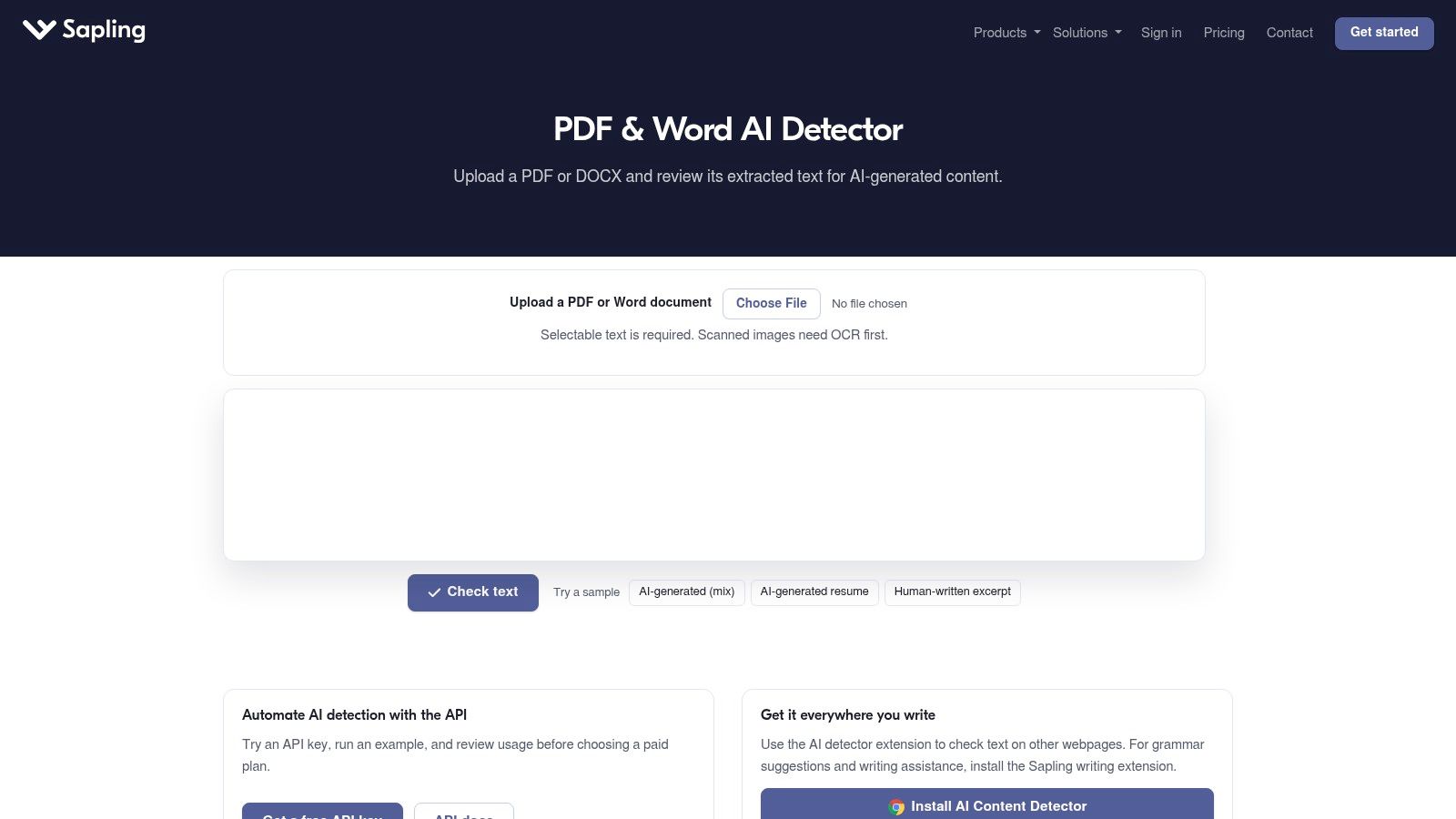
Sapling's detector is the opposite of a heavy institutional suite. It gives you a direct path to upload a PDF or DOCX file and inspect the extracted text for AI signals. If you need a quick document-level check, that simplicity is the point.
Fast check, narrow scope
Sapling works best when you want a fast answer on a single document and don't need the overhead of team management or batch review. The report is easy to read, and the guidance is explicit that the result is one signal among many.
That restraint is useful. A lot of pdf ai detector tools overstate certainty, but Sapling's narrower positioning keeps expectations grounded.
Use Sapling when you need a quick read, not a formal review system.
The trade-off is scale. It's not built for large batch work, and the feature set is smaller than the enterprise suites. That makes it a good secondary check, not a central compliance tool.
Internal guidance for broader tool selection is also useful here, especially if you're comparing detector categories for free use cases, as covered in best free AI detector.
Website: Sapling PDF & Word AI Detector
7. ZeroGPT
ZeroGPT is one of the lowest-friction options for people who want to upload a document and get a result quickly. The ZeroGPT Plus PDF tool supports PDF, DOCX, and TXT uploads, and the platform offers PDF reporting with highlighted evidence. It also has API access, which matters if you need basic programmatic checks.
Quick to use, easy to misunderstand
The draw is obvious. Free and paid plans make it easy to test a file without much setup. That said, the brand has a mixed reputation in academic circles, which is why I'd treat it as a first-pass filter rather than a final answer.
- Fast entry point: Good for quick checks and familiar file types.
- Basic automation: API support helps with lightweight workflows.
- Read the official pages: Multiple brand domains can cause confusion if you're not careful.
The internal companion article on is this AI generated is a good reminder that detector output needs context, not blind trust.
Website: ZeroGPT
8. Crossplag AI Content Detector
Crossplag is a straightforward option for users who want AI detection tied to plagiarism checking in the same place. It supports PDF and DOC/DOCX uploads, and the interface is simple enough for individual and education accounts. That keeps the workflow short, which helps when you only need to review one file at a time.
The strength here is friction reduction. You upload, review the score, and compare it with plagiarism signals without moving between tools. For a small team or a solo reviewer, that's often enough.
Good for single-document review
Crossplag is less about deep analytics and more about convenience. If your work is centered on individual submissions, its simplicity can be a plus.
What it doesn't emphasize publicly is just as important. Batch processing details and API depth are less visible, so it's not the first pick if you need large-scale operations or custom integration.
Website: Crossplag AI Content Detector
9. Quetext
Quetext is useful when you want a combined AI and plagiarism workflow with bulk handling. It supports PDF, DOC, and DOCX uploads, plus a Bulk Scan option that handles up to 100 files. It also gives you confidence scoring, line-by-line output, and exportable reports, including PDF.
Built for batch review
Quetext makes sense for educators and editors who need a lot of small decisions. The combination of confidence scoring and line-by-line output helps when a document is only partly suspicious, because you can inspect the relevant passages instead of arguing over the whole file.
- Useful at scale: Bulk scanning is practical for classroom or editorial workflows.
- Readable output: Line-by-line results are easier to discuss.
- Good export behavior: Report output is organized for handoff.
The limits are predictable. The free tier is tight, and the paid plans matter once you move beyond quick tests. That's normal, but it means Quetext is better for recurring workflows than casual one-off use.
Website: Quetext
10. Scribbr AI Detector within Scribbr Checks
Scribbr is the consumer-friendly option for people who want a one-off report with both AI detection and plagiarism insights. It accepts PDF, Word, and ODT uploads, then gives you a consolidated report that stays available for 30 days. That makes it practical for students, editors, and anyone who wants time to revisit the result.
Best for one-off document reviews
Scribbr works best when you don't need automation. You upload the file, review the report, and keep access long enough to compare notes later. That's a nice fit for students and editors who want a clear record without managing a bigger system.
The trade-off is scale. It's not designed for high-volume operations or API-driven workflows, so it sits closer to a consumer service than an enterprise control center.
Website: Scribbr
Top 10 PDF AI Detector Tools Comparison
| Tool | Core features (✨) | Detection & Accuracy (★) | Target audience (👥) | Pricing / Value (💰) | Unique strength (🏆) |
|---|---|---|---|---|---|
| Originality.ai | ✨ PDF/DOC uploads, URL/site scans, plagiarism & readability, API | ★★★★ | 👥 Publishers, SEO teams, agencies | 💰 Credit‑based metering; monthly credits expire | 🏆 Combined AI + plagiarism + agency workflows |
| GPTZero | ✨ PDF/DOCX/TXT uploads, sentence‑level evidence, API | ★★★★ | 👥 Educators & institutions | 💰 Org/education plans; public tiers less explicit | 🏆 Sentence‑level evidence & education reporting |
| Copyleaks | ✨ Bulk file uploads, AI+plagiarism, API & LMS integrations, methodology docs | ★★★★ | 👥 Institutions & content teams | 💰 Volume/plan pricing; enterprise focus | 🏆 Unified AI+plagiarism with strong integrations |
| Winston AI | ✨ Single/bulk uploads, sentence "Human Score", shareable PDF reports, image module | ★★★★ | 👥 Education & content teams | 💰 Credit/account modules; add‑ons raise cost | 🏆 Sentence‑by‑sentence Human Score & exportable reports |
| Turnitin | ✨ PDF/DOCX/RTF uploads, AI % in similarity reports, LMS dashboards | ★★★★★ | 👥 Schools & universities (institutional) | 💰 Institutional licensing only | 🏆 Deep adoption across higher‑ed ecosystems |
| Sapling PDF & Word AI Detector | ✨ PDF/DOCX upload, AI scoring + explanations, web checker | ★★★ | 👥 Writers & quick document checks | 💰 Simple, fast tool; narrower feature set | 🏆 Fast, focused PDF/Word inspection flow |
| ZeroGPT | ✨ PDF/DOC/TXT uploads (Plus PDF tool), PDF reports, API access | ★★★ | 👥 Individuals & small teams | 💰 Free tier + paid Personal/Business/EDU plans | 🏆 Low‑friction free checks with API option |
| Crossplag | ✨ PDF/DOC uploads, AI + plagiarism checks, simple UI | ★★★ | 👥 Individuals & education users | 💰 Per‑document / small‑scale; limited API detail | 🏆 Straightforward combined AI+plagiarism workflow |
| Quetext | ✨ PDF/DOC uploads, bulk scan (up to 100 files), line‑by‑line output, reports | ★★★★ | 👥 Educators & editors (batch workflows) | 💰 Free tier limited; paid Essential/Pro for full features | 🏆 Bulk scanning + organized exportable reports |
| Scribbr | ✨ PDF/Word/ODT uploads, consolidated AI+plagiarism report, 30‑day access | ★★★ | 👥 Students & editors (one‑off checks) | 💰 Per‑document pricing; limited automation | 🏆 Integrated with editing services and clear reports |
Choosing the Right Check for Your Documents
Pick a tool by workflow rather than by score. Confirm upload formats, batch needs, and report requirements first, then verify any flagged passages by hand before drawing conclusions about a file. That's the safest way to use a pdf ai detector, especially because PDF results depend on extraction quality, document genre, language, and editing history.
If you're in education, Turnitin and GPTZero make sense because they support institutional review and clearer evidence displays. If you're in publishing or SEO, Originality.ai, Copyleaks, and Quetext are better aligned with bulk scanning, report sharing, and mixed originality checks. If you just need a quick read on a single file, Sapling, Scribbr, and ZeroGPT are easier to start with, but they still need human verification when the result matters.
The biggest mistake is letting a score outrank the document itself. A scanner can flag passages, but it can't reliably tell you intent, collaboration, or whether a human edited the file heavily after generation. Keep the original PDF, compare the extracted text against the layout, and look for OCR noise, translation artifacts, and paraphrased sections before you act. For a broader view of research and writing workflows, the roundup of top AI tools for researchers is a useful next step.
AI Website Detector helps you inspect a different kind of authenticity question, what technology built a site and whether an AI-first builder is involved. If you're comparing detection tools across content and web stacks, visit AI Website Detector for fast scans, explainable signals, and a practical way to verify the platforms behind a website.