10 Lovable Alternatives for AI Website Building
The best Lovable alternative isn't a single product. Lovable's appeal comes from turning a prompt into a working web app quickly, but buyers often need very different outcomes: a polished marketing site, editable application logic, a commerce stack, WordPress extensibility, or a repeatable agency workflow. Choosing by popularity alone can leave you with the wrong editor, an opaque usage meter, limited handoff options, or a deployment model your team can't maintain.
This comparison evaluates generation workflow, code ownership, visual control, hosting, CMS and commerce support, agency scalability, customization limits, and pricing mechanics. It also adds a practical verification step. A live website can look custom even when its underlying platform leaves recognizable signals in HTML, scripts, CDN domains, headers, meta tags, and bundled assets. AI Website Detector can help identify whether a site appears to use an AI-first builder, return a probability score and verdict, and reveal the broader technology stack.
Table of Contents
- 1. Framer
- 2. Bolt.new
- 3. Durable
- 4. Wix
- 5. Webflow
- 6. 10Web
- 7. Hostinger AI Website Builder
- 8. Relume
- 9. Dorik
- 10. Butternut AI
- Lovable Alternatives: Top 10 Website Builder Comparison
- Choose by Workflow, Then Verify the Stack
1. Framer
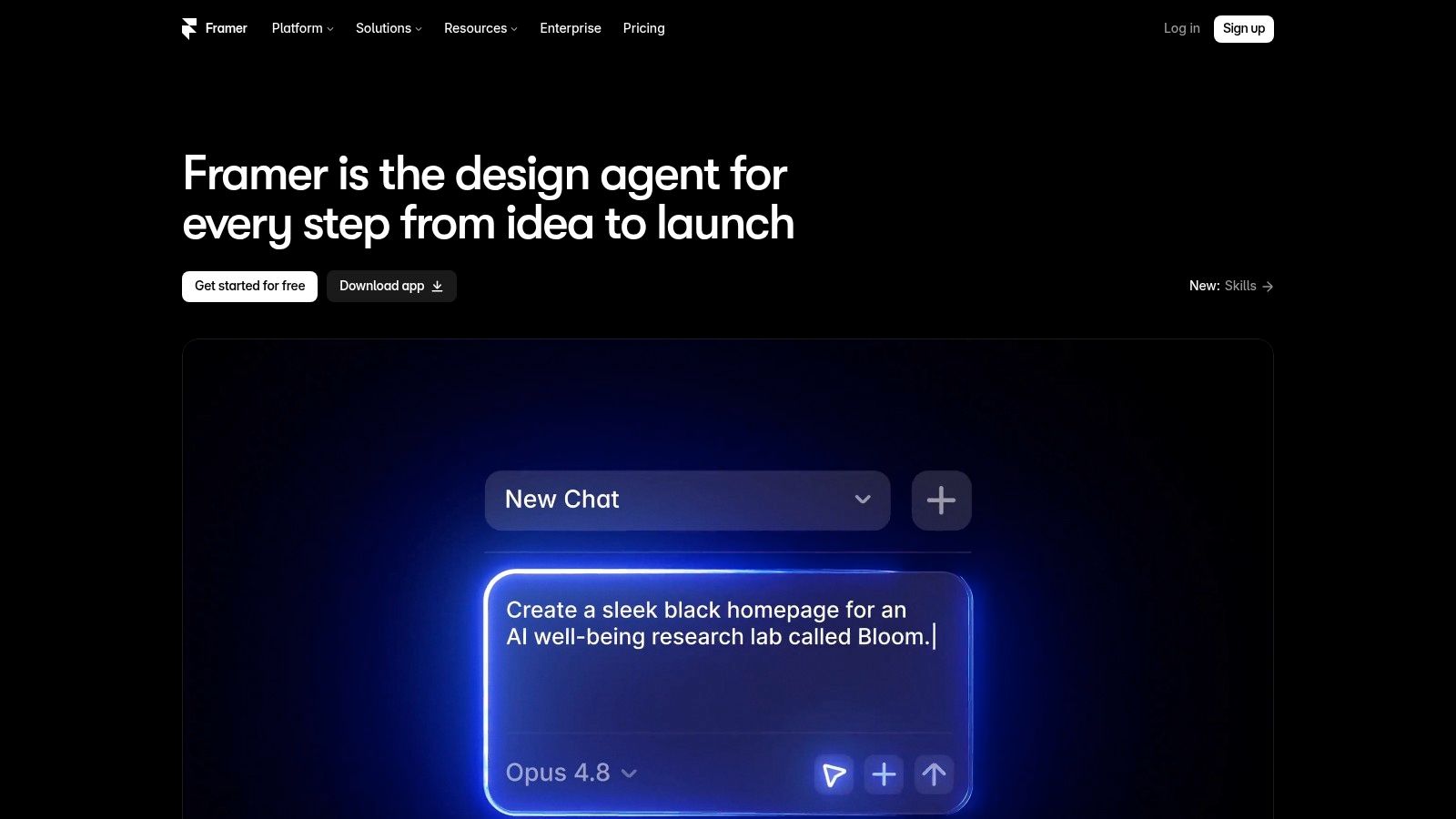
Framer is the strongest Lovable alternative when the deliverable is a design-led marketing site, not a backend-heavy application. Its prompt-based workflow can generate a site structure and sections, then move the work onto a visual canvas where designers can refine layout, typography, interactions, and responsive behavior directly. That distinction matters. You aren't limited to repeatedly asking an agent to reinterpret the page when the real need is precise visual adjustment.
The platform combines a visual editor with CMS functionality, SEO controls, hosting, and publishing. Its AI capabilities now include editing assistance and Agents, while AI activity is tied to credits that can be included in plans or expanded through add-ons. External tools such as Claude or Cursor can help teams reduce their reliance on Framer's own credit usage, but that introduces a more technical workflow.
G2's review profile supports Framer's position as a design-friendly option. It carries a 4.5/5 average rating from 145 reviews, with ease of use, support, and design integration among the most frequently praised areas, according to G2's Framer reviews. The same profile also records criticism around missing design features, multilingual pricing complexity, and occasional slow loading.
Best fit and detection signals
Choose Framer when brand presentation, visual iteration, CMS publishing, and a managed launch matter more than owning a conventional application codebase. It has a learning curve for non-designers, and localized or multi-site work can make credit and plan decisions harder.
Practical rule: If the finished site needs to be handed to a designer or marketer for continuous visual editing, Framer is a more natural fit than a code-first agent.
Before benchmarking a competitor, use the Framer review and detection guide to compare the visible design with the platform evidence. A detector can look beyond appearance and inspect the implementation signals that a visual review misses. Visit Framer to test the canvas, CMS, publishing flow, and current AI allowance.
2. Bolt.new
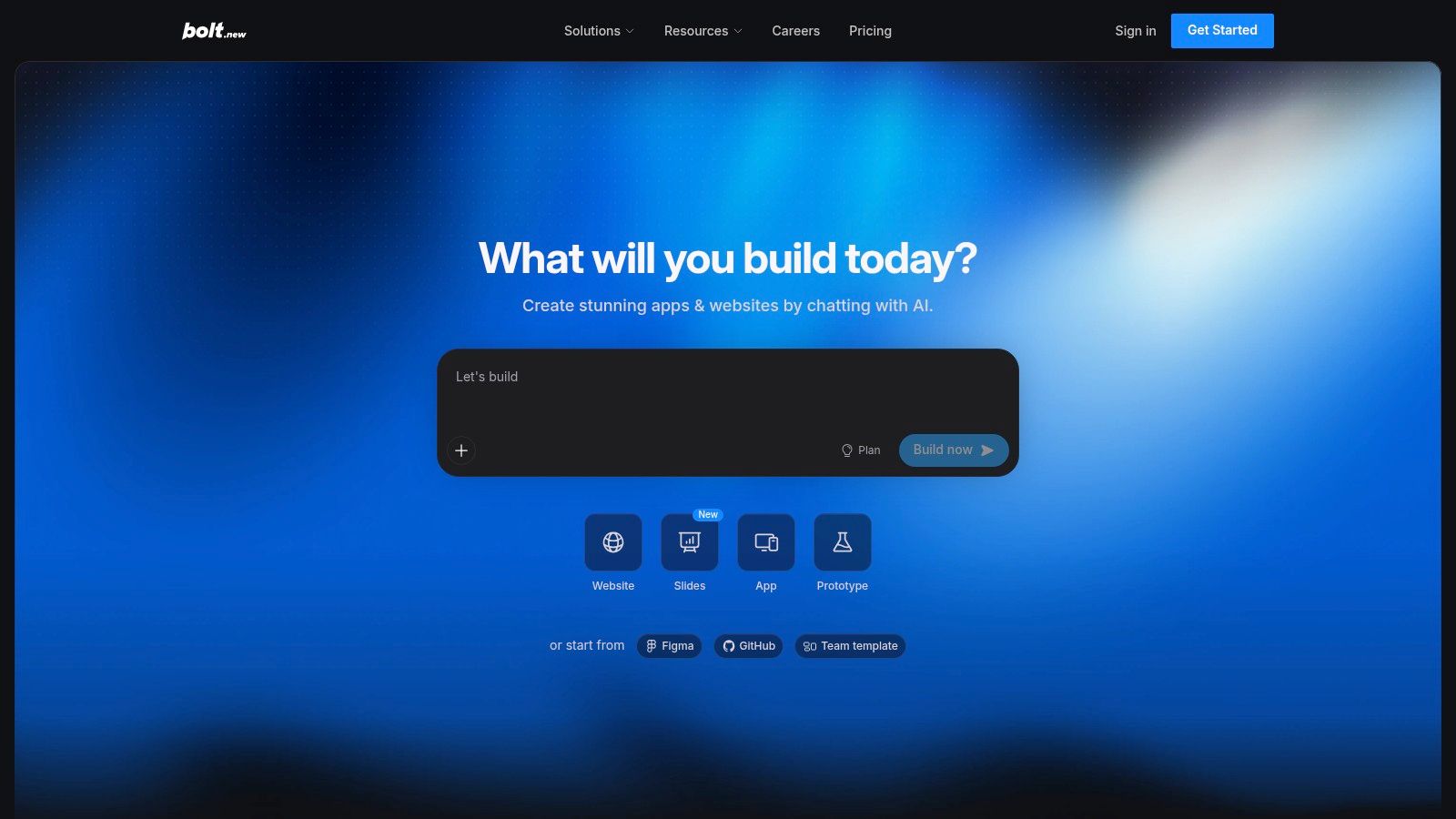
Bolt.new is a better Lovable alternative for teams that want a browser-based coding agent rather than a closed visual builder. You describe a site or application in chat, and the agent plans, scaffolds, refactors, and revises a working project inside the browser. The output is editable code, so the path from prototype to a hosted application is clearer for founders working with developers or developers who don't want to configure a local environment first.
That flexibility comes with responsibility. Bolt is suited to complex logic, APIs, and application behavior, but the person directing it needs to understand enough about frameworks, dependencies, and deployment to identify a bad implementation. Token usage can also be difficult to forecast, especially when an agent rewrites large portions of a project during debugging. The apparent subscription price isn't the complete cost model if the build consumes its allowance quickly.
The important tradeoff is ownership. With Bolt, teams can inspect the generated code and decide where to host it, rather than treating the builder as the permanent home of the product. That makes it more suitable than a purely visual site builder when the application may later need custom services, repository workflows, or a developer handoff.
Best fit and detection signals
Use Bolt for full-stack prototypes and applications where code ownership matters, but don't treat generated code as production-ready without review. Establish a repository, test authentication and data handling, inspect dependencies, and decide the deployment target before the project becomes difficult to move.
The Bolt example scan is useful when you want to understand how a deployed project may expose builder or stack signals. Look for evidence that distinguishes a browser-generated coding workflow from a hosted visual platform, then confirm the result against the source, headers, scripts, and framework patterns. Test Bolt.new with a small application before committing to a larger build.
3. Durable
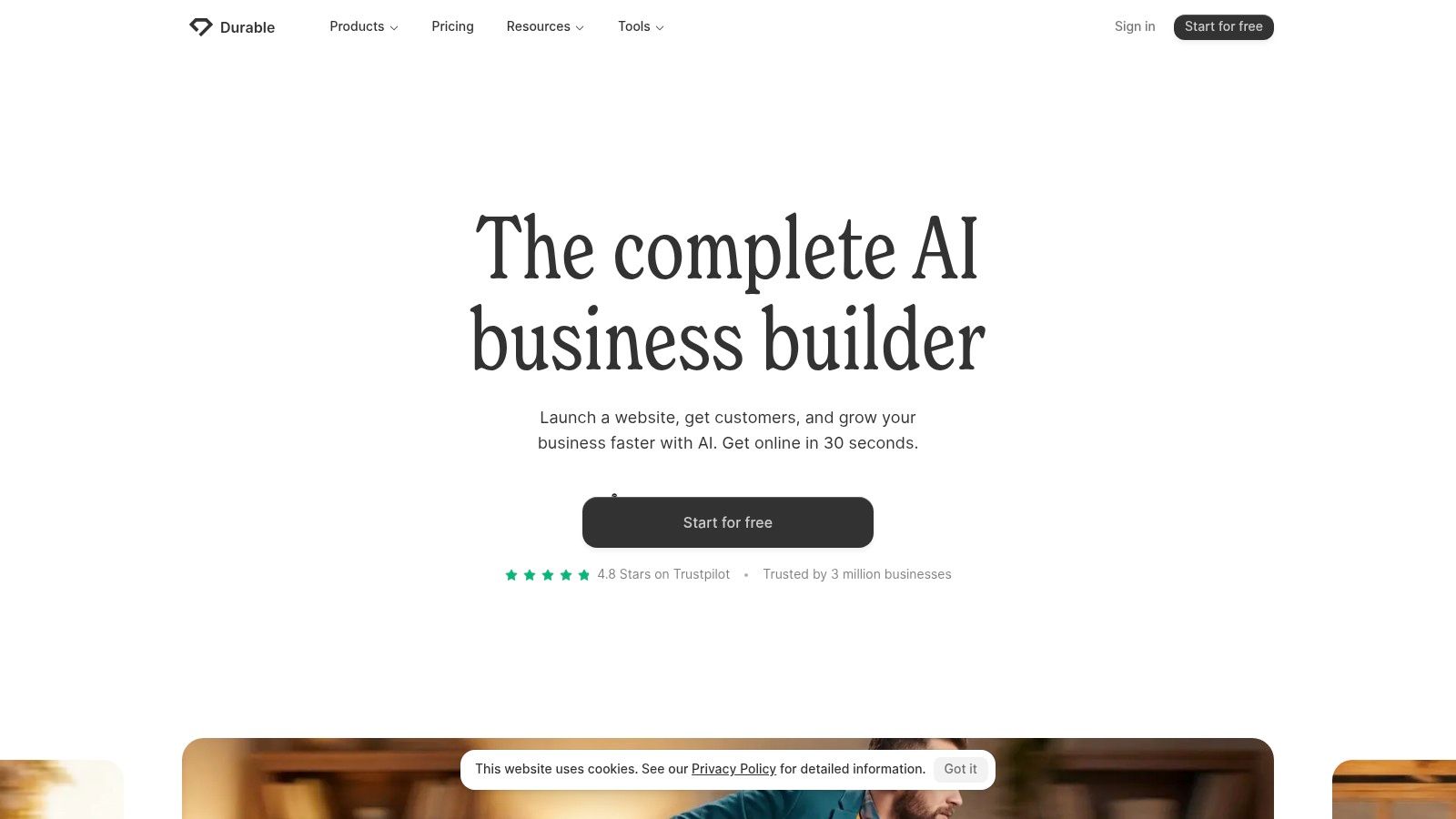
Durable is built for the person who wants a small-business website online with minimal setup. Its AI flow can generate the initial structure, copy, imagery, and business-oriented sections, then provide a straightforward editing experience for people who don't want to work in code or learn a complex design system. Hosting, SSL, forms, and business features sit inside the same general workflow.
That simplicity is the product's advantage and its boundary. A freelancer, local service company, or early-stage business can move from a blank brief to a credible web presence without assembling separate hosting and editing tools. Durable also supports templates and AI refresh flows, which makes routine content changes less intimidating after launch.
Advanced customization is more limited than in Framer, Webflow, or a coding agent. The free experience can retain platform branding and impose domain constraints, while deeper requirements may expose the platform's opinionated structure. That isn't necessarily a problem for a simple service site, but it becomes one when the owner needs unusual interactions, a bespoke information architecture, or a portable application codebase.
Best fit and detection signals
Choose Durable when speed to a usable first site matters more than granular control. Check the domain, branding, forms, analytics, and export assumptions before publishing. A platform that feels effortless during generation may offer fewer options when you need to change the information architecture later.
For competitive research, run a live URL through the Durable review and detection resource. Compare the detector's signals with the site's visible editing needs. If the scan identifies an AI-first business builder, that can explain why the page has a unified hosting and content pattern even when the design looks individually customized. Durable is available at Durable.
4. Wix
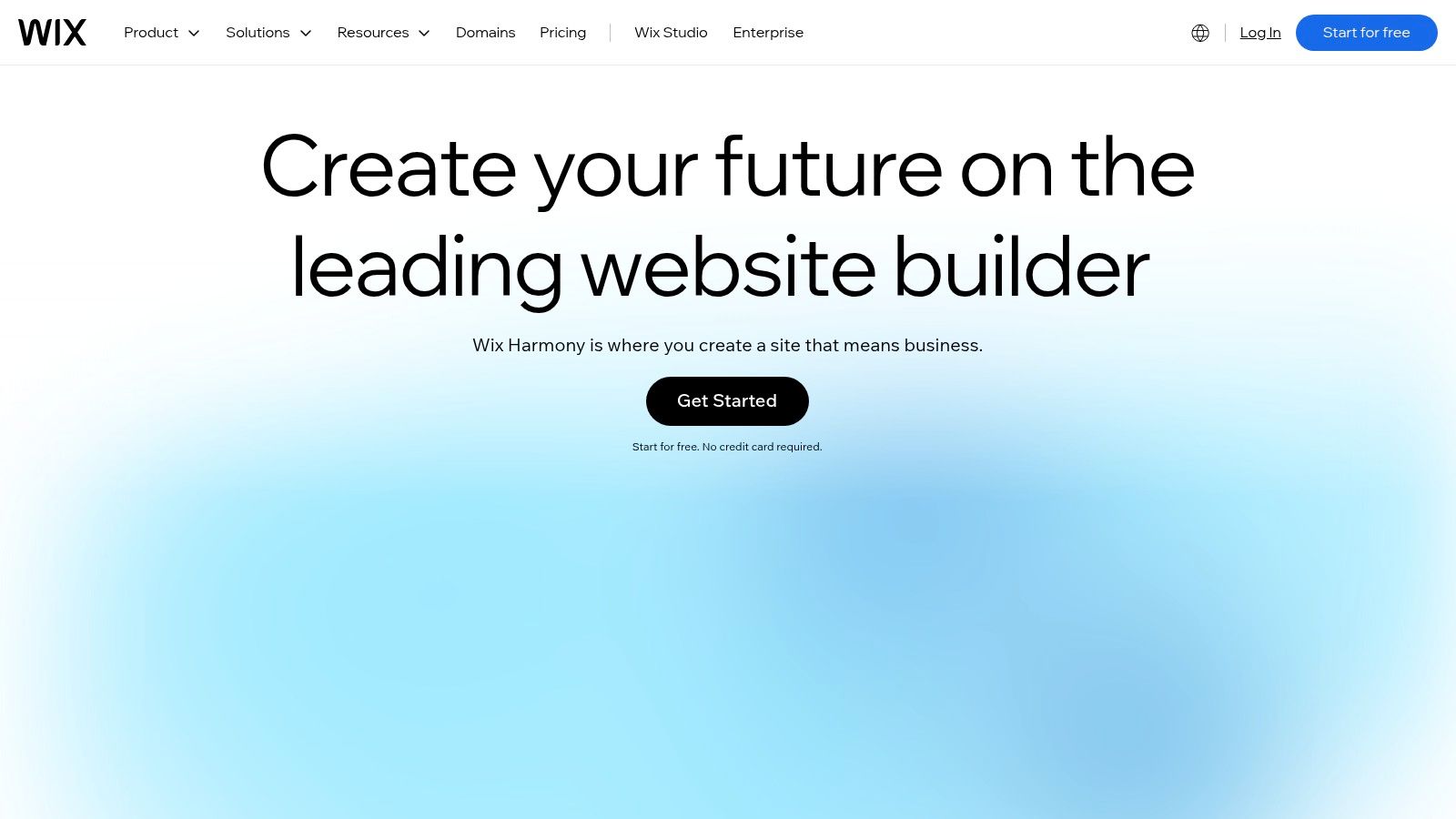
Wix is the safer Lovable alternative for businesses that need a mature ecosystem around the website. Its AI flow creates a first draft from a prompt, but the important follow-up is the established Wix editor, app marketplace, domain management, hosting, marketing tools, and commerce functionality. That gives a store or service business more room to grow beyond the initial generated page.
The platform works well when the website has to connect to operational needs, such as products, bookings, forms, campaigns, and third-party services. Its template library and broad integrations also reduce the chance that a basic requirement will force a custom build. The cost of that breadth is choice overload. Wix has several plan levels, regional pricing differences, and app-related decisions, so the advertised entry point doesn't describe every site's eventual operating cost.
Customization is broad, but not unlimited. Advanced requirements can depend on third-party apps or platform-specific configuration, and teams seeking direct control of an exported application codebase should look at Bolt or another coding workflow instead.
Best fit and detection signals
Wix suits small businesses, service companies, and online stores that want AI-assisted setup with an established operating environment. Before choosing it, list the required commerce, booking, email, analytics, and SEO functions, then check whether each comes from Wix itself or an additional app.
AI Website Detector can help analysts identify whether a competitor uses Wix's AI-assisted ecosystem or another builder. Inspect the verdict alongside CMS, hosting, analytics, payment, and marketing detections. Start with Wix when integrations and operational breadth matter more than code portability.
5. Webflow
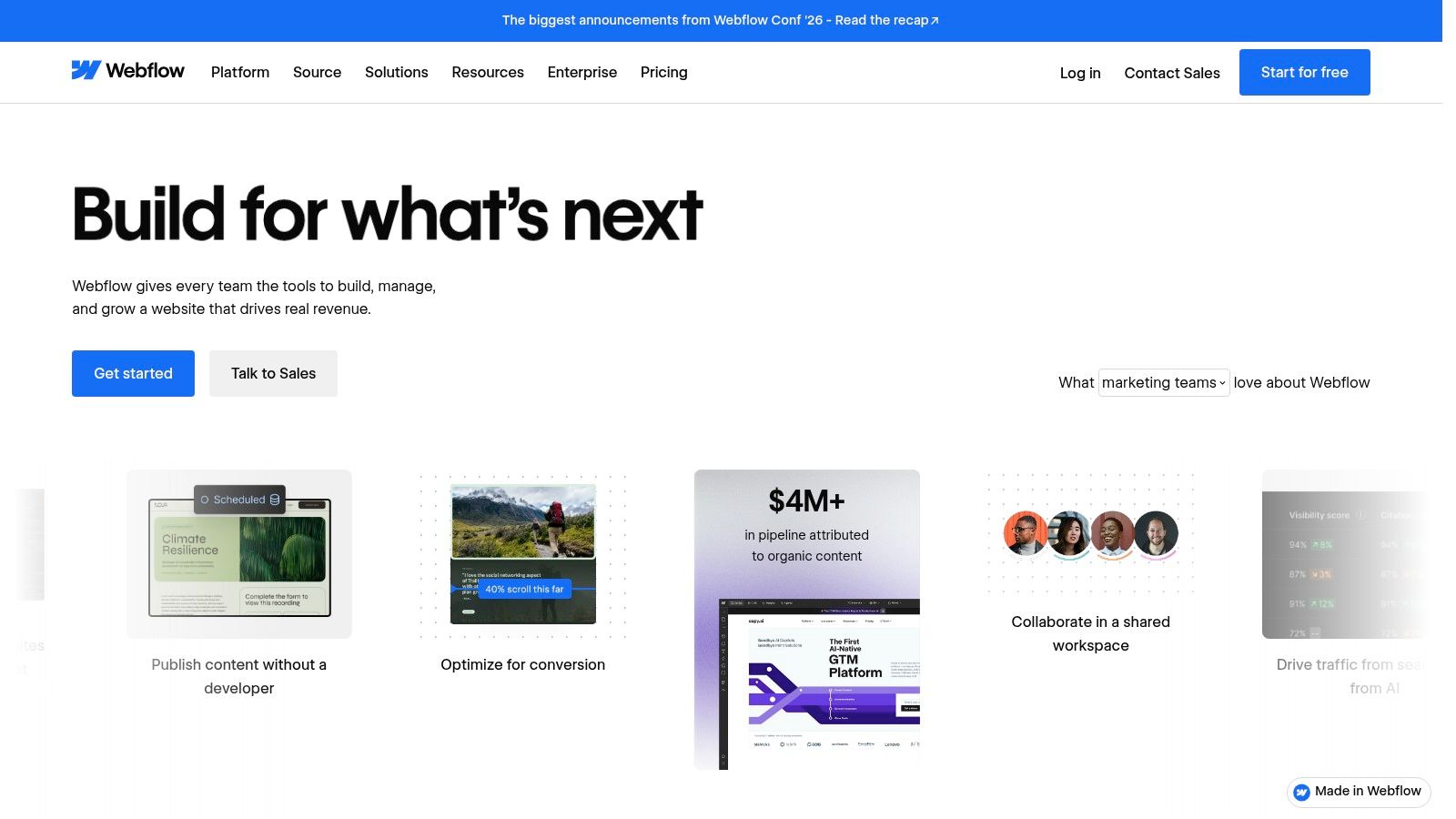
Webflow is the Lovable alternative for a team that needs high-fidelity visual control, structured content, and production-oriented publishing. AI can help scaffold pages, generate copy, and support optimization tasks, but Webflow's main value remains its visual system. Designers can control layout, responsive behavior, components, animations, and CMS templates without surrendering every decision to a prompt.
Its CMS and localization capabilities make it a better fit than a lightweight generator for content-rich or multi-market sites. Production hosting and tools such as experimentation and personalization support a more mature marketing operation, although they add configuration and plan complexity. Code components and export options on selected tiers can also matter during handoff, but buyers should verify exactly what their chosen plan permits before promising portability.
Webflow has a steeper learning curve than simpler AI builders. A non-designer may reach a first draft quickly, then struggle with the underlying layout model when the site needs consistent classes, reusable components, or responsive refinements. Pricing also requires attention to workspace, staging, site, hosting, and AI-credit mechanics.
Best fit and detection signals
Pick Webflow for professional marketing websites, scalable CMS work, and localization where visual governance matters. Don't select it only because its AI can generate a page. The actual test is whether your team can maintain the class structure, content model, and publishing process after the initial generation.
G2 comparison data places Framer at 4.5/5 versus Webflow at 4.4/5, with Framer scoring 8.4 for ease of use and 8.5 for support, as shown in the Framer and GoDaddy comparison page. Those figures don't make Webflow a poor choice. They indicate why a team should weigh control against learning effort. Evaluate Webflow, then scan comparable live sites for CMS, hosting, and framework signals.
6. 10Web
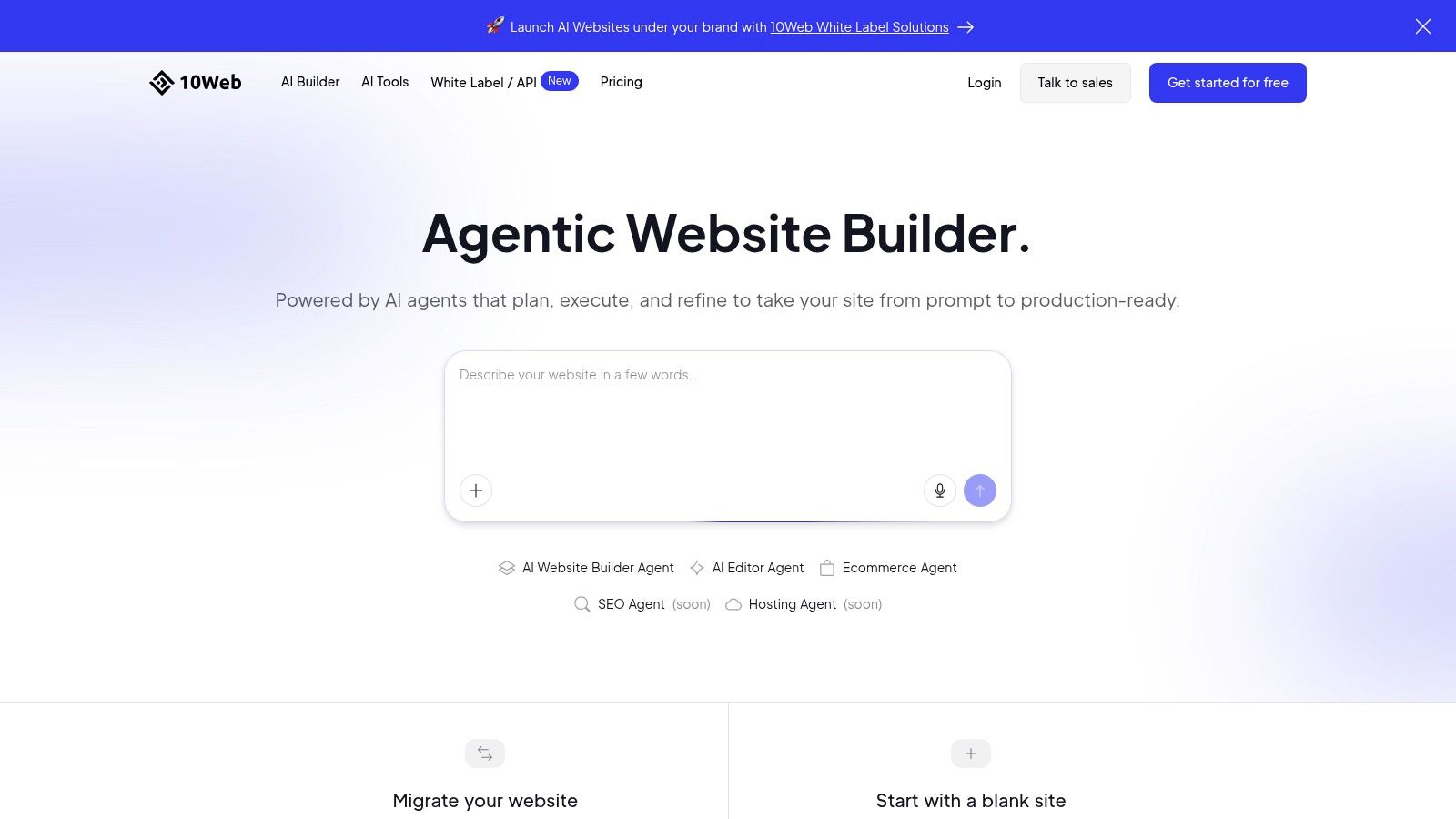
10Web connects AI generation with managed WordPress, which makes it the practical choice when a business wants AI convenience without abandoning WordPress extensibility. The platform can generate site structure, content, and images, while managed hosting and performance features reduce some of the operational work associated with running WordPress independently.
The WordPress foundation changes the ownership conversation. Instead of selecting a closed builder with a narrow extension model, teams can work with themes, plugins, custom configuration, and familiar WordPress workflows. That flexibility also introduces dependencies. Performance, security, editing behavior, and compatibility can vary with the plugins and configuration a project adopts, so 10Web isn't as simple as a fully closed builder.
Agency features strengthen the case for multi-site work. White-label tooling, domain management, and managed infrastructure can support repeatable delivery, but agencies still need a process for plugin governance, updates, backups, and client access. AI generation solves the starting point, not the maintenance model.
Best fit and detection signals
Choose 10Web for WordPress extensibility, managed hosting, and agency-oriented multi-site delivery. Confirm which features live in the platform and which depend on WordPress plugins. Also clarify who owns the domain, hosting account, theme configuration, and plugin licenses at handoff.
A detector with WordPress-specific analysis can reveal more than a general AI verdict. Review theme and plugin findings alongside hosting, CDN, analytics, and payment signals to distinguish a managed WordPress build from a conventional AI site generator. Explore 10Web with a migration or plugin-heavy requirement rather than only a blank-site prompt.
7. Hostinger AI Website Builder
Hostinger's AI Website Builder targets the budget-conscious small business that wants hosting and site generation in one purchase. A prompt creates a responsive starting point, while integrated SEO and content tools help the owner handle basic publishing without assembling a separate host, SSL provider, and builder.
This bundled model is easy to understand at the beginning. It can reduce setup friction and keep the domain, hosting, and website workflow in one account. Buyers should look beyond introductory promotions, however. Long-term plans, renewal conditions, included AI allowances, domain terms, and credit rules can affect the actual cost and flexibility after the launch period.
The builder is less design-centric than Framer and less application-oriented than Bolt. That makes it appropriate for a straightforward company site, portfolio, or local service presence, but a weaker choice when the project needs intricate interactions, an extensible backend, or a deliberate design system.
Best fit and detection signals
Use Hostinger for a simple launch with predictable setup responsibilities, provided the plan's renewal and credit mechanics fit the owner's budget. Ask whether the site can be moved cleanly if the business later needs a different CMS or hosting environment.
AI Website Detector can help compare a Hostinger-built site with competitors that appear similar but use different infrastructure. Check the result's hosting, CDN, CMS, analytics, and AI-builder signals rather than judging by the template alone. Visit Hostinger AI Website Builder to test the publishing and ownership details before choosing it.
8. Relume
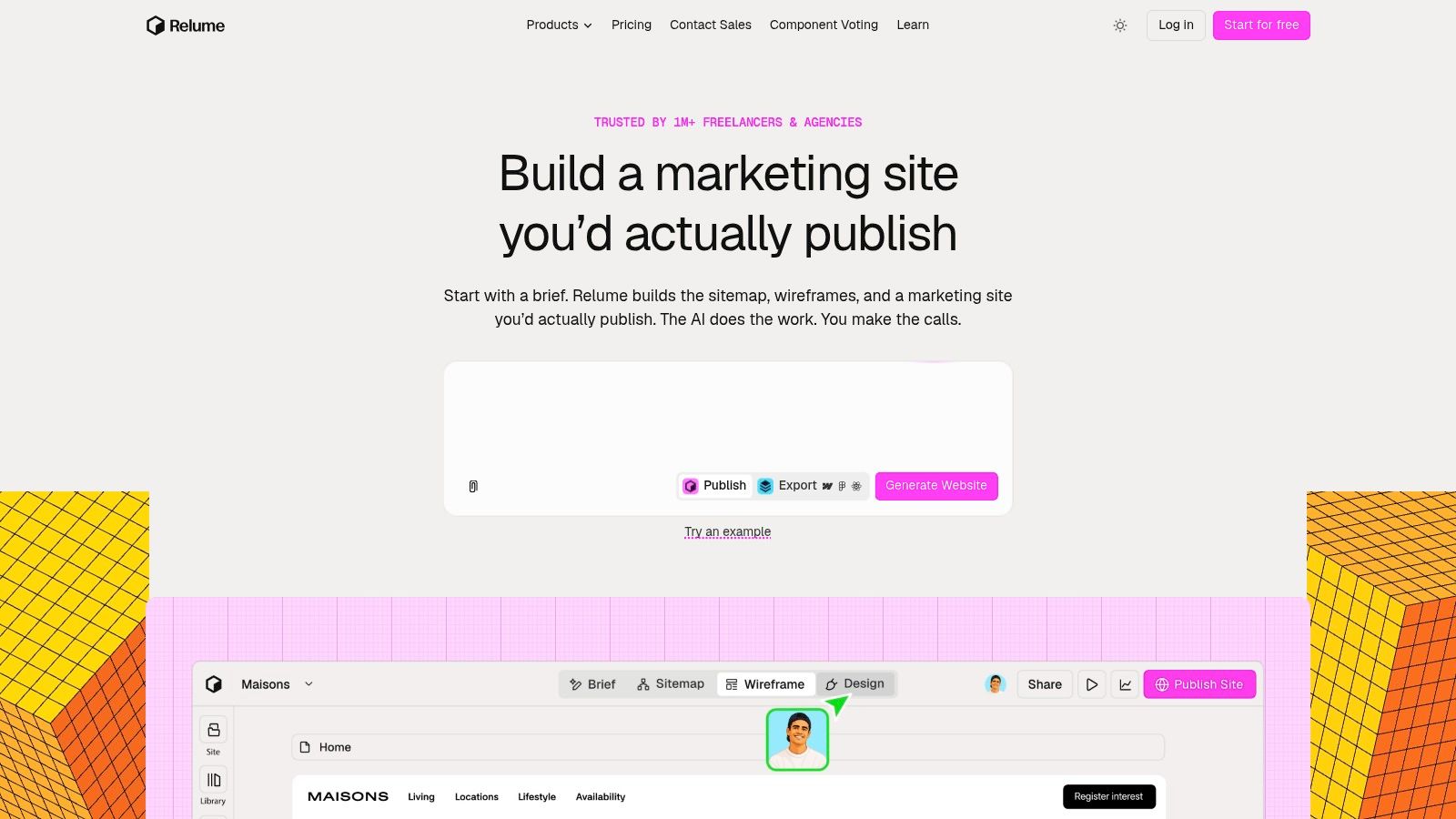
Relume is designed for agencies and in-house teams that need a repeatable design-to-build workflow. Its AI process can move from brief and sitemap to wireframes, styles, draft content, and component-based page structures. That makes it less like a one-off prompt-to-site generator and more like a planning and production layer for teams with an established delivery method.
The key advantage is handoff. Relume can export into Webflow, React, or Figma workflows, so teams aren't forced to keep the finished work inside one publishing environment. A component library also supports consistency across client projects and helps designers avoid rebuilding the same structural decisions from scratch.
The tradeoff is plan selection. Export, publishing, hosting, analytics, and AI usage can sit behind different allowances, so agencies should model a real client workflow rather than testing only the first generated sitemap. The tool can accelerate production, but it doesn't remove the need for content review, accessibility checks, SEO implementation, or developer QA.
Best fit and detection signals
Select Relume when standardized components, flexible handoff, and repeatable agency delivery matter more than a single all-in-one hosting account. Define the destination first. A Webflow agency, React team, and Figma-led design process will evaluate the same export very differently.
For client research, compare Relume's intended workflow with the technology signals on the live output. A detector can help verify whether the published site ended up on Webflow, a React stack, or another platform after handoff. Explore Relume with a real sitemap and component library, not just a homepage prompt.
9. Dorik
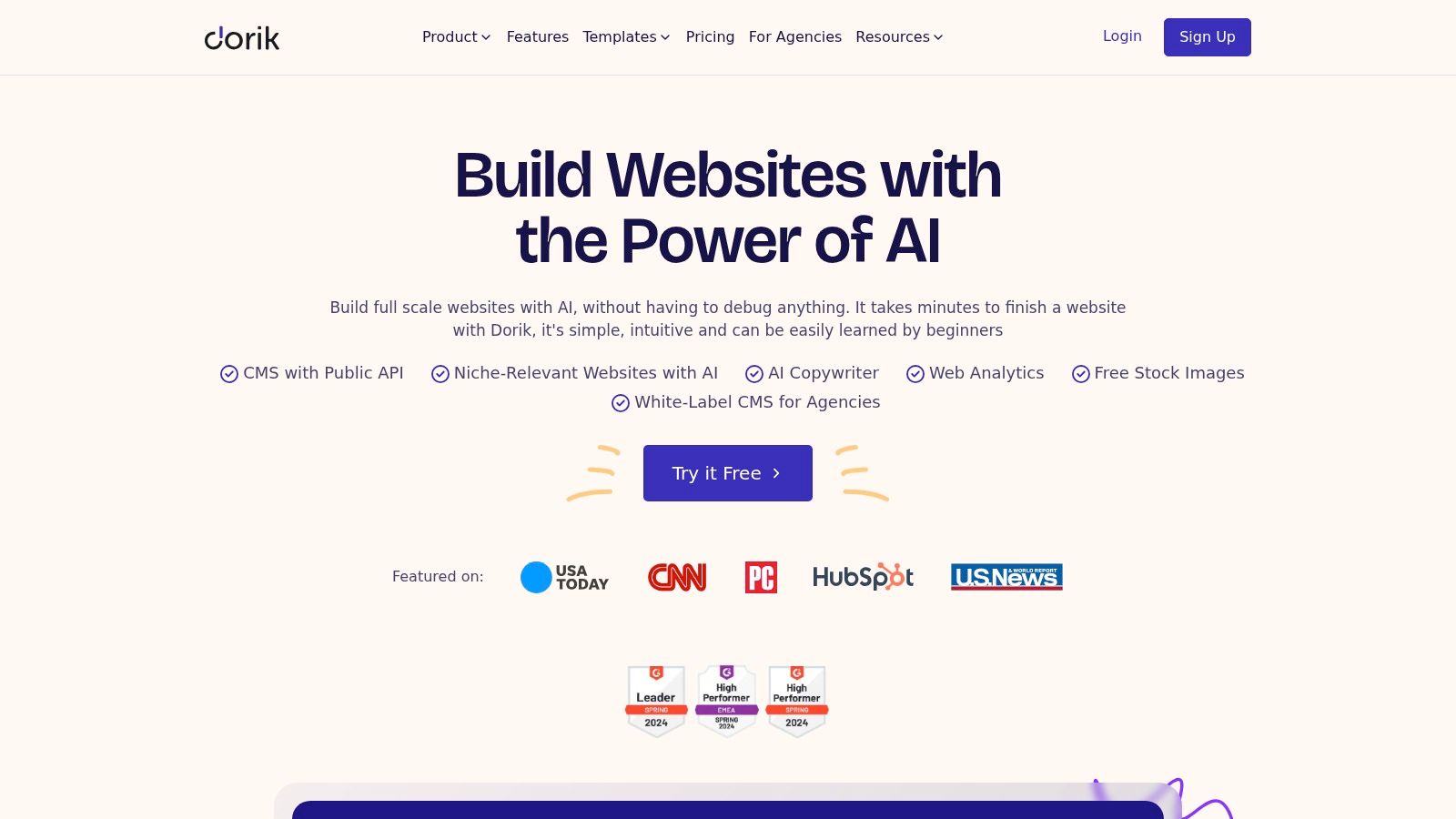
Dorik is a lightweight option for freelancers and smaller agencies that need quick AI drafts, no-code editing, white-label presentation, and client-oriented administration. AI can assist with site structure, copy, and imagery, while templates and collection integrations provide a practical route to sites that are more structured than a single generated landing page.
Its agency angle is more important than its raw generation speed. White-label CMS features and client billing dashboards can reduce friction when the person building the site also manages the client relationship. Export and hosting choices provide additional flexibility, although agencies should confirm the exact limits of their plan before promising a particular handoff model.
Dorik's smaller ecosystem is the main constraint. It may cover standard brochure sites and content workflows efficiently, but organizations expecting the app marketplace breadth of Wix or the CMS depth of Webflow should test integrations early. AI generation caps and plan-dependent features also deserve attention, especially when several client sites share one operating process.
Best fit and detection signals
Dorik suits small agency production and freelance delivery where white-label administration is valuable and requirements remain within a lighter website stack. Ask how clients will edit content, how billing is separated, and what happens if a client wants to leave the platform.
Use AI Website Detector on existing agency portfolios to distinguish a claimed custom build from a platform-generated site. Review the detected builder, CMS, hosting, and analytics signals together. Test Dorik with a client handoff scenario, not only with a fast first draft.
10. Butternut AI
Butternut AI is aimed at solo founders and small teams that want an all-in-one launch. Its prompt-to-site workflow can generate pages and continue making AI-assisted edits, while built-in payments, SEO helpers, image resources, and optional growth features reduce the need to connect several separate tools at the start.
The packaging is straightforward, which helps a founder move from idea to published site without first learning a broader design or development environment. Payments can support products, courses, and services, while an optional chatbot and WhatsApp lead capture extend the site beyond static pages.
The limitation is ecosystem depth. A simple commercial site can benefit from the bundled approach, but custom business logic, unusual integrations, or a mature content operation may require external tools. That makes the platform a practical Lovable alternative for a narrow launch brief, not a universal replacement for an application framework or an enterprise CMS.
Best fit and detection signals
Choose Butternut AI for a fast founder-led website with payments and lead-capture options. Before publishing, verify domain control, payment ownership, data access, chatbot training inputs, analytics, and the route for exporting or replacing the site later.
A live scan can show whether a competitor relies on an AI-first builder and can place that signal beside the site's hosting, CMS, payment, and marketing technologies. That evidence is more useful than assuming a polished page came from a custom stack. Explore Butternut AI with the actual product or service flow you need to launch.
Lovable Alternatives: Top 10 Website Builder Comparison
| Platform | Core features ✨ | UX & Quality ★ | Pricing / Value 💰 | Best for 👥 | Standout / USP 🏆 |
|---|---|---|---|---|---|
| Framer | Prompt→site + on-canvas AI; CMS, hosting, SEO | 4.5★, design polish & animations | 💰💰💰, mid–premium; AI credits | 👥 Designers, marketing teams | ✨ Granular visual control; fast polish |
| Bolt.new | Prompt-to-app with editable real code; iterative agents | 4.0★, dev-friendly, production code | 💰💰💰, pay-for-tokens; team plans | 👥 Founders, dev teams | 🏆 Exports real code; strong extensibility |
| Durable | Rapid prompt-to-site; hosting, forms, funnels | 4.0★, speed & simplicity | 💰💰, budget-friendly tiers; free draft | 👥 Small businesses, freelancers | ✨ Very fast time-to-first-site |
| Wix | AI draft + drag‑and‑drop editor; domains, apps | 4.0★, mature UX; many templates | 💰💰💰, many tiers; variable pricing | 👥 Stores & service sites | 🏆 Large ecosystem; e‑commerce & marketing |
| Webflow | AI-assisted design, CMS, localization, hosting | 4.5★, pixel‑perfect, production-ready | 💰💰💰💰, premium for teams | 👥 Designers, agencies, product teams | ✨ High-fidelity control; strong CMS |
| 10Web | Agentic AI on managed WordPress; optimizations | 4.0★, WordPress flexibility + AI | 💰💰💰, managed hosting costs | 👥 Agencies, WP power-users | 🏆 WordPress ecosystem + white‑labeling |
| Hostinger AI Builder | Prompt site + SEO tools; bundled hosting/SSL | 3.5★, simple, value-focused | 💰, low TCO; introductory deals | 👥 Budget-minded SMBs | ✨ Cheap all‑in‑one hosting + AI |
| Relume | Multi-agent briefs, component library, exports | 4.0★, repeatable, agency workflows | 💰💰💰, export/publish tiers | 👥 Agencies, teams standardizing UI | 🏆 Export to Webflow/React/Figma; component discipline |
| Dorik | Lightweight AI site generator; white‑label CMS | 3.5★, simple editor, agency tools | 💰💰, competitive pricing | 👥 Freelancers, small agencies | ✨ White‑label billing + Airtable integrations |
| Butternut AI | Unlimited-page prompt builder; payments, chatbot | 3.5★, straightforward publish flow | 💰💰, value packs, Pro add‑ons | 👥 Solo founders, small teams | ✨ Built‑in payments + optional custom chatbot |
Choose by Workflow, Then Verify the Stack
The best Lovable alternative depends on what happens after generation. Choose Framer when a design team needs a polished marketing site and precise visual editing. Choose Bolt.new when the project is an application and the team needs editable code, custom logic, and a clearer route to independent hosting. Choose Wix when commerce, bookings, integrations, and a mature business ecosystem matter more than code portability.
For WordPress, 10Web offers a managed route into themes and plugins, but its flexibility requires stronger governance than a closed builder. For agency delivery, Relume supports structured handoff into Webflow, React, or Figma, while Dorik focuses on lighter white-label client workflows. Durable, Hostinger, and Butternut AI make more sense for fast small-business launches where a unified setup outweighs advanced customization. Webflow is the stronger choice when visual control, CMS structure, localization, and production publishing justify a steeper learning curve.
Treat pricing as an operating model, not a headline. AI credits, tokens, add-on allowances, workspace charges, hosting, domains, apps, plugins, and client seats can all change the practical cost. Ask what happens when the allowance runs out, whether visual edits consume credits, whether code or content can be exported, and who controls the deployment account. Those answers often matter more than the first generated page.
The market context explains why this decision is becoming harder. One estimate places the global AI-powered website builder market at $2.69 billion in 2025, rising to $3.24 billion in 2026 and a projected $17.43 billion by 2035, while another report gives different market totals and forecasts, as documented by Precedence Research. The disagreement is a reason to compare workflows and ownership directly, not to accept a universal ranking.
Finally, verify the finished stack. AI Website Detector can review a URL's AI probability score, verdict, detected signals, screenshot, and broader technology stack, including CMS, frameworks, hosting, CDN, analytics, marketing, and payment technologies. That matters for competitor analysis, contractor verification, migration planning, and SEO research. A site that looks custom may still expose platform fingerprints, while a code-first project may require heuristic interpretation when no explicit builder signature remains.
For further list-building workflows, see the listicle generator by Landra. Then choose the builder that matches your maintenance reality, not just the tool that produces the fastest demo.
AI Website Detector analyzes live sites for AI-builder fingerprints, technology-stack details, and explainable signals that can support competitive research and vendor verification. Scan the sites you're comparing, review the verdict and implementation evidence, and visit AI Website Detector to test the workflow.